
Freshik_ - Minecraft Skins & Skin History
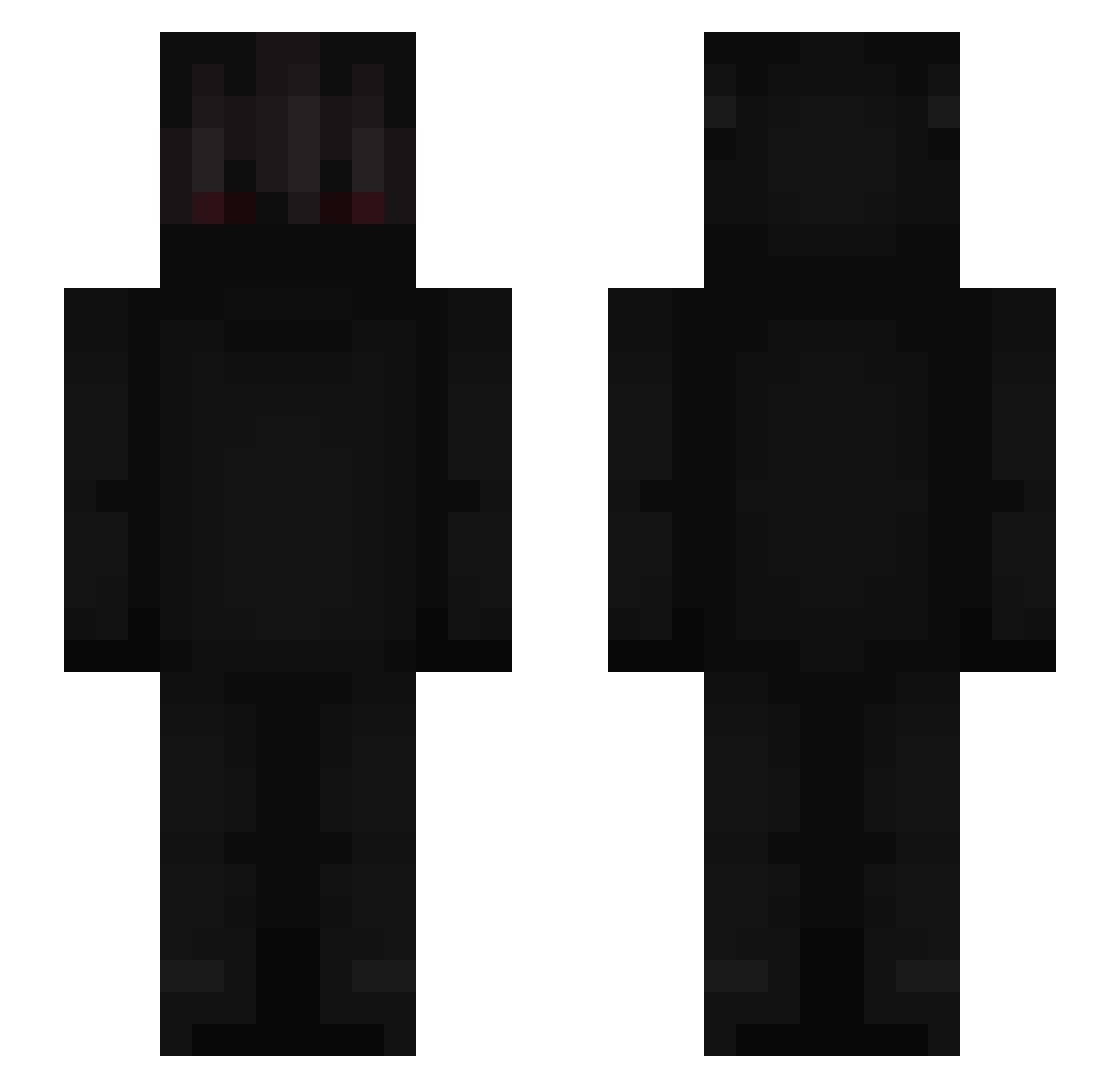
Current Minecraft skin of the player Freshik_, loaded from the official Mojang API. Rotate the 3D model with your mouse or finger, then download the skin as a PNG file and use it in Minecraft: Bedrock Edition or Java Edition for free. When Freshik_ changes their skin, this page updates automatically and the old skin stays in the history below.
Other players with this skin (669)
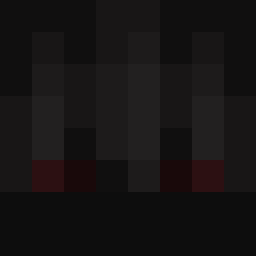
Freshik_ was the 233rd player we have seen with this skin, first spotted on 03.09.2026. The same skin was seen on these players. Open a nickname to see their current skin and skin history.
 Vadya_s Grummel113 BaelonTV kennn24 jiushu_ g7d_s2 HousamThingIdk raksaki MsveNezers ioPPz_ Franek_Bafu Florez420 WorthyReyd MxstHated LUCA3362 NOOB_VA_7 dertiminatorx WurZiK stonety3 imnotdeyxz Gaius17 LGWNzz samixd TROLLIPOPOOLII65 Gab_sz CZo_0 godefr0y Exiled353 veein7 C2w5 danieru04 PhantomPanda_ Lazy_xyc MIK_O Ven0m_08 Wexmajior Zeneriis Raphazuer0 Subzerokk2_Bw Crimson_33 Black_Hawk125 xSala7x tieske_h Britones Br0triX CaPa18 _Bixly_ SniqeRR xTheRealDan marc0oss Xavi1922 Tibbz_ Lucas_974 Leander315 Efe_HydranGea dragonwisnia BMJ_R1zzle cid_shadow TheMosesTwist xax219
More Shadow Minecraft skins
How to install the Freshik_ skin
- Press the Download button above to save the skin as a PNG file.
- Minecraft: Bedrock Edition (PE): open the Dressing Room from the main menu (or tap your character → Edit Character), go to Classic Skins → Owned, press the + (new skin) button, choose the downloaded PNG and pick the Slim (Alex) model. Works on PC and mobile; consoles cannot import custom skins.
- Minecraft: Java Edition: open the Minecraft Launcher, go to the Skins tab, click New Skin, load the PNG, pick the Slim (Alex) model and press Save & Use. You can also upload it at minecraft.net → Profile → Change Skin.
The skin does not show up after import - what should I do?
Restart Minecraft and open the Dressing Room again - imported skins sometimes appear only after a restart. Also make sure you selected the imported skin and picked the Slim (Alex) model.
Which model should I choose, Classic or Slim?
This skin is designed for the Slim (Alex) model. If you pick the wrong model, the arms of the skin will look stretched or squeezed.
Is the skin of Freshik_ free to download?
Yes. Press Download, save the PNG file and use it in Minecraft: Bedrock Edition or Java Edition - no payment or registration needed. The skin also works on multiplayer servers and Realms.
More skins
Looking for more? Go back to all Minecraft skins and check the top skins of the week, month and all time, or find any player's skin by nickname.