
FounderX3 - Minecraft Skins & Skin History
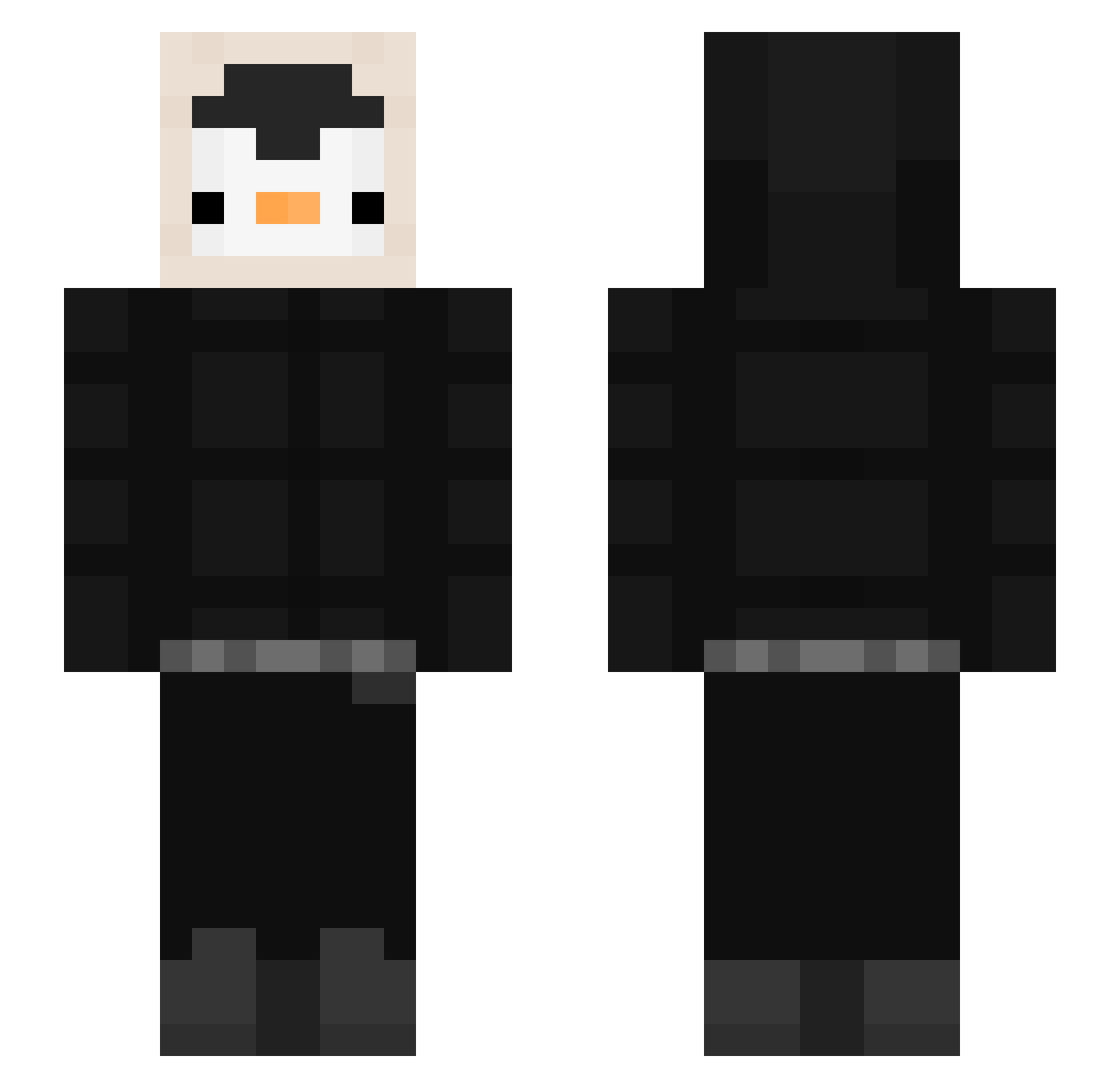
Current Minecraft skin of the player FounderX3, loaded from the official Mojang API. Rotate the 3D model with your mouse or finger, then download the skin as a PNG file and use it in Minecraft: Bedrock Edition or Java Edition for free. When FounderX3 changes their skin, this page updates automatically and the old skin stays in the history below.
Other players with this skin (606)
FounderX3 was the 594th player we have seen with this skin, first spotted on 16.11.2026. The same skin was seen on these players. Open a nickname to see their current skin and skin history.
 manufuyao TeeDix_ sebasxy Firen65 BlockBuster_233 canedd XeoneriX mxrxt1n g0thAngel_ Pr0xim dragonlol1300 Rarra2 rzinnnXFps jokewar Prochy97 Z3R0_3FF0RT_YT xbxbx1 vizjj Itsme____ EL_Ulaniente chs3801 Ale1u Enforzer005 Bluebearry7819 Adroit777 XboxPlayer2 Mati66cm Durdka yeonsung0102 Edi45 AlwaysTX Zweiss27 Bilionarios Semmel44 sqrin sgyo RileyP23 FlyingMonkey120 A1exandro doorin floris32 vinifurry GalaHD Weieee Brenovisky_06 zosium Scr3amr GregorianG Olmang_ Luizardoh ThtRamrod Comfy_Fish Alonxxo24 SlimJesus187 Figle2 kang_hyohyo MrPicolo33 NovaCST Korea_100 MaxGTZ
More Penguin Minecraft skins
How to install the FounderX3 skin
- Press the Download button above to save the skin as a PNG file.
- Minecraft: Bedrock Edition (PE): open the Dressing Room from the main menu (or tap your character → Edit Character), go to Classic Skins → Owned, press the + (new skin) button, choose the downloaded PNG and pick the Slim (Alex) model. Works on PC and mobile; consoles cannot import custom skins.
- Minecraft: Java Edition: open the Minecraft Launcher, go to the Skins tab, click New Skin, load the PNG, pick the Slim (Alex) model and press Save & Use. You can also upload it at minecraft.net → Profile → Change Skin.
The skin does not show up after import - what should I do?
Restart Minecraft and open the Dressing Room again - imported skins sometimes appear only after a restart. Also make sure you selected the imported skin and picked the Slim (Alex) model.
Which model should I choose, Classic or Slim?
This skin is designed for the Slim (Alex) model. If you pick the wrong model, the arms of the skin will look stretched or squeezed.
Is the skin of FounderX3 free to download?
Yes. Press Download, save the PNG file and use it in Minecraft: Bedrock Edition or Java Edition - no payment or registration needed. The skin also works on multiplayer servers and Realms.
More skins
Looking for more? Go back to all Minecraft skins and check the top skins of the week, month and all time, or find any player's skin by nickname.