
EmT51 - Minecraft Skins & Skin History
Current Minecraft skin of the player EmT51, loaded from the official Mojang API. Rotate the 3D model with your mouse or finger, then download the skin as a PNG file and use it in Minecraft: Bedrock Edition or Java Edition for free. When EmT51 changes their skin, this page updates automatically and the old skin stays in the history below.
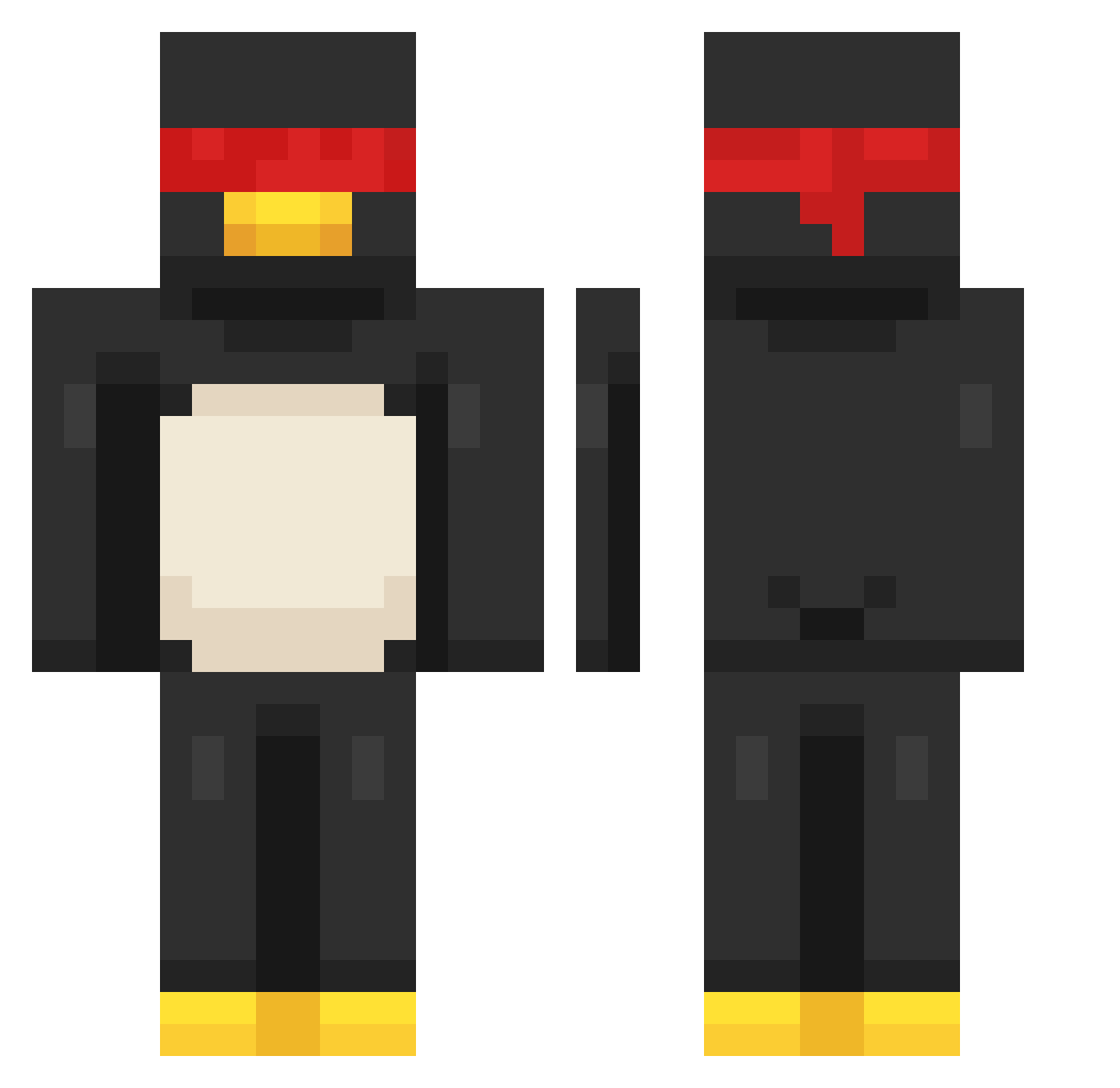
Other players with this skin (179)
EmT51 was the 39th player we have seen with this skin, first spotted on 16.08.2026. The same skin was seen on these players. Open a nickname to see their current skin and skin history.
 CoralAbyss Beck2013 vald_r wailbxl Ohnopo Fireball_3579 _Shinomiya_ Kapuff choraprobot PIbo5 EinGoran 100and81 Kioadamique XnProx germlg3w
 TrisIsKawai PracticalJocker jakeezx rbonelli Tacomaker06 Kang4200 yayo1717 skyh265 Phil_Zzz
 Lilacbo0t Tryd3ntt Zeeyadl tsfe Zinobens MK_smadi psjpark xxAlpaca mikachuuu34 RynzoVX MINTIA_123 Cresto29 Crannatic Alkazuzz DawDunks77 5teak VintyG guillermitomix TectalTundra85
 jubee0320 Qikar gohnoda DrakeF1DDLER HeIsLazy penguin_mrman
 XavBuckettMC bc742 AKKAIX
 3b_1 Kmavs Lupus320 6l1ndzzz S7kkj TristanGriffith uhhhlayla
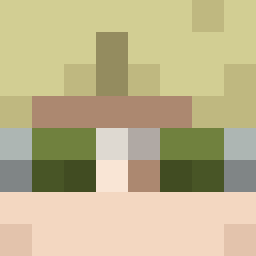 remainsolid
More Penguin Minecraft skins
How to install the EmT51 skin
- Press the Download button above to save the skin as a PNG file.
- Minecraft: Bedrock Edition (PE): open the Dressing Room from the main menu (or tap your character → Edit Character), go to Classic Skins → Owned, press the + (new skin) button, choose the downloaded PNG and pick the Classic (Steve) model. Works on PC and mobile; consoles cannot import custom skins.
- Minecraft: Java Edition: open the Minecraft Launcher, go to the Skins tab, click New Skin, load the PNG, pick the Classic (Steve) model and press Save & Use. You can also upload it at minecraft.net → Profile → Change Skin.
The skin does not show up after import - what should I do?
Restart Minecraft and open the Dressing Room again - imported skins sometimes appear only after a restart. Also make sure you selected the imported skin and picked the Classic (Steve) model.
Which model should I choose, Classic or Slim?
This skin is designed for the Classic (Steve) model. If you pick the wrong model, the arms of the skin will look stretched or squeezed.
Is the skin of EmT51 free to download?
Yes. Press Download, save the PNG file and use it in Minecraft: Bedrock Edition or Java Edition - no payment or registration needed. The skin also works on multiplayer servers and Realms.
More skins
Looking for more? Go back to all Minecraft skins and check the top skins of the week, month and all time, or find any player's skin by nickname.