
Daumakaz - Minecraft Skins & Skin History
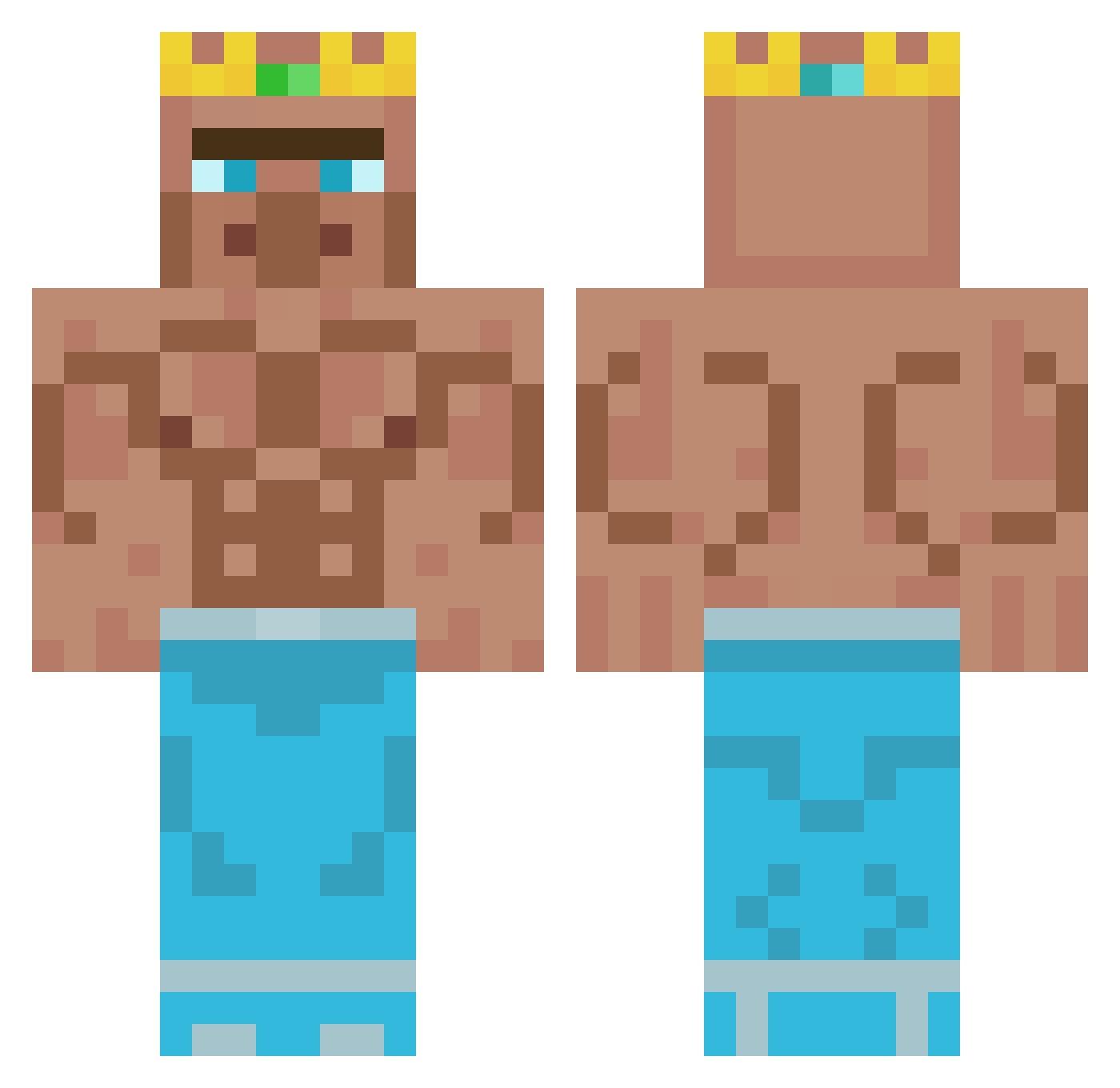
Current Minecraft skin of the player Daumakaz, loaded from the official Mojang API. Rotate the 3D model with your mouse or finger, then download the skin as a PNG file and use it in Minecraft: Bedrock Edition or Java Edition for free. When Daumakaz changes their skin, this page updates automatically and the old skin stays in the history below.
Other players with this skin (348)
Daumakaz was the 283rd player we have seen with this skin, first spotted on 10.10.2026. The same skin was seen on these players. Open a nickname to see their current skin and skin history.
 IggyKing2 Linuzilla boogieboyy Blade_is_blade HobbleFrank2K08 BigAxh Stewzah why_me_123 DaddyVeld21 akinnnnn yeboicjw i_Snacc PLOORL confad3 Wolffalke Burtguy434 nnova831 mvmp33 DougNbuddy 0cupuss KLIKZYYT Walks2K digitalmonke revolutionally34 Consoly EnimeX aktiver_Zizzy Alphabear1 rionold Big_Jorgen RTC_Zypher serekman Crazy_Luck28 Shadicee Ectomaanen CyberNetRunner Carlos24ZN sammekebammeke1 Gianpy08 Bonsho1 Hericol talber123 Meddoxx Pxbli aliosman57 JooshWE Lmanburg Gokhan_Memis lbockhorny A754363 Liberatordude01 Bealfiur EclipseMadara Medonis KrulHutykatowice Ulli3009 mikolaj09q poopybhum yanansboytoy33 getrektonion
More Buff Minecraft skins
How to install the Daumakaz skin
- Press the Download button above to save the skin as a PNG file.
- Minecraft: Bedrock Edition (PE): open the Dressing Room from the main menu (or tap your character → Edit Character), go to Classic Skins → Owned, press the + (new skin) button, choose the downloaded PNG and pick the Classic (Steve) model. Works on PC and mobile; consoles cannot import custom skins.
- Minecraft: Java Edition: open the Minecraft Launcher, go to the Skins tab, click New Skin, load the PNG, pick the Classic (Steve) model and press Save & Use. You can also upload it at minecraft.net → Profile → Change Skin.
The skin does not show up after import - what should I do?
Restart Minecraft and open the Dressing Room again - imported skins sometimes appear only after a restart. Also make sure you selected the imported skin and picked the Classic (Steve) model.
Which model should I choose, Classic or Slim?
This skin is designed for the Classic (Steve) model. If you pick the wrong model, the arms of the skin will look stretched or squeezed.
Is the skin of Daumakaz free to download?
Yes. Press Download, save the PNG file and use it in Minecraft: Bedrock Edition or Java Edition - no payment or registration needed. The skin also works on multiplayer servers and Realms.
More skins
Looking for more? Go back to all Minecraft skins and check the top skins of the week, month and all time, or find any player's skin by nickname.