
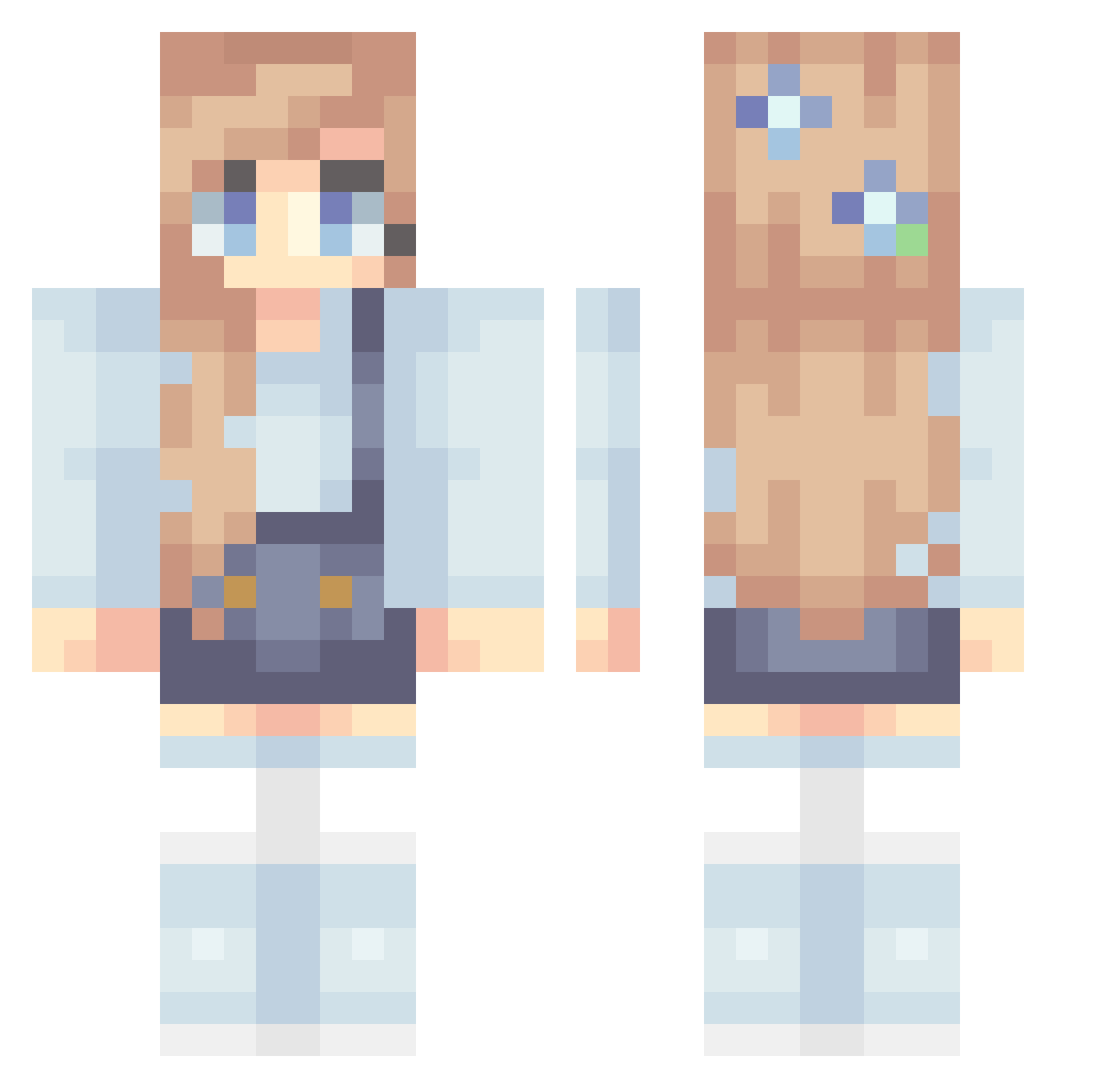
Current Minecraft skin of the player Cookie0470, loaded from the official Mojang API. Rotate the 3D model with your mouse or finger, then download the skin as a PNG file and use it in Minecraft: Bedrock Edition or Java Edition for free. When Cookie0470 changes their skin, this page updates automatically and the old skin stays in the history below.
Other players with this skin (254)
Cookie0470 was the 184th player we have seen with this skin, first spotted on 26.09.2026. The same skin was seen on these players. Open a nickname to see their current skin and skin history.
 PiwiePie gracered001 stellababella Goorke Mirevi Lapiasya Cawzyyy Faillilith Catmom2017 Barsea257 sophers_sf REIS03 eenoxi Anjuli54 LightChicken436 alya_x StarBornDragon JanissaGamer mlbfamily Moo2Two Lil_chicha Chmurkaa breleex ilkara1 Firenova197 Angustiada toastybean BetaEnjoy CaitlinMac NovaStar1987 JodoBird JortyShorty Dech1mo Leonie0106 nicocacolla graceypoo2507 lilbeansupreme Flippiiii StarLight7043 Sanuim Gribblebugs Beniphil Celinaay14 Little_Fufu8 RedDragoness dinnerfood_ kiss90833 celesteaislin sofia1421 Somnusa Ellie_Campbell03 Anyaaa KipperDipper genburger1 RecycledStardust witwey burgerkingkundin vankyeeee _sOrAh DiscoDonut03
More Flowers Minecraft skins
How to install the Cookie0470 skin
- Press the Download button above to save the skin as a PNG file.
- Minecraft: Bedrock Edition (PE): open the Dressing Room from the main menu (or tap your character → Edit Character), go to Classic Skins → Owned, press the + (new skin) button, choose the downloaded PNG and pick the Classic (Steve) model. Works on PC and mobile; consoles cannot import custom skins.
- Minecraft: Java Edition: open the Minecraft Launcher, go to the Skins tab, click New Skin, load the PNG, pick the Classic (Steve) model and press Save & Use. You can also upload it at minecraft.net → Profile → Change Skin.
The skin does not show up after import - what should I do?
Restart Minecraft and open the Dressing Room again - imported skins sometimes appear only after a restart. Also make sure you selected the imported skin and picked the Classic (Steve) model.
Which model should I choose, Classic or Slim?
This skin is designed for the Classic (Steve) model. If you pick the wrong model, the arms of the skin will look stretched or squeezed.
Is the skin of Cookie0470 free to download?
Yes. Press Download, save the PNG file and use it in Minecraft: Bedrock Edition or Java Edition - no payment or registration needed. The skin also works on multiplayer servers and Realms.
More skins
Looking for more? Go back to all Minecraft skins and check the top skins of the week, month and all time, or find any player's skin by nickname.