
 DanniDavis abimasonnx moenhard0nme ValkyrieLarissa Sugarplum_73 ev3liin KVSPI DrEmi98 Maisie14_14 PiePi3 Nadine061 vodgaxw DreamyPuffs Kheeyo Sjoekie25 Isha1101Hehe Shwackm Viadaisy Berrybear04 KittyyPeach Visenya2 F_rnda NOOOONOOO Animefan1198 Womanliest LadyCoco19 sscythe16 majusia633 Ash2Mash oglilsbear puppyxlove8 csomarko TiaNeeee Samanthaxxn Sellimelli RTvLove IceQueenScooper alnxx Zero_X01 Peace_1999 Jasmine01 vkwen embilby Elevinia sevenrss yks3ra luna1211 alexandra230 MackNCheese21 FABIENNE14 NaLu_030 peppaChick Brodling88 pinkti BobGoblin18 anj4la GpaladinG bubblez0814 Dahlia017 oXxOliverxXo
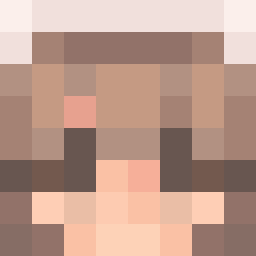
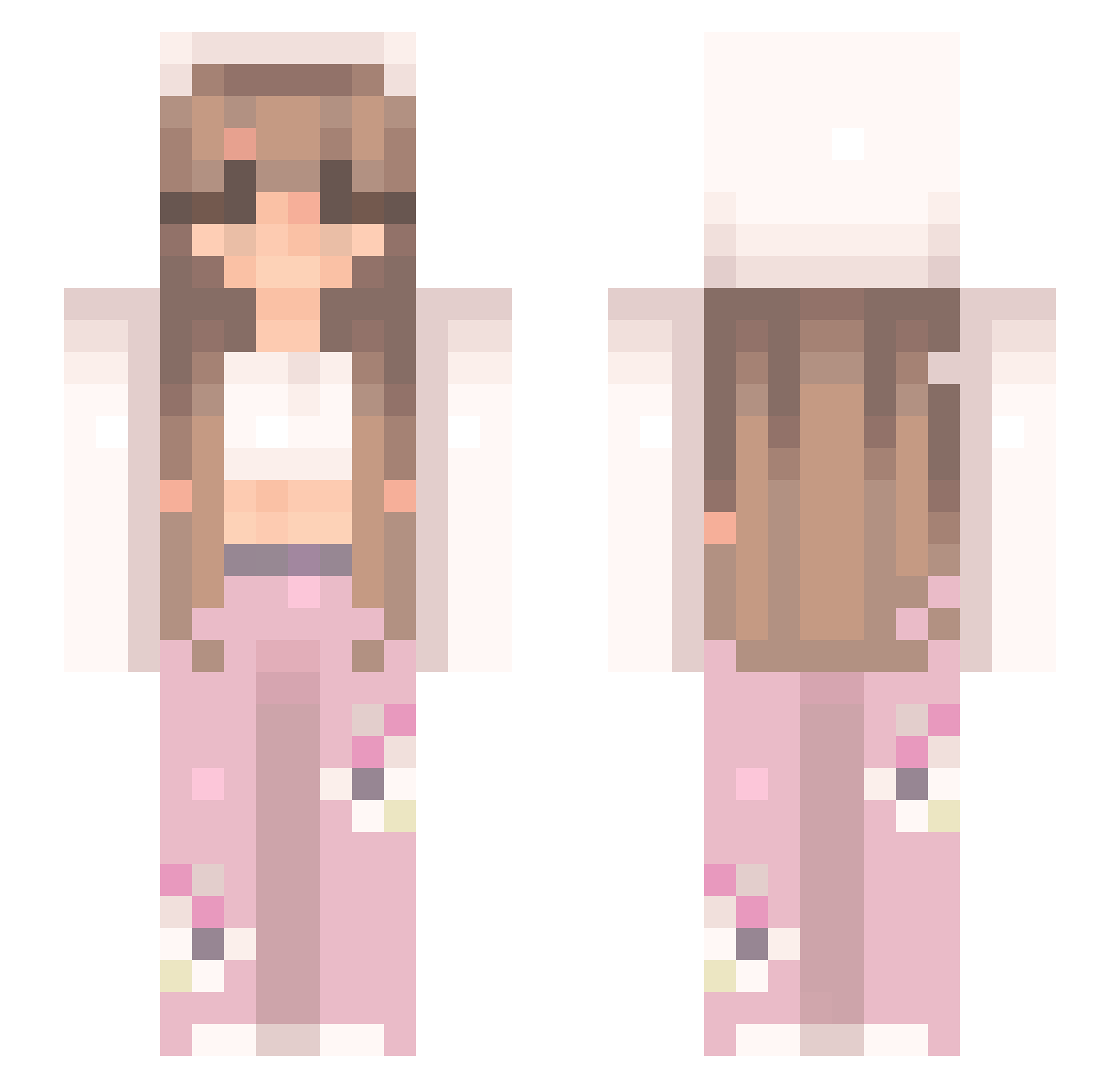
Minecraft skin of Dollbrat. Rotate the 3D model with your mouse or finger to view the skin from every angle, then download it as a PNG file and use it in Minecraft: Bedrock Edition or Java Edition for free. Rate the skin with stars to help other players find the best skins in our collection.
How to install the Dollbrat skin
- Press the Download button above to save the skin as a PNG file.
- Minecraft: Bedrock Edition (PE): open the Dressing Room from the main menu (or tap your character → Edit Character), go to Classic Skins → Owned, press the + (new skin) button, choose the downloaded PNG and pick the Slim (Alex) model. Works on PC and mobile; consoles cannot import custom skins.
- Minecraft: Java Edition: open the Minecraft Launcher, go to the Skins tab, click New Skin, load the PNG, pick the Slim (Alex) model and press Save & Use. You can also upload it at minecraft.net → Profile → Change Skin.
The skin does not show up after import - what should I do?
Restart Minecraft and open the Dressing Room again - imported skins sometimes appear only after a restart. Also make sure you selected the imported skin and picked the Slim (Alex) model.
Which model should I choose, Classic or Slim?
This skin is designed for the Slim (Alex) model. If you pick the wrong model, the arms of the skin will look stretched or squeezed.
Is this skin free to use?
Yes. Press Download, save the PNG file and use it in Minecraft: Bedrock Edition or Java Edition - no payment or registration needed. The skin also works on multiplayer servers and Realms.
More Flowers Minecraft skins
More skins
Looking for more? Go back to all Minecraft skins and check the top skins of the week, month and all time, or find any player's skin by nickname.