
 OliveMold920697 cherrycherry0502 livluv13 starry_lights ManuFreak90 Lekrou Cauliflower29 avsintheclouds Vinxxxi stormylink ELTROOPER MissArcoIris momoyan0417 Kulaa1234 miratiii Midnaku46 Of_Lilacs _HBLunar_ MissLennie9 amy_703 Prinzessinhigh Sab453 SugarStar ukp4_ AndyK125 BestAtHavingFun bamboo1008 Pandagub WickedCupcake98 Karismatic5 ElizaRuns Fanouritza Any101 jorja666 Itz_Me_Maddie Sheryn xxoxcourtneyxox TiKa29x Maix1225 ivcax3 oliviarose01 Skittle428 Ovana SailorKat Cosmonaut898 madynotmaddie Chrissy2600 CakeLel CoolMooshroom OakJuggler Eliza_Bean Emilinja Lucetta13 KDough Cherie_l hione0 PrincesHolly BluPolaris RainbowFlash05 powergirl21
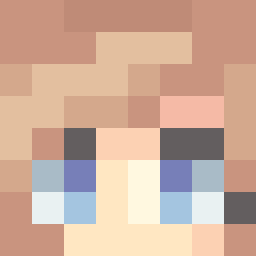
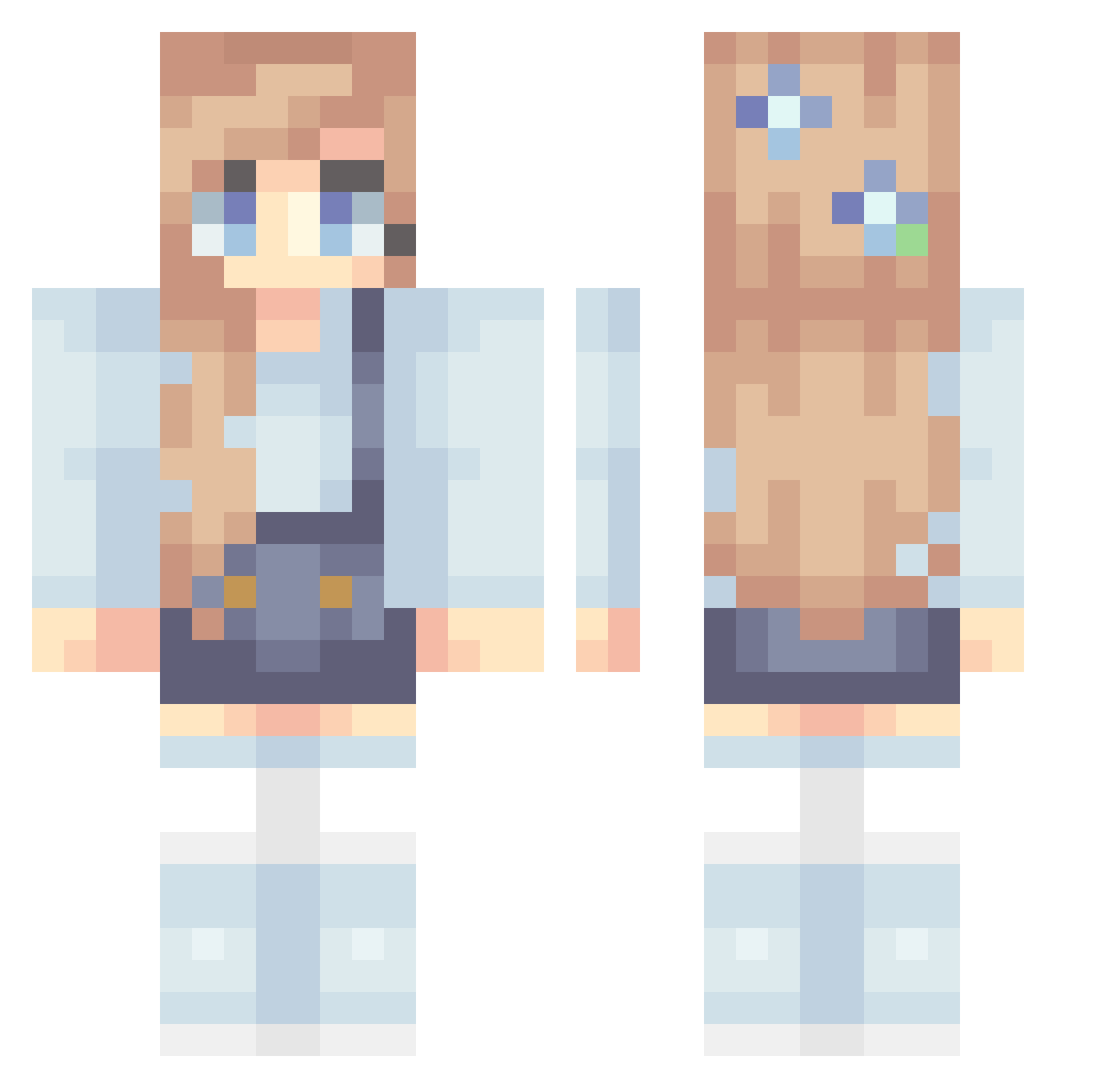
Minecraft skin of imurvenus. Rotate the 3D model with your mouse or finger to view the skin from every angle, then download it as a PNG file and use it in Minecraft: Bedrock Edition or Java Edition for free. Rate the skin with stars to help other players find the best skins in our collection.
How to install the imurvenus skin
- Press the Download button above to save the skin as a PNG file.
- Minecraft: Bedrock Edition (PE): open the Dressing Room from the main menu (or tap your character → Edit Character), go to Classic Skins → Owned, press the + (new skin) button, choose the downloaded PNG and pick the Classic (Steve) model. Works on PC and mobile; consoles cannot import custom skins.
- Minecraft: Java Edition: open the Minecraft Launcher, go to the Skins tab, click New Skin, load the PNG, pick the Classic (Steve) model and press Save & Use. You can also upload it at minecraft.net → Profile → Change Skin.
The skin does not show up after import - what should I do?
Restart Minecraft and open the Dressing Room again - imported skins sometimes appear only after a restart. Also make sure you selected the imported skin and picked the Classic (Steve) model.
Which model should I choose, Classic or Slim?
This skin is designed for the Classic (Steve) model. If you pick the wrong model, the arms of the skin will look stretched or squeezed.
Is this skin free to use?
Yes. Press Download, save the PNG file and use it in Minecraft: Bedrock Edition or Java Edition - no payment or registration needed. The skin also works on multiplayer servers and Realms.
More Flowers Minecraft skins
More skins
Looking for more? Go back to all Minecraft skins and check the top skins of the week, month and all time, or find any player's skin by nickname.