
Chris_Nope - Minecraft Skins & Skin History
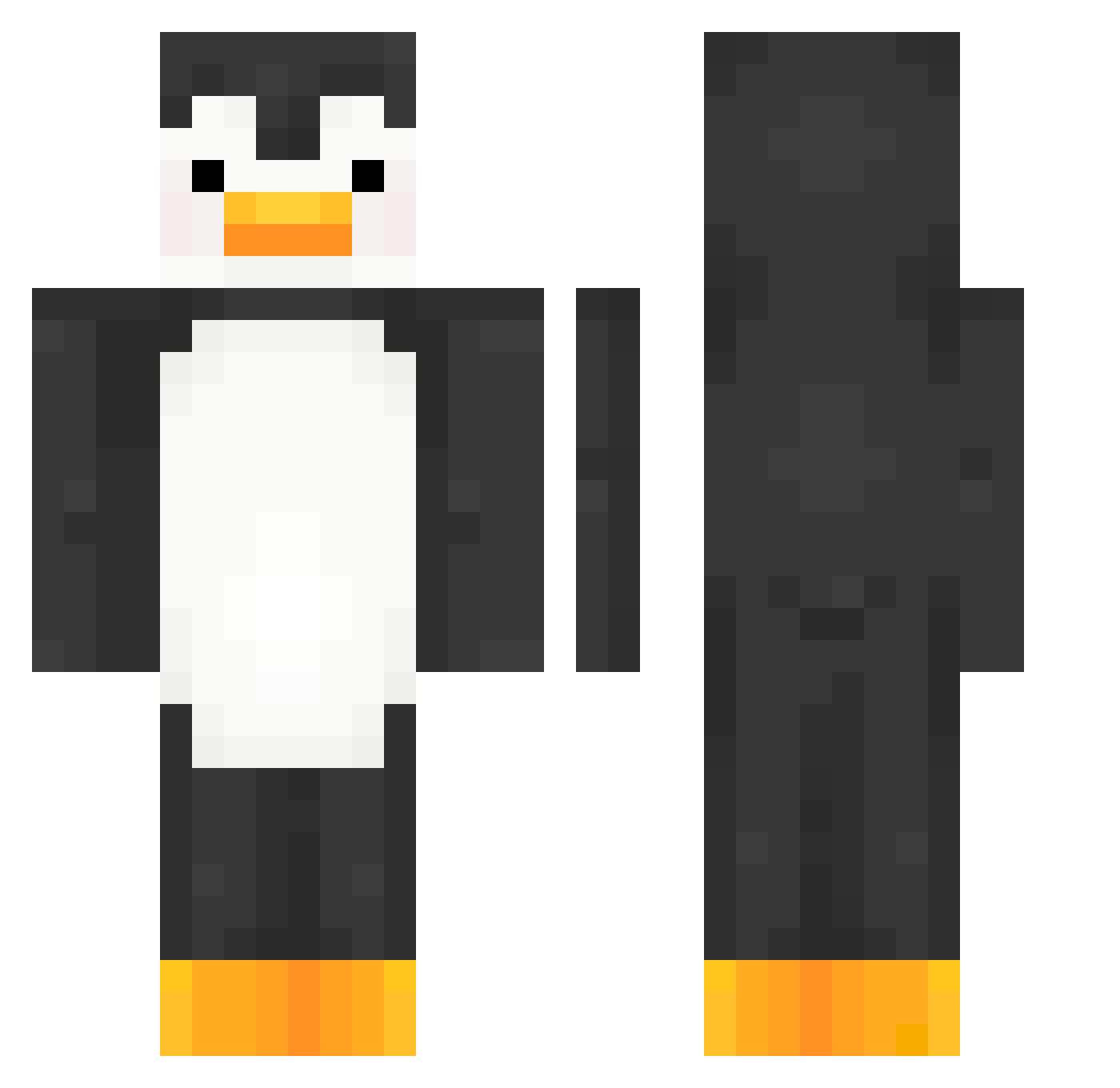
Current Minecraft skin of the player Chris_Nope, loaded from the official Mojang API. Rotate the 3D model with your mouse or finger, then download the skin as a PNG file and use it in Minecraft: Bedrock Edition or Java Edition for free. When Chris_Nope changes their skin, this page updates automatically and the old skin stays in the history below.
Other players with this skin (188)
Chris_Nope was the 160th player we have seen with this skin, first spotted on 20.10.2026. The same skin was seen on these players. Open a nickname to see their current skin and skin history.
 Polskiciko WoodsyMuffin458 WaterStump17 Ruinedgame 80082 Nalx3107 0oooo0000 x_pl Lottie3939 unbreaking111 Eddie_the_gunman Zinai01 Texgle idragonspark Oniboi_ LazerBen11 mawsby PiranhaGun MrGoatMC colbsterswag arxidoglou Impunitus trishplet hoogabooga12955 epicPants95 xBunno YongCar IffyStarling967 040404HS SundayChan MatchaGhostt HunterWild9 ItzNiko13 2inchtickler moodremixx seagoincran66 kida999 WaterCargo98425 LuckiFan77 Spoorkle Altsmok Bingusjungus PeterIsGay123 CatsNin Nathancc11 Diminest1234 1HardBrewski5 hiraeth_ Marruch LaJulie2014 WorldMercury6 UmutFootball ProdigyDice BadKnights Shuradel hbrick64pc EdenNBA _Calico__ R0K1S massiveTino
More Penguin Minecraft skins
How to install the Chris_Nope skin
- Press the Download button above to save the skin as a PNG file.
- Minecraft: Bedrock Edition (PE): open the Dressing Room from the main menu (or tap your character → Edit Character), go to Classic Skins → Owned, press the + (new skin) button, choose the downloaded PNG and pick the Classic (Steve) model. Works on PC and mobile; consoles cannot import custom skins.
- Minecraft: Java Edition: open the Minecraft Launcher, go to the Skins tab, click New Skin, load the PNG, pick the Classic (Steve) model and press Save & Use. You can also upload it at minecraft.net → Profile → Change Skin.
The skin does not show up after import - what should I do?
Restart Minecraft and open the Dressing Room again - imported skins sometimes appear only after a restart. Also make sure you selected the imported skin and picked the Classic (Steve) model.
Which model should I choose, Classic or Slim?
This skin is designed for the Classic (Steve) model. If you pick the wrong model, the arms of the skin will look stretched or squeezed.
Is the skin of Chris_Nope free to download?
Yes. Press Download, save the PNG file and use it in Minecraft: Bedrock Edition or Java Edition - no payment or registration needed. The skin also works on multiplayer servers and Realms.
More skins
Looking for more? Go back to all Minecraft skins and check the top skins of the week, month and all time, or find any player's skin by nickname.