
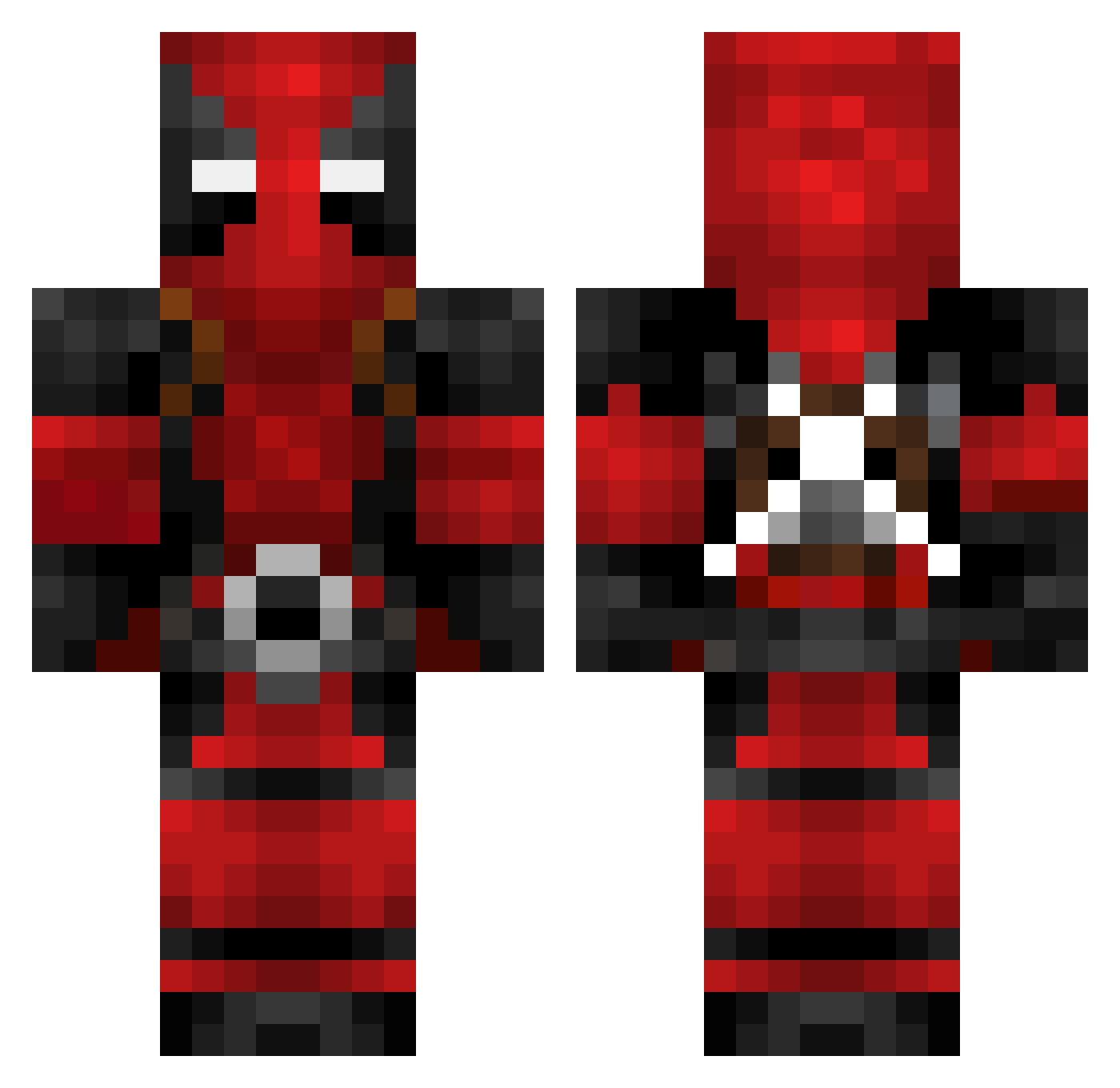
Current Minecraft skin of the player BoReng123, loaded from the official Mojang API. Rotate the 3D model with your mouse or finger, then download the skin as a PNG file and use it in Minecraft: Bedrock Edition or Java Edition for free. When BoReng123 changes their skin, this page updates automatically and the old skin stays in the history below.
Other players with this skin (129)
BoReng123 was the 70th player we have seen with this skin, first spotted on 17.09.2026. The same skin was seen on these players. Open a nickname to see their current skin and skin history.
 esadaybar lazyguy64 DefenderWulf NanoChuloPlayYT mrpion Dbase555 BetheBru Toastx3 KevinDon JoeLuck Bballer08 Verdade1 michaelshadi12 SinisterV cyganskiekubaro Jusa90 Vultoo TheChosenOne98 BlockBuster723 Ericsons666 Juno_Mars Nyyrom marianicoline StickItNova Sergiu911 GatoradeMe_Bitch Didrik147 Benofue TheRealSlumSh8dy chadisdad chefboyardee001 kidio VESTERYU Blackprophesy LordShoeshine Shoft07 assassins1219 Lizak210 ZOODASA N3BoySha SlaypteRRR Annaa05 lallen30 BigBlizzard DynamicDan8 Doktorfisch MFGuy Ryuunotsume Deemaldson DynamicTanker Abdulaevii Shakey13 Agooze SalamiKing KittenAless WarriorQ Dantheman2022 Dr_Deadpool MurD0c92 Rowenhorsty
More Deadpool Minecraft skins
How to install the BoReng123 skin
- Press the Download button above to save the skin as a PNG file.
- Minecraft: Bedrock Edition (PE): open the Dressing Room from the main menu (or tap your character → Edit Character), go to Classic Skins → Owned, press the + (new skin) button, choose the downloaded PNG and pick the Classic (Steve) model. Works on PC and mobile; consoles cannot import custom skins.
- Minecraft: Java Edition: open the Minecraft Launcher, go to the Skins tab, click New Skin, load the PNG, pick the Classic (Steve) model and press Save & Use. You can also upload it at minecraft.net → Profile → Change Skin.
The skin does not show up after import - what should I do?
Restart Minecraft and open the Dressing Room again - imported skins sometimes appear only after a restart. Also make sure you selected the imported skin and picked the Classic (Steve) model.
Which model should I choose, Classic or Slim?
This skin is designed for the Classic (Steve) model. If you pick the wrong model, the arms of the skin will look stretched or squeezed.
Is the skin of BoReng123 free to download?
Yes. Press Download, save the PNG file and use it in Minecraft: Bedrock Edition or Java Edition - no payment or registration needed. The skin also works on multiplayer servers and Realms.
More skins
Looking for more? Go back to all Minecraft skins and check the top skins of the week, month and all time, or find any player's skin by nickname.