
 G1LB3R7 Sermondes Erdnalexa Sandman_14_ dbidwell94 MFGuy Goliat_kr Syko_o MurD0c92 h4v0c83 SCharles13 Dr_Deadpool AwesomeShark360 Macheww PlayerUnown Maximo5280 Gronakia ByDrexmz Gorgon75 Pyziamyzia nathankitching eduardosl95 Al_Capone5610 ROSEY_BUBBLE RyanPorter96 CherriRP JogRider Championion Sn0wW0lf15 Salvaswede _Psyche Gmoneyman1000 killpudding Rowenhorsty Skidrio Dantheman2022 KittenAless SalamiKing Abdulaevii DynamicTanker Deemaldson Ryuunotsume Doktorfisch lallen30 SlaypteRRR N3BoySha ZOODASA Lizak210 assassins1219 LordShoeshine Blackprophesy VESTERYU chefboyardee001 chadisdad TheRealSlumSh8dy Benofue GatoradeMe_Bitch BreeOge Aquila01 IckleEee
Minecraft skin of Xeesuss. Rotate the 3D model with your mouse or finger to view the skin from every angle, then download it as a PNG file and use it in Minecraft: Bedrock Edition or Java Edition for free. Rate the skin with stars to help other players find the best skins in our collection.
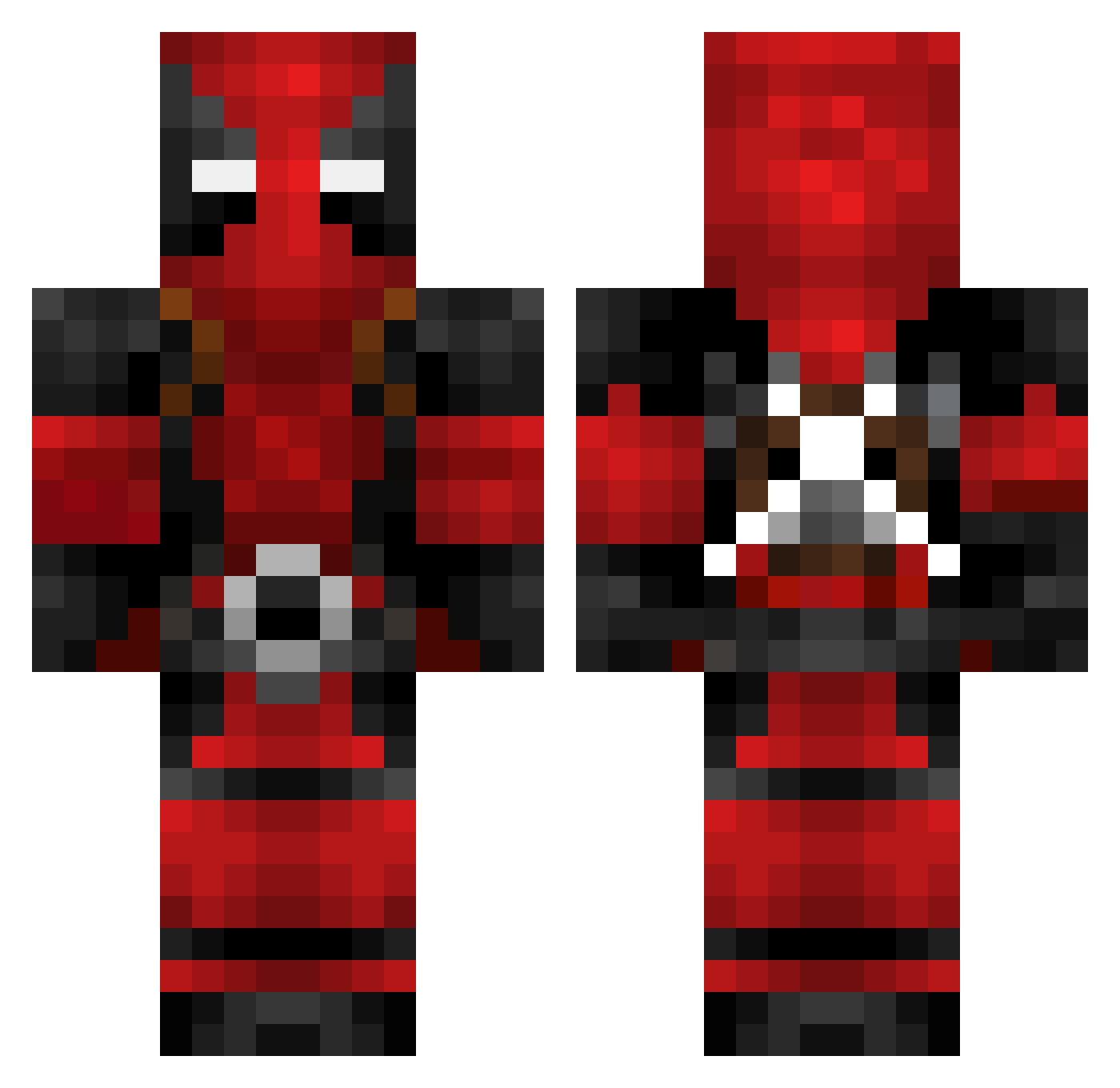
How to install the Xeesuss skin
- Press the Download button above to save the skin as a PNG file.
- Minecraft: Bedrock Edition (PE): open the Dressing Room from the main menu (or tap your character → Edit Character), go to Classic Skins → Owned, press the + (new skin) button, choose the downloaded PNG and pick the Classic (Steve) model. Works on PC and mobile; consoles cannot import custom skins.
- Minecraft: Java Edition: open the Minecraft Launcher, go to the Skins tab, click New Skin, load the PNG, pick the Classic (Steve) model and press Save & Use. You can also upload it at minecraft.net → Profile → Change Skin.
The skin does not show up after import — what should I do?
Restart Minecraft and open the Dressing Room again — imported skins sometimes appear only after a restart. Also make sure you selected the imported skin and picked the Classic (Steve) model.
Which model should I choose, Classic or Slim?
This skin is designed for the Classic (Steve) model. If you pick the wrong model, the arms of the skin will look stretched or squeezed.
Is this skin free to use?
Yes. Press Download, save the PNG file and use it in Minecraft: Bedrock Edition or Java Edition — no payment or registration needed. The skin also works on multiplayer servers and Realms.
More Deadpool Minecraft skins
More skins
Looking for more? Go back to all Minecraft skins and check the top skins of the week, month and all time, or find any player's skin by nickname.