
Bnnuydoodle - Minecraft Skins & Skin History
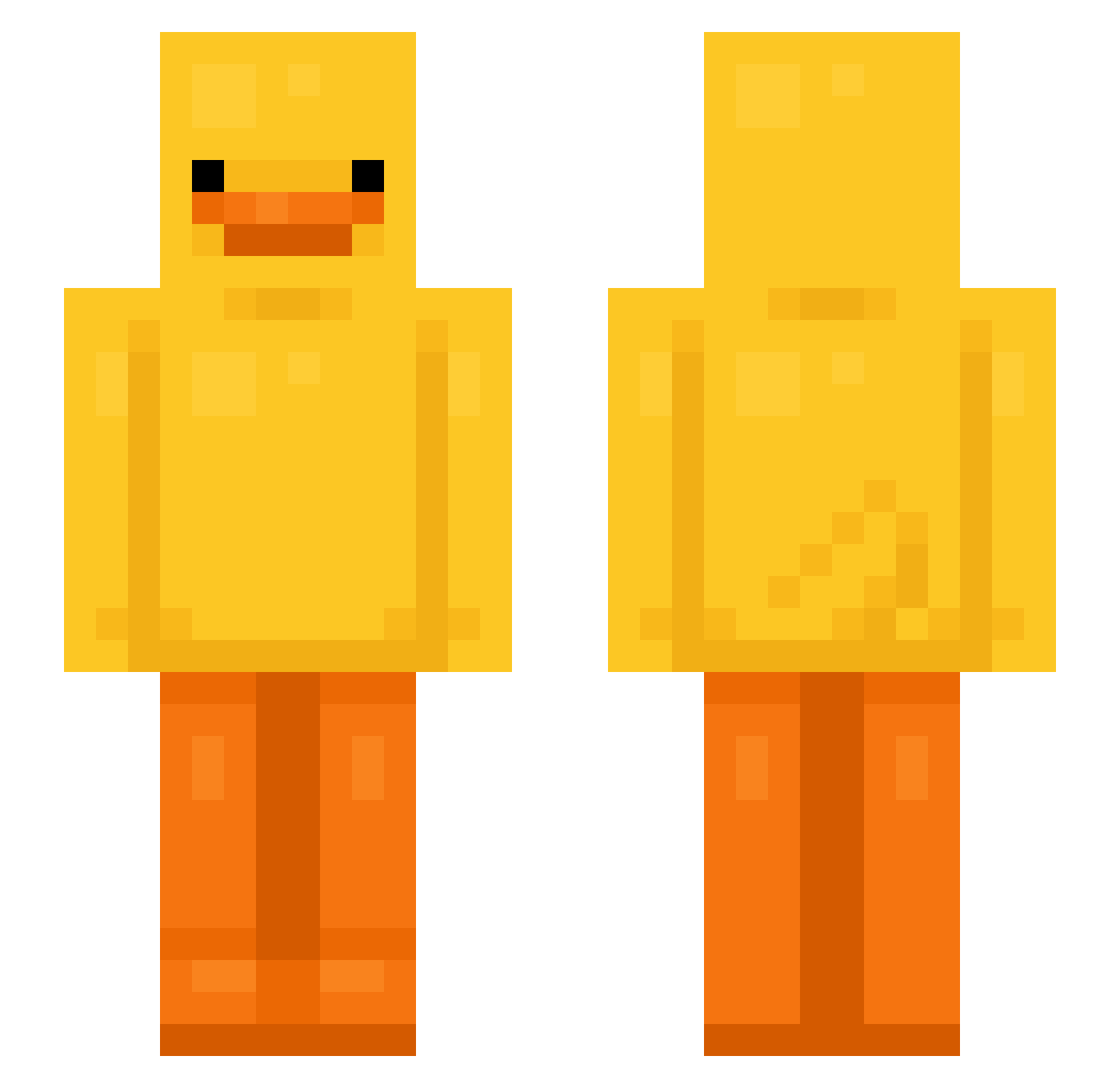
Current Minecraft skin of the player Bnnuydoodle, loaded from the official Mojang API. Rotate the 3D model with your mouse or finger, then download the skin as a PNG file and use it in Minecraft: Bedrock Edition or Java Edition for free. When Bnnuydoodle changes their skin, this page updates automatically and the old skin stays in the history below.
Other players with this skin (759)
Bnnuydoodle was the 460th player we have seen with this skin, first spotted on 30.09.2026. The same skin was seen on these players. Open a nickname to see their current skin and skin history.
 ZMOB ugasduonas CozyBearz ysfedirs lulipumm sonjiimin julgigo nathangamepro MrBolin MunkeB00bs Mitsuopp joaooo23 Pewww_ goldyV2 zhaoqianyu BT8890 aministrator ayepricots Flob_55 DTM_Captain JordyM96 katemale CangreMan Koenkiex Corrcu milk14 inchangim ImSoEvul D_ape AXCCI Peanuut_ frederikgr6 WEXTOO Ramune_510 rachzinha_ mareto33 yabbi0214 NotSignal_ Mr_OfTopic_ LicPepo withbeef Collie90 Szabi1327 Tinn_0429 Grizzlley FireDuck4865 iiAmGolden CaioGer Darios235 zazonzzizzi K1CZKI Br0skate jasinskipl UNDEAD_R_ME Brandonks mnapiik WJ_Han MooseyFace13 UnstableKenzie SteelTiel
More Bird Minecraft skins
How to install the Bnnuydoodle skin
- Press the Download button above to save the skin as a PNG file.
- Minecraft: Bedrock Edition (PE): open the Dressing Room from the main menu (or tap your character → Edit Character), go to Classic Skins → Owned, press the + (new skin) button, choose the downloaded PNG and pick the Slim (Alex) model. Works on PC and mobile; consoles cannot import custom skins.
- Minecraft: Java Edition: open the Minecraft Launcher, go to the Skins tab, click New Skin, load the PNG, pick the Slim (Alex) model and press Save & Use. You can also upload it at minecraft.net → Profile → Change Skin.
The skin does not show up after import - what should I do?
Restart Minecraft and open the Dressing Room again - imported skins sometimes appear only after a restart. Also make sure you selected the imported skin and picked the Slim (Alex) model.
Which model should I choose, Classic or Slim?
This skin is designed for the Slim (Alex) model. If you pick the wrong model, the arms of the skin will look stretched or squeezed.
Is the skin of Bnnuydoodle free to download?
Yes. Press Download, save the PNG file and use it in Minecraft: Bedrock Edition or Java Edition - no payment or registration needed. The skin also works on multiplayer servers and Realms.
More skins
Looking for more? Go back to all Minecraft skins and check the top skins of the week, month and all time, or find any player's skin by nickname.