
Bistosta - Minecraft Skins & Skin History
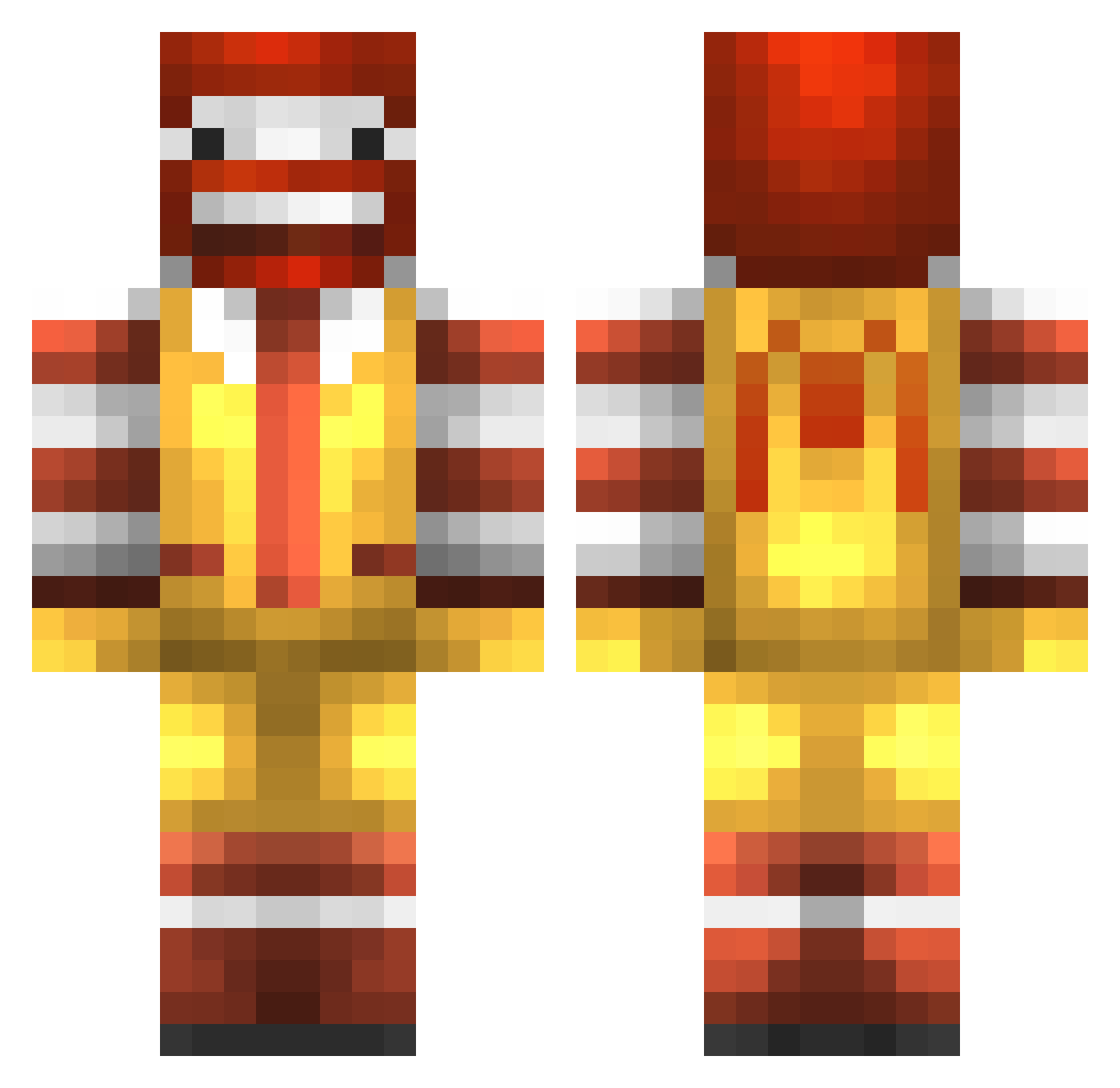
Current Minecraft skin of the player Bistosta, loaded from the official Mojang API. Rotate the 3D model with your mouse or finger, then download the skin as a PNG file and use it in Minecraft: Bedrock Edition or Java Edition for free. When Bistosta changes their skin, this page updates automatically and the old skin stays in the history below.
Other players with this skin (227)
Bistosta was the 112th player we have seen with this skin, first spotted on 08.09.2026. The same skin was seen on these players. Open a nickname to see their current skin and skin history.
 for20six asylumforlife Kalasatama RUKAKAA mynameBlu PolaryMP _BBak Elreda Mojang2021 Ryden28 Kane_LOL maojjlaoshi cooper22k ahyane PeiGenJD MikHell Petrolous SilentHoudini SwettiSpaghetti YBenemy_ miguelbartzz ppstars RowmanUcME niicollas monajackson Omari2013 Noa1234567 YOUACLOWN Pivkules Kingowo7 burhanxo Tyde_q kyo0508 orts ANGOOO7 HDttzzz IzumiMarisa coreyjohns TRidley4 Agri64 Voodoo9 Krismaehs lorl236 l0o0o0l Kelefe123 jerry0502tw asd51587 ZigZoug Myny_PP MaxxievZ SuperKai44 Chick_GRANDPA Yaaaga KinecticReflex xxTheChairmanxx mik7mik BoyAngBoy Suprem_ps holacl Homka228
More Ronald Mcdonald Minecraft skins
See all 124 Ronald Mcdonald skins
How to install the Bistosta skin
- Press the Download button above to save the skin as a PNG file.
- Minecraft: Bedrock Edition (PE): open the Dressing Room from the main menu (or tap your character → Edit Character), go to Classic Skins → Owned, press the + (new skin) button, choose the downloaded PNG and pick the Classic (Steve) model. Works on PC and mobile; consoles cannot import custom skins.
- Minecraft: Java Edition: open the Minecraft Launcher, go to the Skins tab, click New Skin, load the PNG, pick the Classic (Steve) model and press Save & Use. You can also upload it at minecraft.net → Profile → Change Skin.
The skin does not show up after import - what should I do?
Restart Minecraft and open the Dressing Room again - imported skins sometimes appear only after a restart. Also make sure you selected the imported skin and picked the Classic (Steve) model.
Which model should I choose, Classic or Slim?
This skin is designed for the Classic (Steve) model. If you pick the wrong model, the arms of the skin will look stretched or squeezed.
Is the skin of Bistosta free to download?
Yes. Press Download, save the PNG file and use it in Minecraft: Bedrock Edition or Java Edition - no payment or registration needed. The skin also works on multiplayer servers and Realms.
More skins
Looking for more? Go back to all Minecraft skins and check the top skins of the week, month and all time, or find any player's skin by nickname.