
 PASIRzlnio8u1ei9 49k_Abdou_qqz bge_Cv7ic_11_02 raveGtNrQauC tzi_heulx_10_15 PolyLuvsDihj33 Skycron_wbJjL_16 PASIRwnyl40oyp56 gfmbhsmo PASIR806zsq8oiqr soli_NluiD_05_26 raveDQEsqe28 uzi_uI48V_02_02 PASIRpd303m6qmfl Riello_decent162 bz_eYgb4_10_23 PASIRsfi11ld6jlj ambaum_cultured4 wtf_IQuin_12_31 vertex_hwPJc_ torrentialsucc0 lle_courteous259 meow_SVTSY_28 Syfyyyy CalamarBaleze LabubuTeam_4rme raveEeUwPlKa itsnotmyst b_0CeCw_11_25 EX01IC coxymark ravehTrxZr60 apostado2 Koryto71 tzi_cT05D_11_19 T5on_ dill_exhausted14 AltVerse0qcAV Vanloandouble789 Poo_IHLrU_01_10 joNey9969 birkanaydar FL9WZY AMZ_XANDE UserByLinux auraman5igB4TSv2 matanku194 Burlingfake56 f3172o alt_mog_YRobv meow_IokEF_24 Hena_thin49 poppedbyk1ddofan LinhxUaTp0226 zzxgp_ZZbnX Biozop iyaan91blaring95 ellini2virtual27 DortHit_kds6ptfp FD_Devastation26
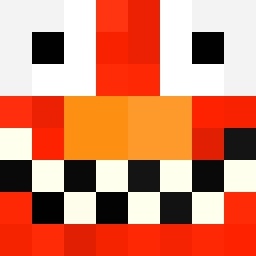
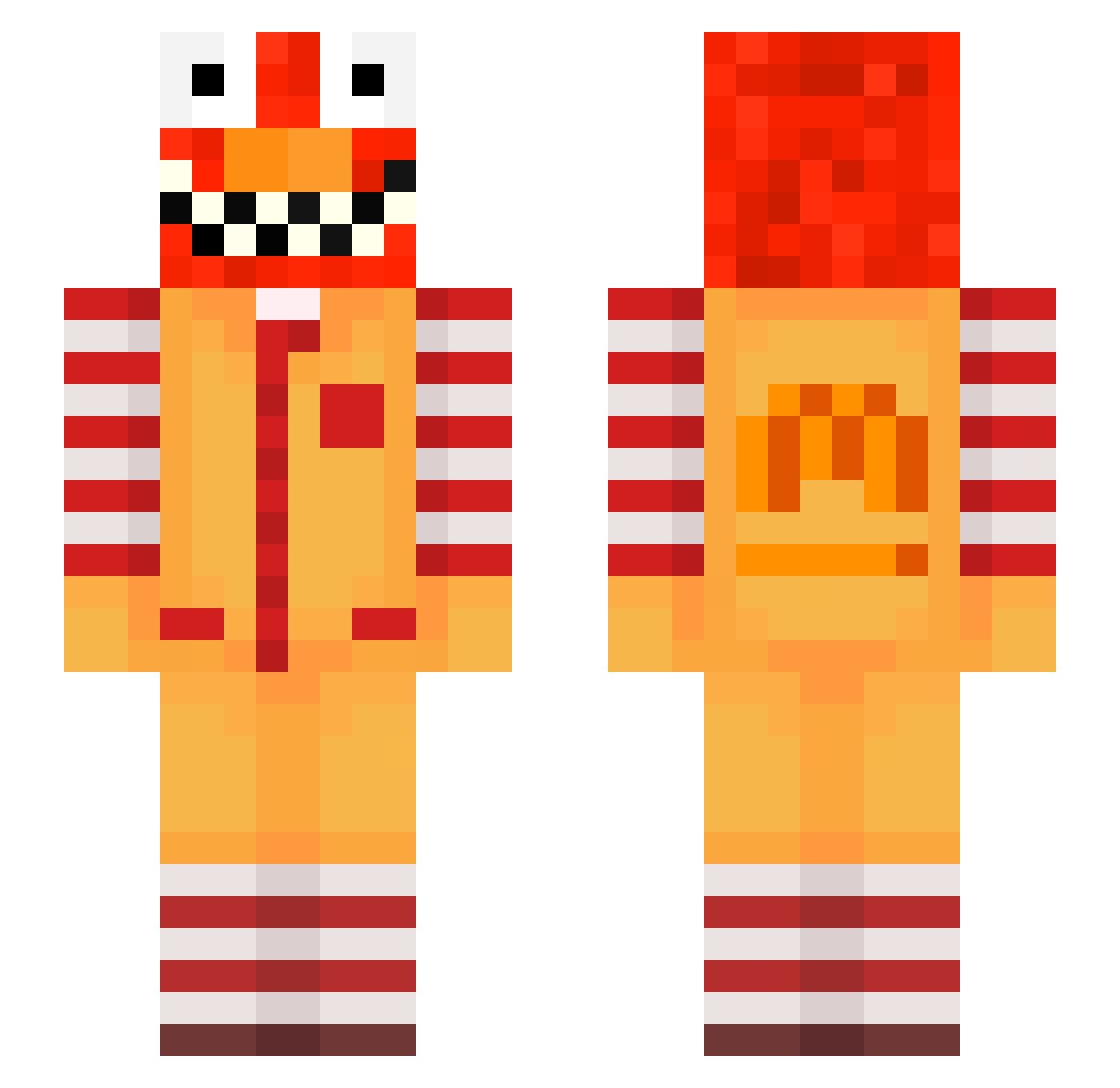
Minecraft skin of cheloshw. Rotate the 3D model with your mouse or finger to view the skin from every angle, then download it as a PNG file and use it in Minecraft: Bedrock Edition or Java Edition for free. Rate the skin with stars to help other players find the best skins in our collection.
How to install the cheloshw skin
- Press the Download button above to save the skin as a PNG file.
- Minecraft: Bedrock Edition (PE): open the Dressing Room from the main menu (or tap your character → Edit Character), go to Classic Skins → Owned, press the + (new skin) button, choose the downloaded PNG and pick the Slim (Alex) model. Works on PC and mobile; consoles cannot import custom skins.
- Minecraft: Java Edition: open the Minecraft Launcher, go to the Skins tab, click New Skin, load the PNG, pick the Slim (Alex) model and press Save & Use. You can also upload it at minecraft.net → Profile → Change Skin.
The skin does not show up after import - what should I do?
Restart Minecraft and open the Dressing Room again - imported skins sometimes appear only after a restart. Also make sure you selected the imported skin and picked the Slim (Alex) model.
Which model should I choose, Classic or Slim?
This skin is designed for the Slim (Alex) model. If you pick the wrong model, the arms of the skin will look stretched or squeezed.
Is this skin free to use?
Yes. Press Download, save the PNG file and use it in Minecraft: Bedrock Edition or Java Edition - no payment or registration needed. The skin also works on multiplayer servers and Realms.
More Ronald Mcdonald Minecraft skins
See all 125 Ronald Mcdonald skins
More skins
Looking for more? Go back to all Minecraft skins and check the top skins of the week, month and all time, or find any player's skin by nickname.