
Bin_roo - Minecraft Skins & Skin History
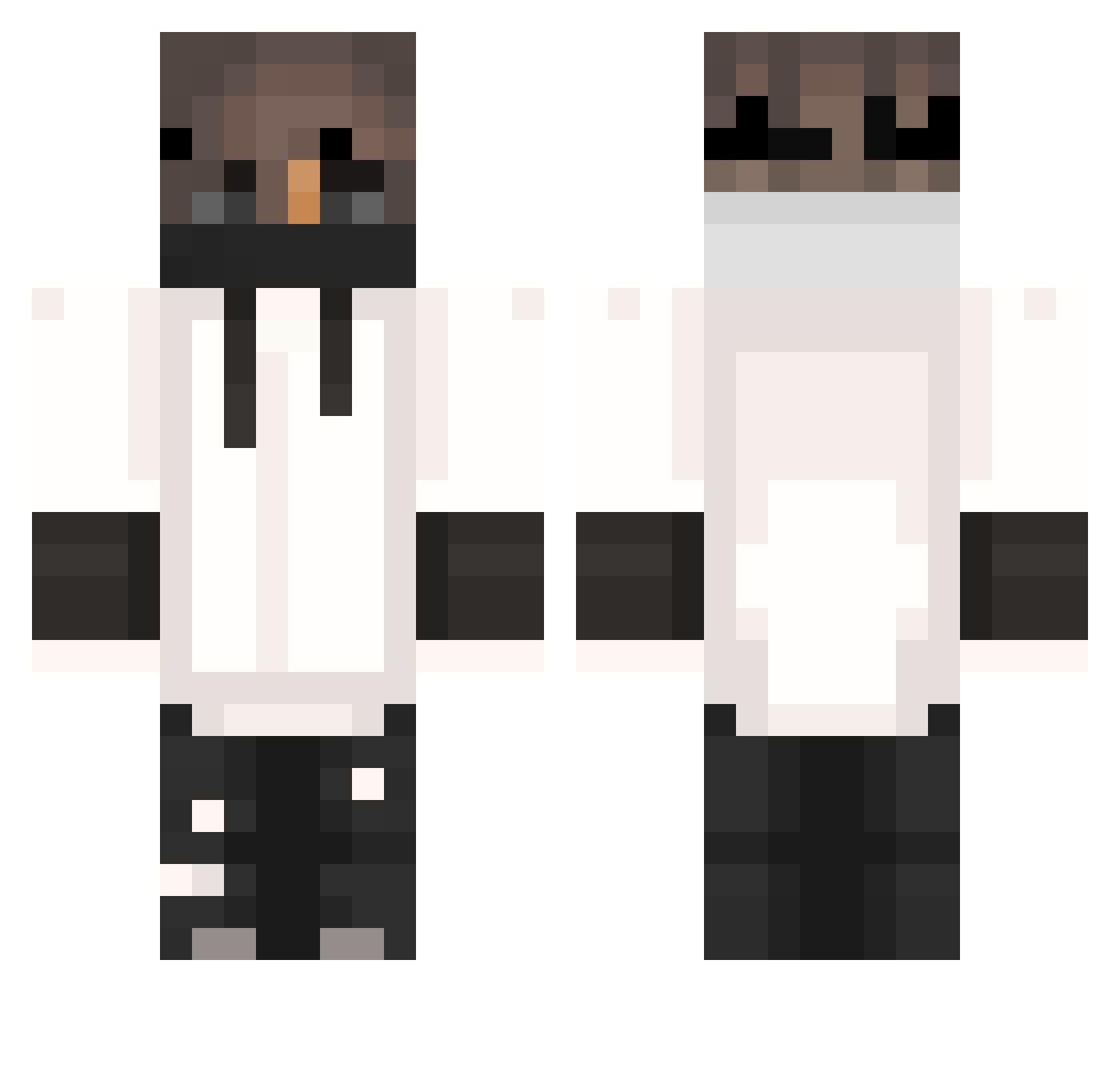
Current Minecraft skin of the player Bin_roo, loaded from the official Mojang API. Rotate the 3D model with your mouse or finger, then download the skin as a PNG file and use it in Minecraft: Bedrock Edition or Java Edition for free. When Bin_roo changes their skin, this page updates automatically and the old skin stays in the history below.
Other players with this skin (404)
Bin_roo was the 285th player we have seen with this skin, first spotted on 12.10.2026. The same skin was seen on these players. Open a nickname to see their current skin and skin history.
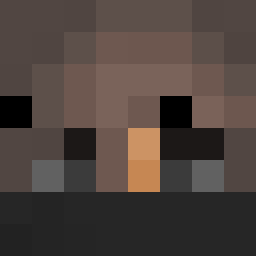 rodzrz SlayElite Manix1203 Xx_bill_xX Cleidimilson v1nzen OlsonTV TheJosephGT sG_Swizzle RasmRo PondPotato Sunjiamca nbajrich ReaperPL123 Nesquik44 ComeKU Yor0xyz_z Vliegtuigstand AnTrex17 DanDry19 MaxieoPL _UndeadPvP_ False_Reality7 Alex19RL ThatGuyPumaZz Ryukazaan SirNickGaming Robma Yako234 Bl4CKST4R3 iSwyZ ZoufeGrosBiceps SmiteKPL Fafaneq LIL_piv Mr_witty ROZ_Panthiras ChampionBoB Erays Heyyoooo cotedanio Nacnus1 Arihira matrein_ Altoria123 SkyNex Gem25 ImKern doudou10300 ParaDoXXXI NotSafi xxSNIPER717xx BigWillyBilly_ Rmauni Shafi2011 OriginalYigit pumpit247 qwixx Subtotal30 MikeyG23
More Mask Minecraft skins
How to install the Bin_roo skin
- Press the Download button above to save the skin as a PNG file.
- Minecraft: Bedrock Edition (PE): open the Dressing Room from the main menu (or tap your character → Edit Character), go to Classic Skins → Owned, press the + (new skin) button, choose the downloaded PNG and pick the Classic (Steve) model. Works on PC and mobile; consoles cannot import custom skins.
- Minecraft: Java Edition: open the Minecraft Launcher, go to the Skins tab, click New Skin, load the PNG, pick the Classic (Steve) model and press Save & Use. You can also upload it at minecraft.net → Profile → Change Skin.
The skin does not show up after import - what should I do?
Restart Minecraft and open the Dressing Room again - imported skins sometimes appear only after a restart. Also make sure you selected the imported skin and picked the Classic (Steve) model.
Which model should I choose, Classic or Slim?
This skin is designed for the Classic (Steve) model. If you pick the wrong model, the arms of the skin will look stretched or squeezed.
Is the skin of Bin_roo free to download?
Yes. Press Download, save the PNG file and use it in Minecraft: Bedrock Edition or Java Edition - no payment or registration needed. The skin also works on multiplayer servers and Realms.
More skins
Looking for more? Go back to all Minecraft skins and check the top skins of the week, month and all time, or find any player's skin by nickname.