
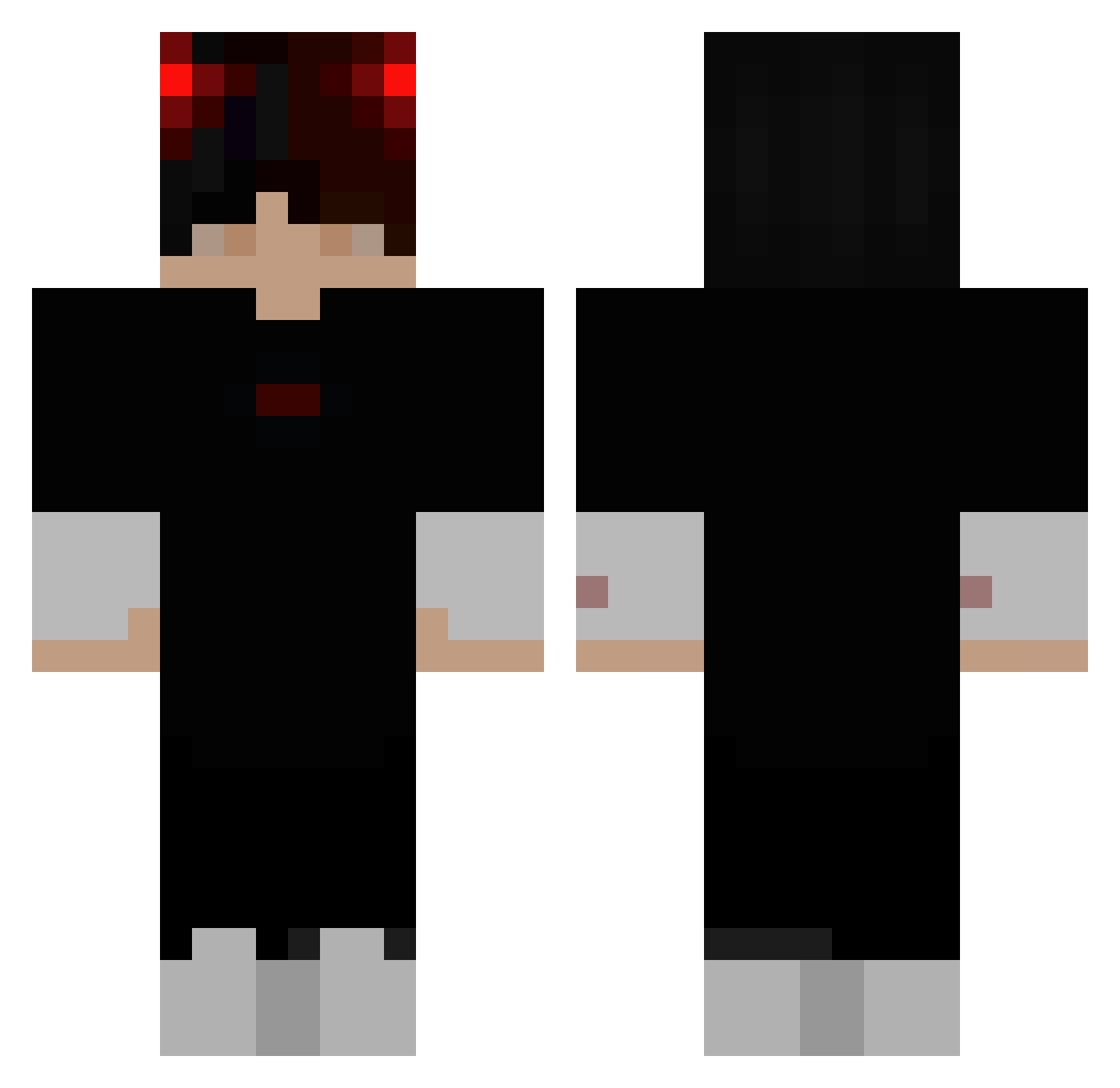
Current Minecraft skin of the player BayardonHD2, loaded from the official Mojang API. Rotate the 3D model with your mouse or finger, then download the skin as a PNG file and use it in Minecraft: Bedrock Edition or Java Edition for free. When BayardonHD2 changes their skin, this page updates automatically and the old skin stays in the history below.
Other players with this skin (273)
BayardonHD2 was the 32nd player we have seen with this skin, first spotted on 07.08.2026. The same skin was seen on these players. Open a nickname to see their current skin and skin history.
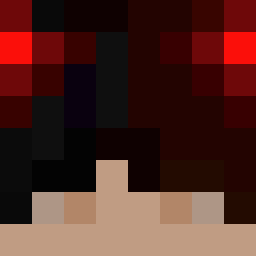 Adityawarrioradi PickleMalone Fondamebby Arynz Flipzz_34 Primitive_Pea dorukpq Dolelu Danistian Yarin_Star MetiMan devil_erunek M4lIn44 Draffard SMYI shesimpsforAiden zndlzk xxsherxox Ali_ruzgar_HD KingRowr VirusIowa Prankart xxarajuli Crass_YT DamishiX NiGiJump Hannah143 Bastiuzz Misko4Y brbgna
 devran6161 TSRodri Pattzh KAPMONSTER I_have_kids Xterminated AKADEMuK Kwietniu_9 CoMe_734 Brookycooky bedropgamerxD DaAverageGamer iy7fe lol_ayato javier1321 dajnozaurpimpus NmxSuguru_
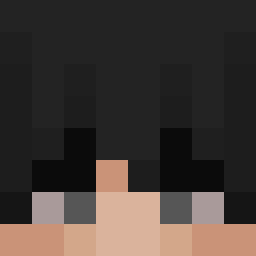 YoungBlessed iAmNotIzu Unknown_Ultra HegQ I_am_dumb5171 platoshao Aceryu1115 SHeEna1 Zapatoste L0oFY LLouR ezxrs DZK71
More Demon Minecraft skins
How to install the BayardonHD2 skin
- Press the Download button above to save the skin as a PNG file.
- Minecraft: Bedrock Edition (PE): open the Dressing Room from the main menu (or tap your character → Edit Character), go to Classic Skins → Owned, press the + (new skin) button, choose the downloaded PNG and pick the Classic (Steve) model. Works on PC and mobile; consoles cannot import custom skins.
- Minecraft: Java Edition: open the Minecraft Launcher, go to the Skins tab, click New Skin, load the PNG, pick the Classic (Steve) model and press Save & Use. You can also upload it at minecraft.net → Profile → Change Skin.
The skin does not show up after import - what should I do?
Restart Minecraft and open the Dressing Room again - imported skins sometimes appear only after a restart. Also make sure you selected the imported skin and picked the Classic (Steve) model.
Which model should I choose, Classic or Slim?
This skin is designed for the Classic (Steve) model. If you pick the wrong model, the arms of the skin will look stretched or squeezed.
Is the skin of BayardonHD2 free to download?
Yes. Press Download, save the PNG file and use it in Minecraft: Bedrock Edition or Java Edition - no payment or registration needed. The skin also works on multiplayer servers and Realms.
More skins
Looking for more? Go back to all Minecraft skins and check the top skins of the week, month and all time, or find any player's skin by nickname.