
Basilicos - Minecraft Skins & Skin History
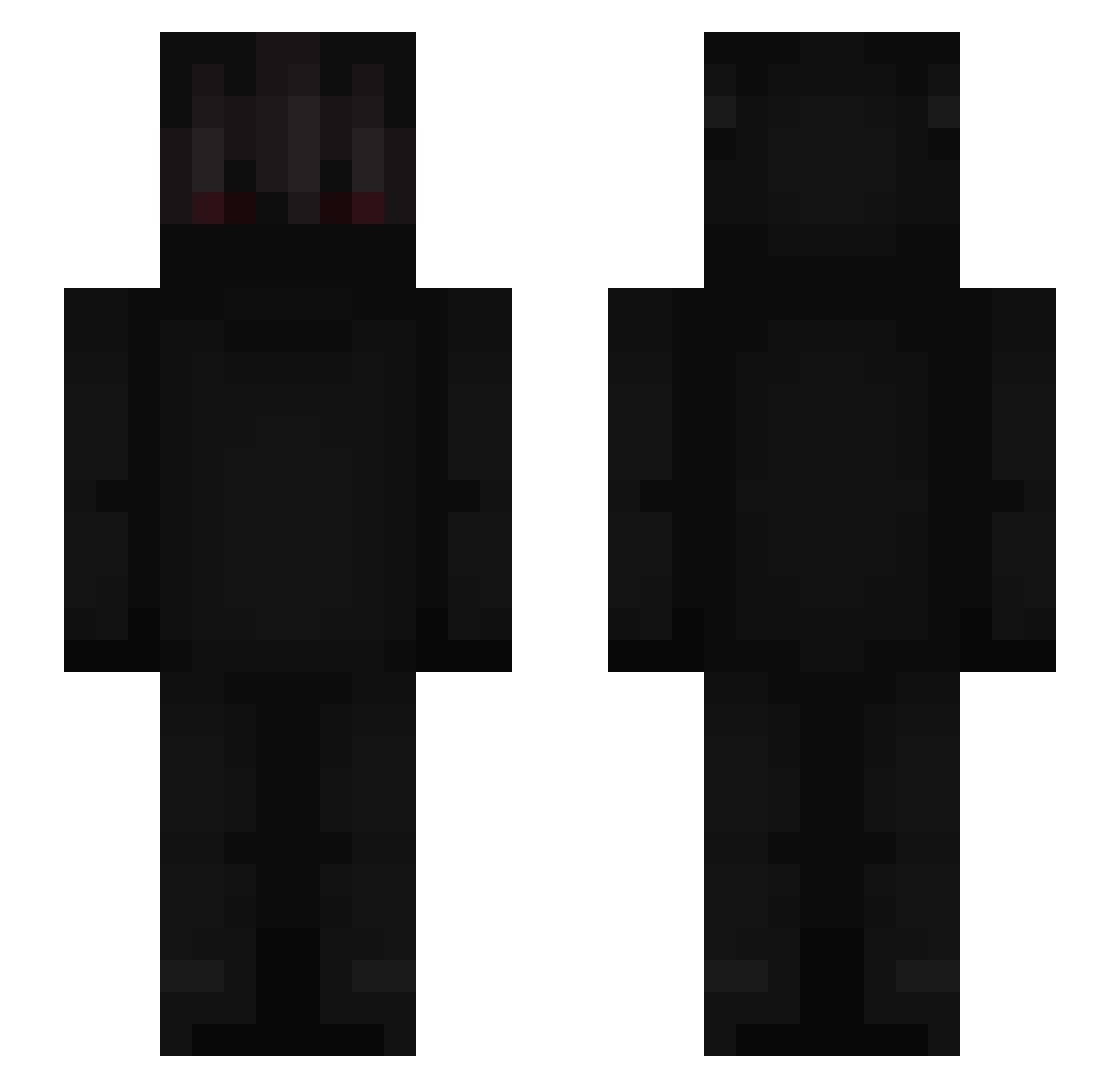
Current Minecraft skin of the player Basilicos, loaded from the official Mojang API. Rotate the 3D model with your mouse or finger, then download the skin as a PNG file and use it in Minecraft: Bedrock Edition or Java Edition for free. When Basilicos changes their skin, this page updates automatically and the old skin stays in the history below.
Other players with this skin (675)
Basilicos was the 482nd player we have seen with this skin, first spotted on 10.10.2026. The same skin was seen on these players. Open a nickname to see their current skin and skin history.
 RoneoXXL Raijk realellie SpeedyRei79 Bleisford ultrasuccsSlave rezned MHG_633 wyyhx AbandonEuphoria SirAatrox Mr_Serek NekoEater Charcoal71 Djo58560 SpaceForever14 Cr4zzy_Kun Nq_IAXzEp Timzyz1 MinecraftBottle zab_rcb9K_07_26 Nxrroww DJ_739 Mythphasm Zieloook NAKASATO32 ooskarn xivRich Lukyscrime WestWind3327 _HIY_ ReyVivie a6c7_ Huskairu MjSxoxo Kholyzo wjdwogus oRauu Kuucx vaaaanqz jaroslawik2 Skviziy offhit ihh6036yan Lucidiouscs iiDestroyer_ Dxlays Nayceu mmarulotwitch bol0 SoakedPK pippin_demon Dark_Think Fearkhoz ES3X shmwll _PitBoule_ Adrxx7 MoYan_Never ToxicVxpee
More Shadow Minecraft skins
How to install the Basilicos skin
- Press the Download button above to save the skin as a PNG file.
- Minecraft: Bedrock Edition (PE): open the Dressing Room from the main menu (or tap your character → Edit Character), go to Classic Skins → Owned, press the + (new skin) button, choose the downloaded PNG and pick the Slim (Alex) model. Works on PC and mobile; consoles cannot import custom skins.
- Minecraft: Java Edition: open the Minecraft Launcher, go to the Skins tab, click New Skin, load the PNG, pick the Slim (Alex) model and press Save & Use. You can also upload it at minecraft.net → Profile → Change Skin.
The skin does not show up after import - what should I do?
Restart Minecraft and open the Dressing Room again - imported skins sometimes appear only after a restart. Also make sure you selected the imported skin and picked the Slim (Alex) model.
Which model should I choose, Classic or Slim?
This skin is designed for the Slim (Alex) model. If you pick the wrong model, the arms of the skin will look stretched or squeezed.
Is the skin of Basilicos free to download?
Yes. Press Download, save the PNG file and use it in Minecraft: Bedrock Edition or Java Edition - no payment or registration needed. The skin also works on multiplayer servers and Realms.
More skins
Looking for more? Go back to all Minecraft skins and check the top skins of the week, month and all time, or find any player's skin by nickname.