
418s - Minecraft Skins & Skin History
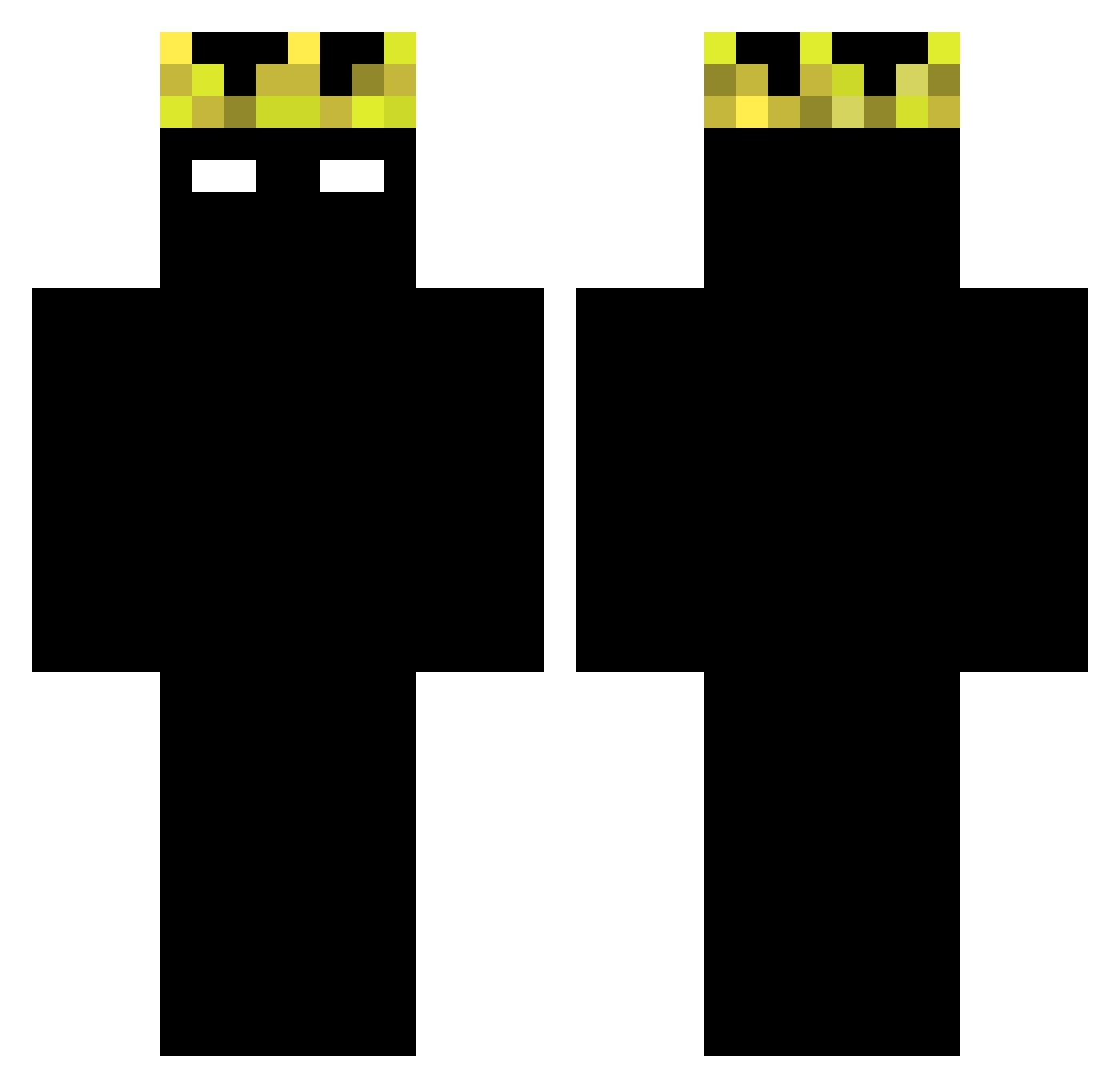
Current Minecraft skin of the player 418s, loaded from the official Mojang API. Rotate the 3D model with your mouse or finger, then download the skin as a PNG file and use it in Minecraft: Bedrock Edition or Java Edition for free. When 418s changes their skin, this page updates automatically and the old skin stays in the history below.
Other players with this skin (43)
418s was the 34th player we have seen with this skin, first spotted on 09.10.2026. The same skin was seen on these players. Open a nickname to see their current skin and skin history.
 MafiaMoiz MaXi322 edmc0233 lokiz12 MinSteGulu m1keze g18x chxwzy oyuw benjaminlol20111 GridMa BossakosX hzxl Dav2aly luis961 NR1007 joon130 Uriel_Games_Pro synapseyzx _Mhua BeRcH69 Tenimizo bombilla_otros1 Todinhoswat Petarda_dvd oldshamsandwich Nahte2K
 CheiN89 rtmarim Elilord_0101 bhzthetost ByczeQ744 CouronneTag9080 92ilove 28ping_ szynkanice123 Plamen4o wsiobus ggleonfn garnuch0 jupiter_erm top1lodziara TezeV
Previous skins of 418s
Skins that 418s wore before, newest first. Click a skin to open its page and download it.
More Shadow Minecraft skins
How to install the 418s skin
- Press the Download button above to save the skin as a PNG file.
- Minecraft: Bedrock Edition (PE): open the Dressing Room from the main menu (or tap your character → Edit Character), go to Classic Skins → Owned, press the + (new skin) button, choose the downloaded PNG and pick the Classic (Steve) model. Works on PC and mobile; consoles cannot import custom skins.
- Minecraft: Java Edition: open the Minecraft Launcher, go to the Skins tab, click New Skin, load the PNG, pick the Classic (Steve) model and press Save & Use. You can also upload it at minecraft.net → Profile → Change Skin.
The skin does not show up after import - what should I do?
Restart Minecraft and open the Dressing Room again - imported skins sometimes appear only after a restart. Also make sure you selected the imported skin and picked the Classic (Steve) model.
Which model should I choose, Classic or Slim?
This skin is designed for the Classic (Steve) model. If you pick the wrong model, the arms of the skin will look stretched or squeezed.
Is the skin of 418s free to download?
Yes. Press Download, save the PNG file and use it in Minecraft: Bedrock Edition or Java Edition - no payment or registration needed. The skin also works on multiplayer servers and Realms.
More skins
Looking for more? Go back to all Minecraft skins and check the top skins of the week, month and all time, or find any player's skin by nickname.