
1SkibidiSigma1 - Minecraft Skins & Skin History
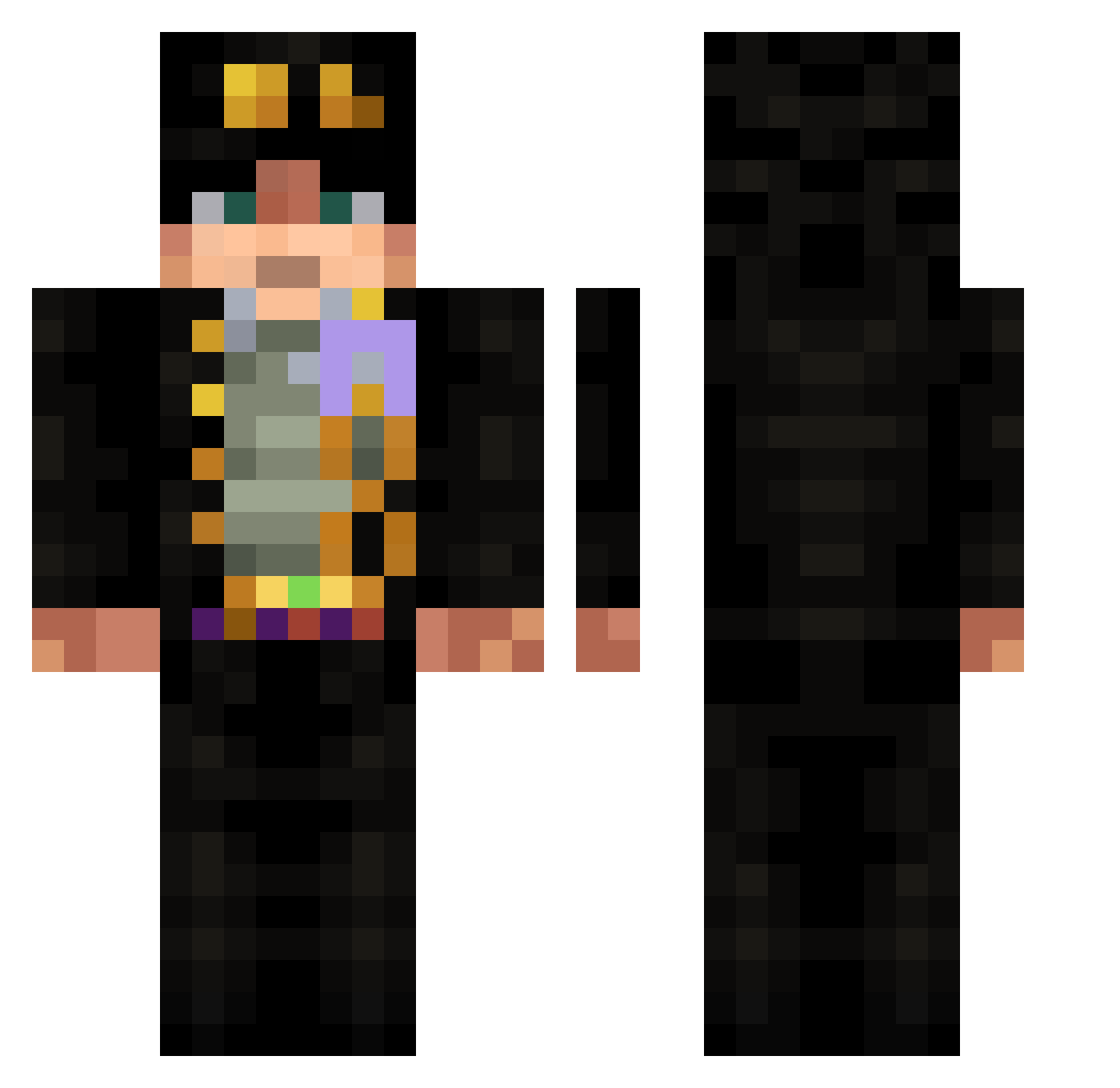
Current Minecraft skin of the player 1SkibidiSigma1, loaded from the official Mojang API. Rotate the 3D model with your mouse or finger, then download the skin as a PNG file and use it in Minecraft: Bedrock Edition or Java Edition for free. When 1SkibidiSigma1 changes their skin, this page updates automatically and the old skin stays in the history below.
Other players with this skin (532)
1SkibidiSigma1 was the 451st player we have seen with this skin, first spotted on 09.10.2026. The same skin was seen on these players. Open a nickname to see their current skin and skin history.
 Night_Fire_Nr1 Ermambusss benkaiyi Crashvin123 JON_STARR lAngel03l sfkarl Deji1234 PANAYIOTIS9017 syakach ilrussellcaffi nailsun002 MiguelDiaz1721 MobileBot1204 luneXD31 bananadance89 lubrykant SuperKD Konduktor_Baks AmatuerHarbor cristhemc BloopyWorld Artoriiaz yuuroncha Strability flvhstt SnowReaper15 twinz022 t1mzer0 MasXG Bionic64 Toribio72 Warpotre Kronin_ ieArun ITmoha Jayritrayfor LightningBoom1 Ponciux Lucky_Shadow_ Podsalok pxt7 BotJhin Tangzipei Elescudero007 Doomsdaydrb Paineuu Poutsu genyuss BLOODYMONSTER89 gyate Profuseta ArtBond kaeBv Vskutku saluh16 HeYeetith TimeTravel_03 Trekpunk EliaMitico
More Jotaro Kujo Minecraft skins
How to install the 1SkibidiSigma1 skin
- Press the Download button above to save the skin as a PNG file.
- Minecraft: Bedrock Edition (PE): open the Dressing Room from the main menu (or tap your character → Edit Character), go to Classic Skins → Owned, press the + (new skin) button, choose the downloaded PNG and pick the Classic (Steve) model. Works on PC and mobile; consoles cannot import custom skins.
- Minecraft: Java Edition: open the Minecraft Launcher, go to the Skins tab, click New Skin, load the PNG, pick the Classic (Steve) model and press Save & Use. You can also upload it at minecraft.net → Profile → Change Skin.
The skin does not show up after import - what should I do?
Restart Minecraft and open the Dressing Room again - imported skins sometimes appear only after a restart. Also make sure you selected the imported skin and picked the Classic (Steve) model.
Which model should I choose, Classic or Slim?
This skin is designed for the Classic (Steve) model. If you pick the wrong model, the arms of the skin will look stretched or squeezed.
Is the skin of 1SkibidiSigma1 free to download?
Yes. Press Download, save the PNG file and use it in Minecraft: Bedrock Edition or Java Edition - no payment or registration needed. The skin also works on multiplayer servers and Realms.
More skins
Looking for more? Go back to all Minecraft skins and check the top skins of the week, month and all time, or find any player's skin by nickname.