
 Bull3tcat alfiehunt2006 2trucks Nathancraft33112 Lyxas_ pufxcr nekomofu1208 Gumshooos kanjiisan RafikSlabz Hanny00 TurpO Alaan_12 horang225 Tahitian_Punch Asian_Buster salvakalma monkeygcd Bordvi beicola01 ninzxboxqwpi46 cristo_otaku_uwu KsX_ breakfaster Marciano82 Hudson92 Zwieback24 Friizz3y whoEdd Dayisss omegaT821 damianprivat xingyun4566 Vertyly Steinestabler kou_3119 Linkdenn Filbert_Fella EliasO5511 RaisedLocket875 jacobI123 HansungUnsu BobertoSan Shaltrux Soria88 bba5245 dahyun401 monstercity6 himachiku Jennifer_Lopez AMANATSU030 ItsParuvva mrtll21 S1LLY_G0053 AndrossEndboss Johan123456 Alex7k7k Noctyr Dex58 Ternaagel
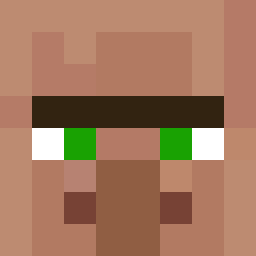
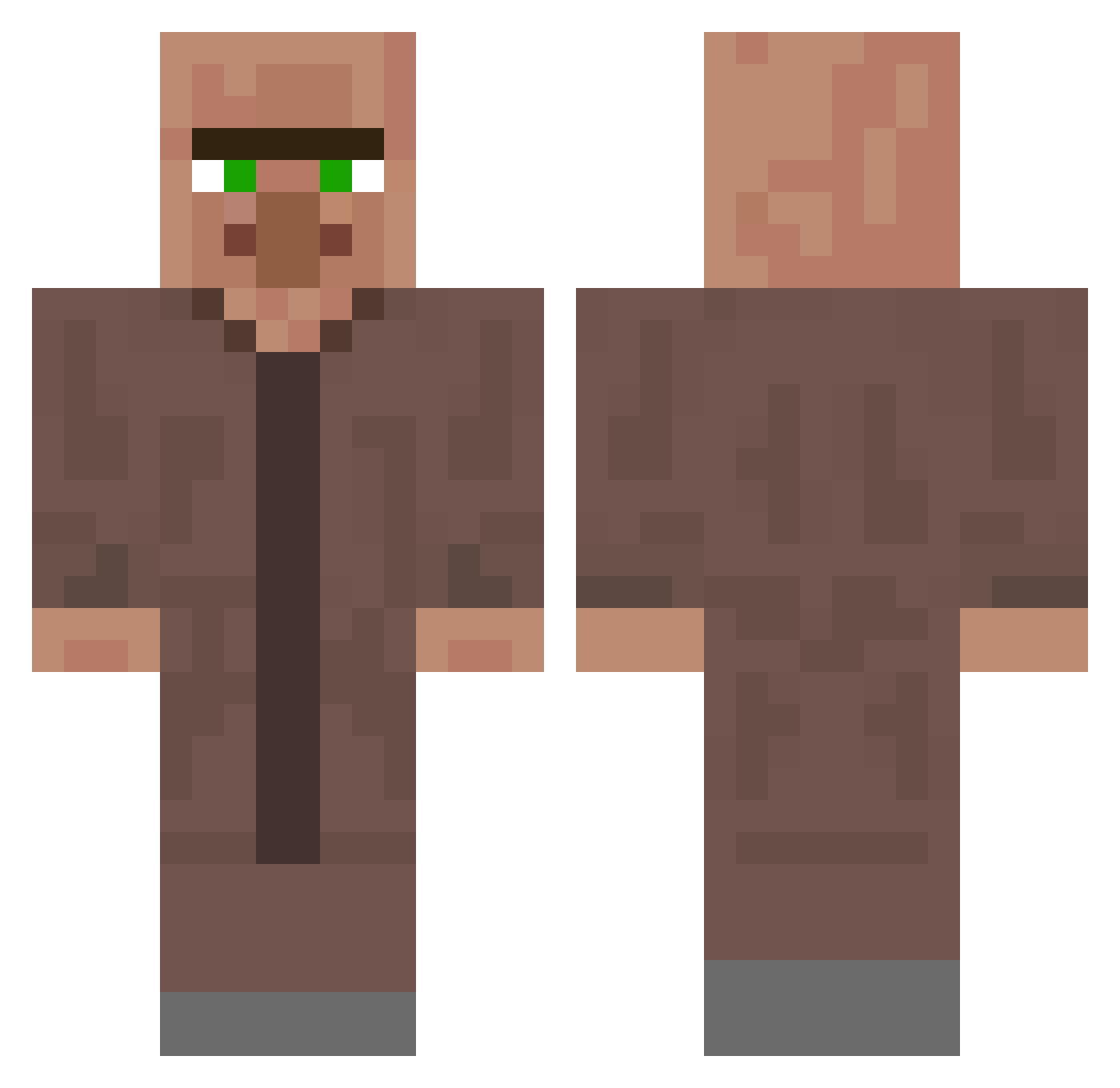
Minecraft skin of Aadicatni. Rotate the 3D model with your mouse or finger to view the skin from every angle, then download it as a PNG file and use it in Minecraft: Bedrock Edition or Java Edition for free. Rate the skin with stars to help other players find the best skins in our collection.
How to install the Aadicatni skin
- Press the Download button above to save the skin as a PNG file.
- Minecraft: Bedrock Edition (PE): open the Dressing Room from the main menu (or tap your character → Edit Character), go to Classic Skins → Owned, press the + (new skin) button, choose the downloaded PNG and pick the Classic (Steve) model. Works on PC and mobile; consoles cannot import custom skins.
- Minecraft: Java Edition: open the Minecraft Launcher, go to the Skins tab, click New Skin, load the PNG, pick the Classic (Steve) model and press Save & Use. You can also upload it at minecraft.net → Profile → Change Skin.
The skin does not show up after import - what should I do?
Restart Minecraft and open the Dressing Room again - imported skins sometimes appear only after a restart. Also make sure you selected the imported skin and picked the Classic (Steve) model.
Which model should I choose, Classic or Slim?
This skin is designed for the Classic (Steve) model. If you pick the wrong model, the arms of the skin will look stretched or squeezed.
Is this skin free to use?
Yes. Press Download, save the PNG file and use it in Minecraft: Bedrock Edition or Java Edition - no payment or registration needed. The skin also works on multiplayer servers and Realms.
More Villager Minecraft skins
More skins
Looking for more? Go back to all Minecraft skins and check the top skins of the week, month and all time, or find any player's skin by nickname.