
 VictorDelMo RicoSuave9 JikungS fiskefar1 TheLanding974 ijs_G SimpleAsh UnV1llag3r PILL_COSBY_69 musti5969 lePape1er Jogal SEBATHEFIRST cree_mree LeviBNK Attila0909 locoderboss UmerSan baumy17 Kingzre korz111 wastimka Inteks primo_mateo WedWolf01 ButterBros OhaChatNediyoBu sxrw1TT Qumiankka Baumsalat0374 TopControll Tr1ple1 EnanoconVIH Kaiden_The_Bro nexusup gax200000 Lost_exe_7 felixrne Gedomine MahtiNuutti musshoch Blockhits1 Sussy_Imposter69 pepsiyummytry GreatFelix1 Graf_BTW k1ng3lm0 Iquinixz Polovskii Sahiptir Goat_Ryder mas_ghg Mustafa_1930 jackxfahey VITCHELASx Konodrip uMarinak Travisman27 BliBlablubbp baxilox
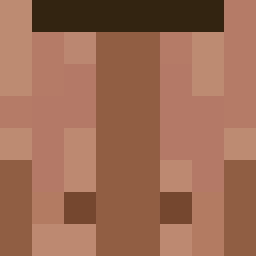
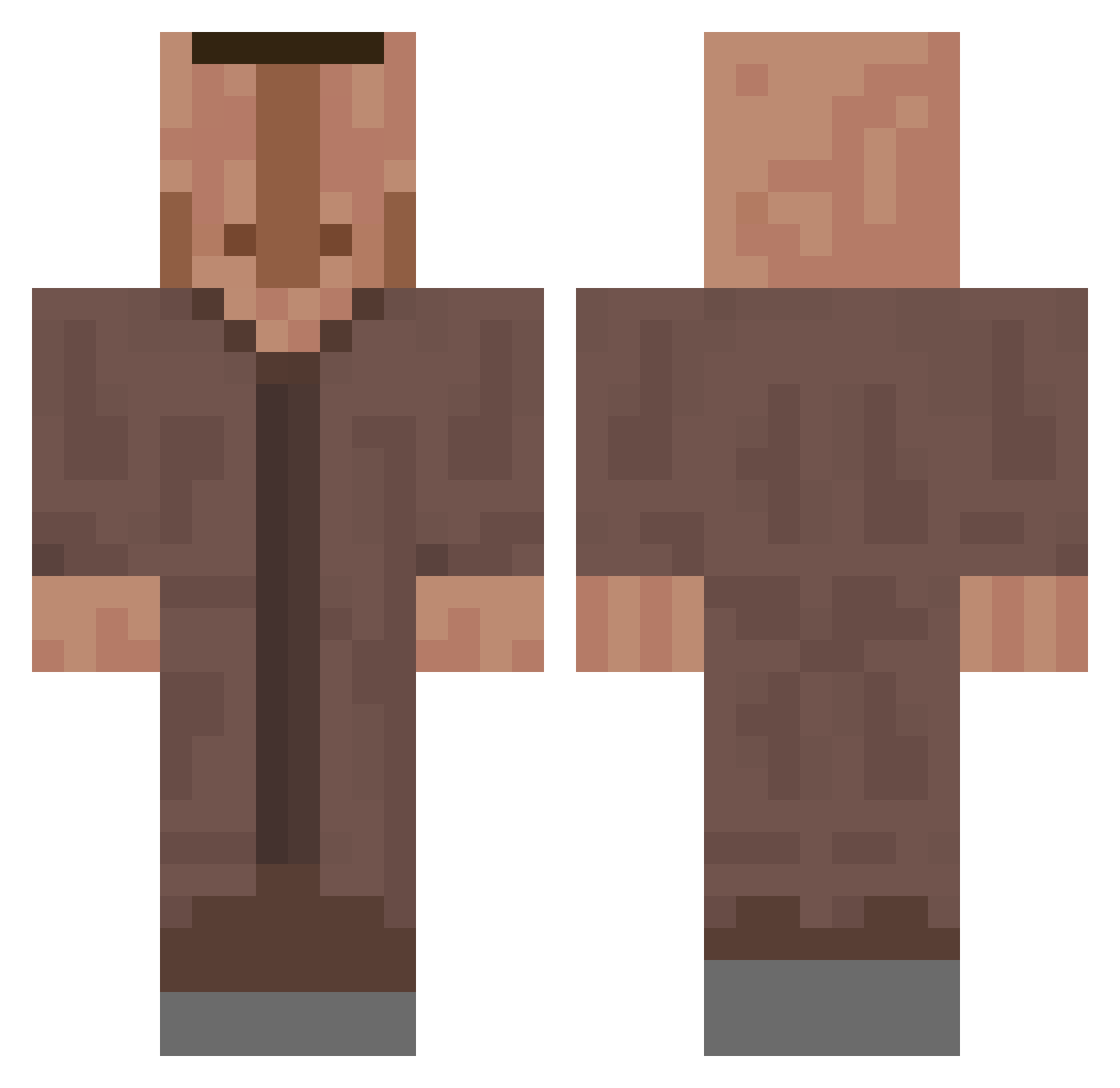
Minecraft skin of HarveySpecter0. Rotate the 3D model with your mouse or finger to view the skin from every angle, then download it as a PNG file and use it in Minecraft: Bedrock Edition or Java Edition for free. Rate the skin with stars to help other players find the best skins in our collection.
How to install the HarveySpecter0 skin
- Press the Download button above to save the skin as a PNG file.
- Minecraft: Bedrock Edition (PE): open the Dressing Room from the main menu (or tap your character → Edit Character), go to Classic Skins → Owned, press the + (new skin) button, choose the downloaded PNG and pick the Classic (Steve) model. Works on PC and mobile; consoles cannot import custom skins.
- Minecraft: Java Edition: open the Minecraft Launcher, go to the Skins tab, click New Skin, load the PNG, pick the Classic (Steve) model and press Save & Use. You can also upload it at minecraft.net → Profile → Change Skin.
The skin does not show up after import - what should I do?
Restart Minecraft and open the Dressing Room again - imported skins sometimes appear only after a restart. Also make sure you selected the imported skin and picked the Classic (Steve) model.
Which model should I choose, Classic or Slim?
This skin is designed for the Classic (Steve) model. If you pick the wrong model, the arms of the skin will look stretched or squeezed.
Is this skin free to use?
Yes. Press Download, save the PNG file and use it in Minecraft: Bedrock Edition or Java Edition - no payment or registration needed. The skin also works on multiplayer servers and Realms.
More Villager Minecraft skins
More skins
Looking for more? Go back to all Minecraft skins and check the top skins of the week, month and all time, or find any player's skin by nickname.