
 Shxney FLUXUISTA _notNeC0 Aseshi simonsss333 arelixiomaa Fati07 RswesCatpuppyboy not_r0mii ssn0wyy Kxlluasz Nikoolkicia zhu27 Soremyy byxy81 Bling_Hoo FrWickeD phk0219 Lelouch_lamperou ucvf tanakasun FreezeTheWorld JustDontAskWhy spacingskull CutePlushies U4oh mmeng0721 pula3 TrigV2Edgejyw bathelight0 bxhw Mrborata ghrft FilpZ4 Avenqx AlexLin2021 stawberibuni mac7763 Fusasaki At0m1ka Suffocation1114 Ghoulesi mikanail JewelDolphin123 Anielinka lubedzem LightningNova MATTIAZZO23 StevenW1127 yAlekBr kiko11123 yoni228 NotMapo iLoading_ SanHuaiYY _emotka kabuto06623 MrKorobok Chomq0227 KrankLittle
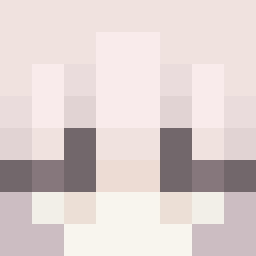
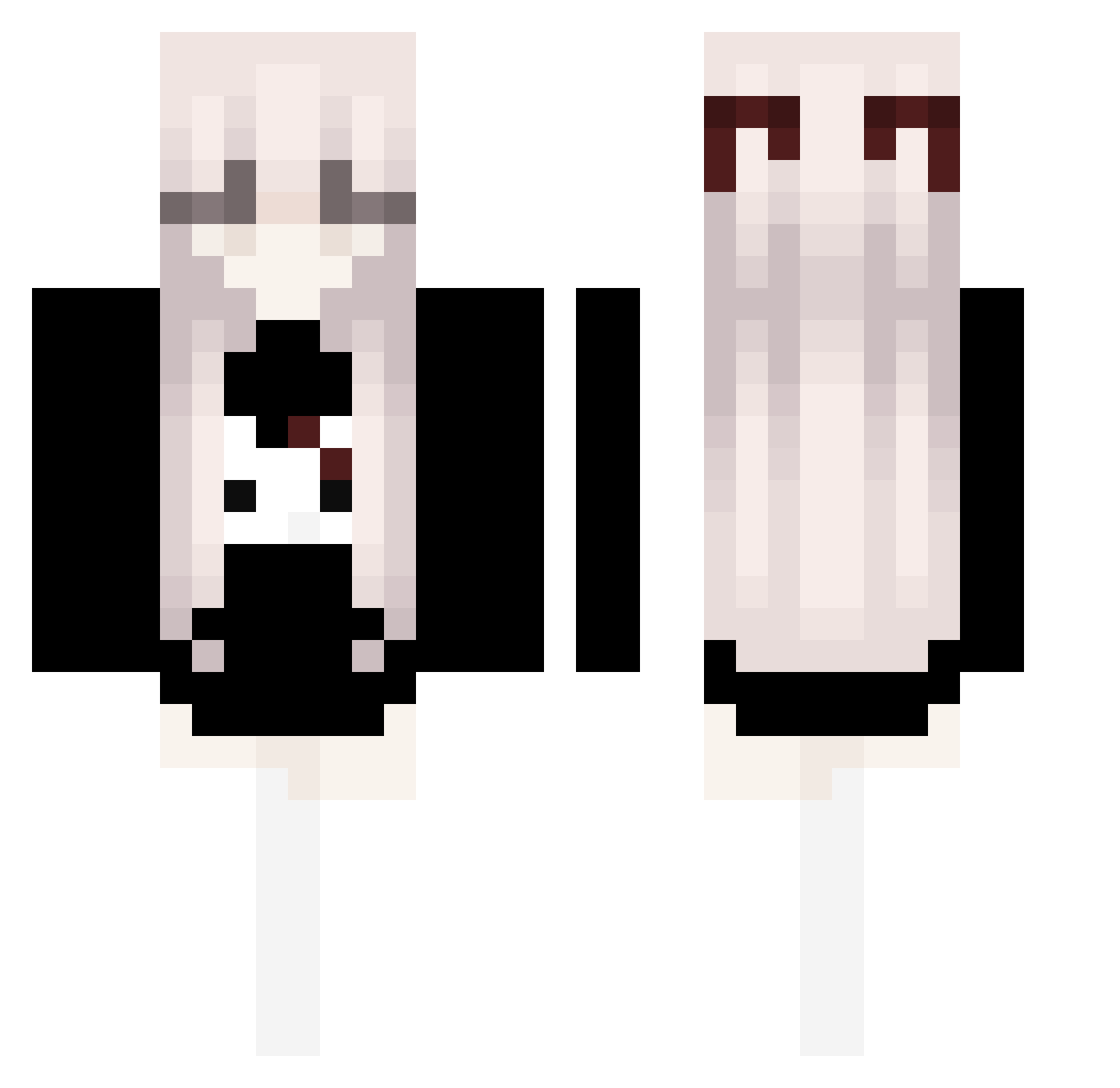
Minecraft skin of lubedzem. Rotate the 3D model with your mouse or finger to view the skin from every angle, then download it as a PNG file and use it in Minecraft: Bedrock Edition or Java Edition for free. Rate the skin with stars to help other players find the best skins in our collection.
How to install the lubedzem skin
- Press the Download button above to save the skin as a PNG file.
- Minecraft: Bedrock Edition (PE): open the Dressing Room from the main menu (or tap your character → Edit Character), go to Classic Skins → Owned, press the + (new skin) button, choose the downloaded PNG and pick the Classic (Steve) model. Works on PC and mobile; consoles cannot import custom skins.
- Minecraft: Java Edition: open the Minecraft Launcher, go to the Skins tab, click New Skin, load the PNG, pick the Classic (Steve) model and press Save & Use. You can also upload it at minecraft.net → Profile → Change Skin.
The skin does not show up after import - what should I do?
Restart Minecraft and open the Dressing Room again - imported skins sometimes appear only after a restart. Also make sure you selected the imported skin and picked the Classic (Steve) model.
Which model should I choose, Classic or Slim?
This skin is designed for the Classic (Steve) model. If you pick the wrong model, the arms of the skin will look stretched or squeezed.
Is this skin free to use?
Yes. Press Download, save the PNG file and use it in Minecraft: Bedrock Edition or Java Edition - no payment or registration needed. The skin also works on multiplayer servers and Realms.
More Bow Minecraft skins
More skins
Looking for more? Go back to all Minecraft skins and check the top skins of the week, month and all time, or find any player's skin by nickname.