
 KungFuPie iimikaela globeesus Manuq20 plutophobics highlandivy866 SandWeasel fireflyac Browmille Chlo3_P jasjas1705 lola_young evelyn5561 Kem_IsToast sonkia25 maji056 AdriG01 sofi1268 SylphinaG gold_0877 gracex2109 keylitalapro Ms_Gigapascal lxnx_54 Caticlaw_ gschlat Leah20000 Sabbaii ZoeZoZo GlorpoJim omfrk FallingMkan Wazzabi_ JFG_2 oxKitty llu2void Drxgg Millyyy325 McOwl321
 alliiciiaa
 BubblyGoddess
 bruvi3
 Pxelated
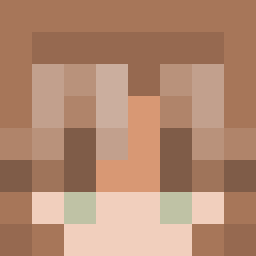
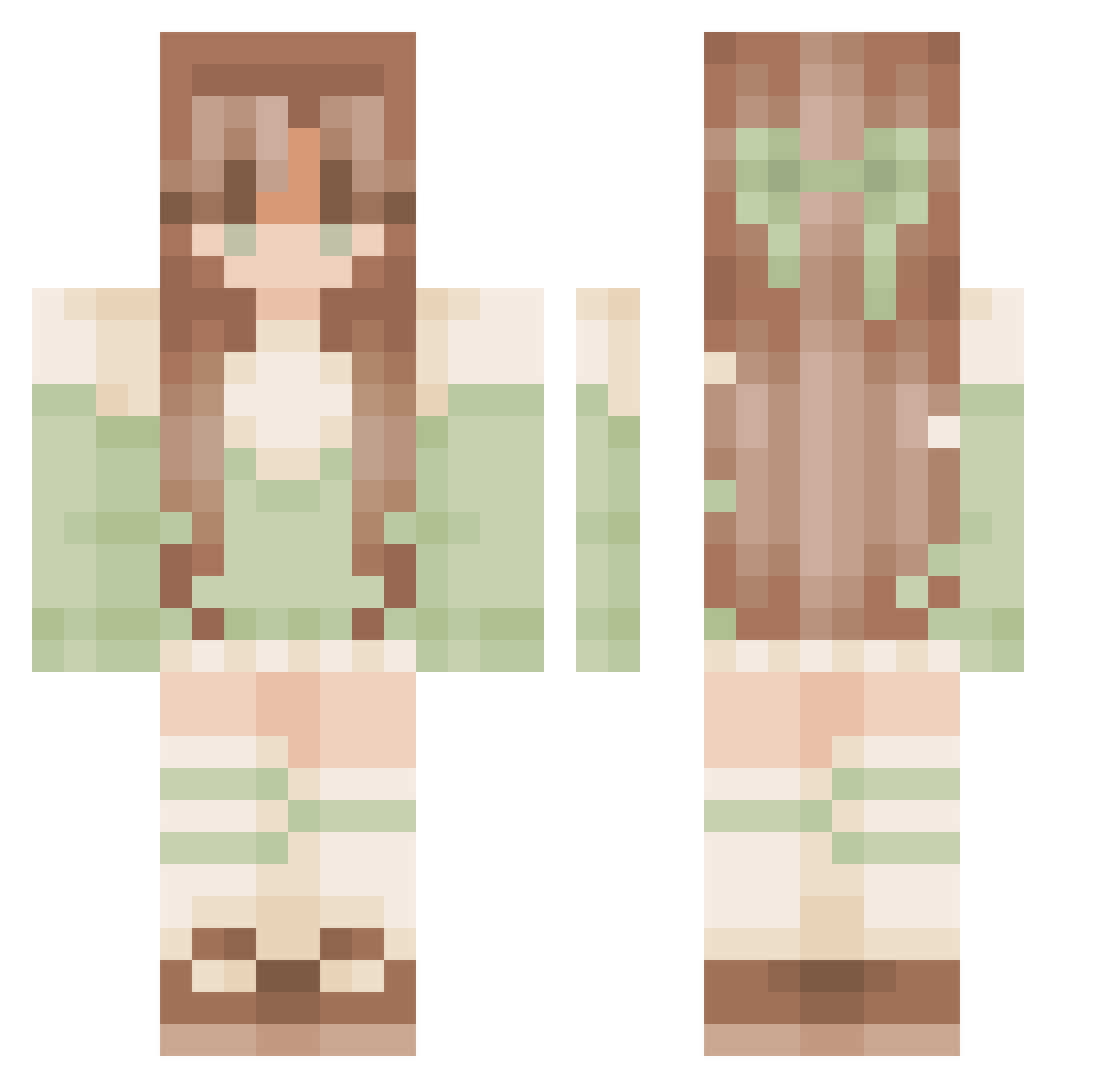
Minecraft skin of omfrk. Rotate the 3D model with your mouse or finger to view the skin from every angle, then download it as a PNG file and use it in Minecraft: Bedrock Edition or Java Edition for free. Rate the skin with stars to help other players find the best skins in our collection.
How to install the omfrk skin
- Press the Download button above to save the skin as a PNG file.
- Minecraft: Bedrock Edition (PE): open the Dressing Room from the main menu (or tap your character → Edit Character), go to Classic Skins → Owned, press the + (new skin) button, choose the downloaded PNG and pick the Classic (Steve) model. Works on PC and mobile; consoles cannot import custom skins.
- Minecraft: Java Edition: open the Minecraft Launcher, go to the Skins tab, click New Skin, load the PNG, pick the Classic (Steve) model and press Save & Use. You can also upload it at minecraft.net → Profile → Change Skin.
The skin does not show up after import - what should I do?
Restart Minecraft and open the Dressing Room again - imported skins sometimes appear only after a restart. Also make sure you selected the imported skin and picked the Classic (Steve) model.
Which model should I choose, Classic or Slim?
This skin is designed for the Classic (Steve) model. If you pick the wrong model, the arms of the skin will look stretched or squeezed.
Is this skin free to use?
Yes. Press Download, save the PNG file and use it in Minecraft: Bedrock Edition or Java Edition - no payment or registration needed. The skin also works on multiplayer servers and Realms.
More Sage Green Minecraft skins
More skins
Looking for more? Go back to all Minecraft skins and check the top skins of the week, month and all time, or find any player's skin by nickname.