
 zGuNNys Popitox777 SignePappa DragonLover911 swampkween NotaClueMG PeakSmile238923 kirii1909 Skipmurphey mimo277 heyitsmejess ATARIAXx Nyx1909 Da_ko_ta_ Barbiegirl854 Uinnie56 QuakeNSlay TheBakedEgg KyuuZann AKinderGarten wholewheat4940 Loothee x17kSoulsx laurita_11 Zozotte75 averaiii lubiesushi HarpyOCE hannahhsim endvrman9904 Pickledpie7081 Stormywinter154 MilenaRossa sabeng Rika8732 leo_jpg Liz8989 cyberman44450 _Meli__ ash29888 JapaneseSage hi_im_caity Jr_Blue2020 Cauliflower877 emna_2 Emma187 00DUCKY00 Thestunning123 jmj328 QueenPotato31 allyshftd PrissRojas AstroBab3 TheToast3 Estvance Jucia2137 Macia_Sz Heyleeen NullSexNeun YellowAries
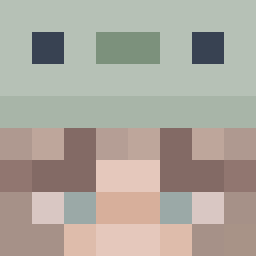
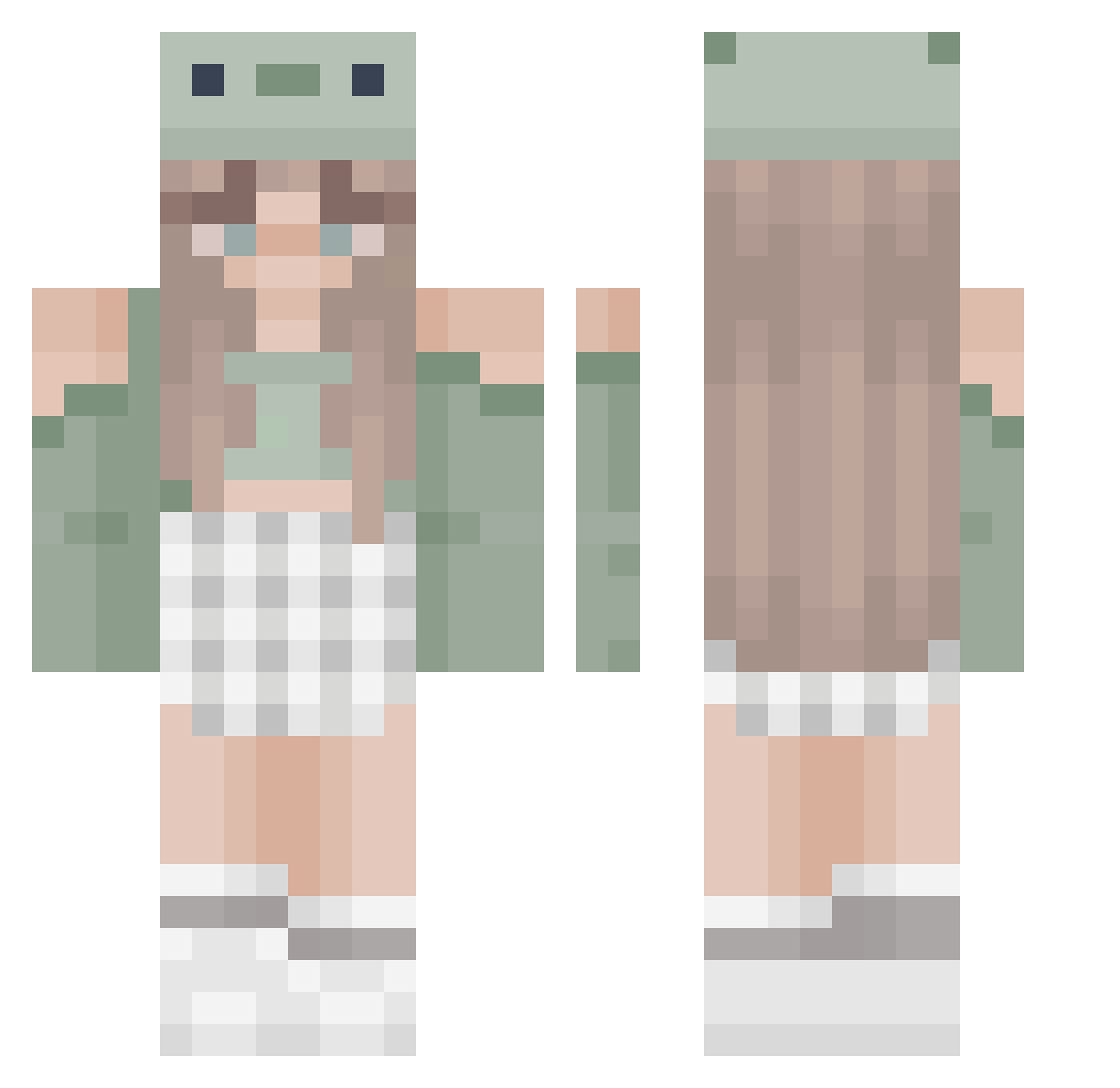
Minecraft skin of OGSkryll. Rotate the 3D model with your mouse or finger to view the skin from every angle, then download it as a PNG file and use it in Minecraft: Bedrock Edition or Java Edition for free. Rate the skin with stars to help other players find the best skins in our collection.
How to install the OGSkryll skin
- Press the Download button above to save the skin as a PNG file.
- Minecraft: Bedrock Edition (PE): open the Dressing Room from the main menu (or tap your character → Edit Character), go to Classic Skins → Owned, press the + (new skin) button, choose the downloaded PNG and pick the Classic (Steve) model. Works on PC and mobile; consoles cannot import custom skins.
- Minecraft: Java Edition: open the Minecraft Launcher, go to the Skins tab, click New Skin, load the PNG, pick the Classic (Steve) model and press Save & Use. You can also upload it at minecraft.net → Profile → Change Skin.
The skin does not show up after import - what should I do?
Restart Minecraft and open the Dressing Room again - imported skins sometimes appear only after a restart. Also make sure you selected the imported skin and picked the Classic (Steve) model.
Which model should I choose, Classic or Slim?
This skin is designed for the Classic (Steve) model. If you pick the wrong model, the arms of the skin will look stretched or squeezed.
Is this skin free to use?
Yes. Press Download, save the PNG file and use it in Minecraft: Bedrock Edition or Java Edition - no payment or registration needed. The skin also works on multiplayer servers and Realms.
More Sage Green Minecraft skins
More skins
Looking for more? Go back to all Minecraft skins and check the top skins of the week, month and all time, or find any player's skin by nickname.