
 Edel__Marie Phamtastically amarix0 YugZ11 TQWZ HazelSan syurafu chamomile1981 Intermediary CasualBlitz 0pinions tessachan X1angGu SwegRyeGaming SlicheP huzihiro Gratefullove ErSanSan Oyama_JUKU Eiva03 IKapraz tylersus Sambac Arbitrqry _sophie_7 xarqy__ _Hylie_ meeowclairee psvxd xianfen Emily_Xain Kopquake trvnn My_Dignity yeonhwa197 R3fU Kurumi0810 Skapie1234 Reesewarp Marmel1302 Huts4m ChengXiao0715 Chinesemalo rixdah Agumis Nightsky666 MicroMiner77 ash_kitty09 MelindaP16 brooklynkids BrennanFitz xymax Pladings rebecca109 WaterFishAn Crisax_ Biagazzara BlizzyRL Abilonka bao_0712
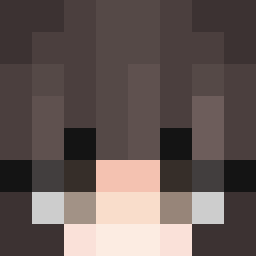
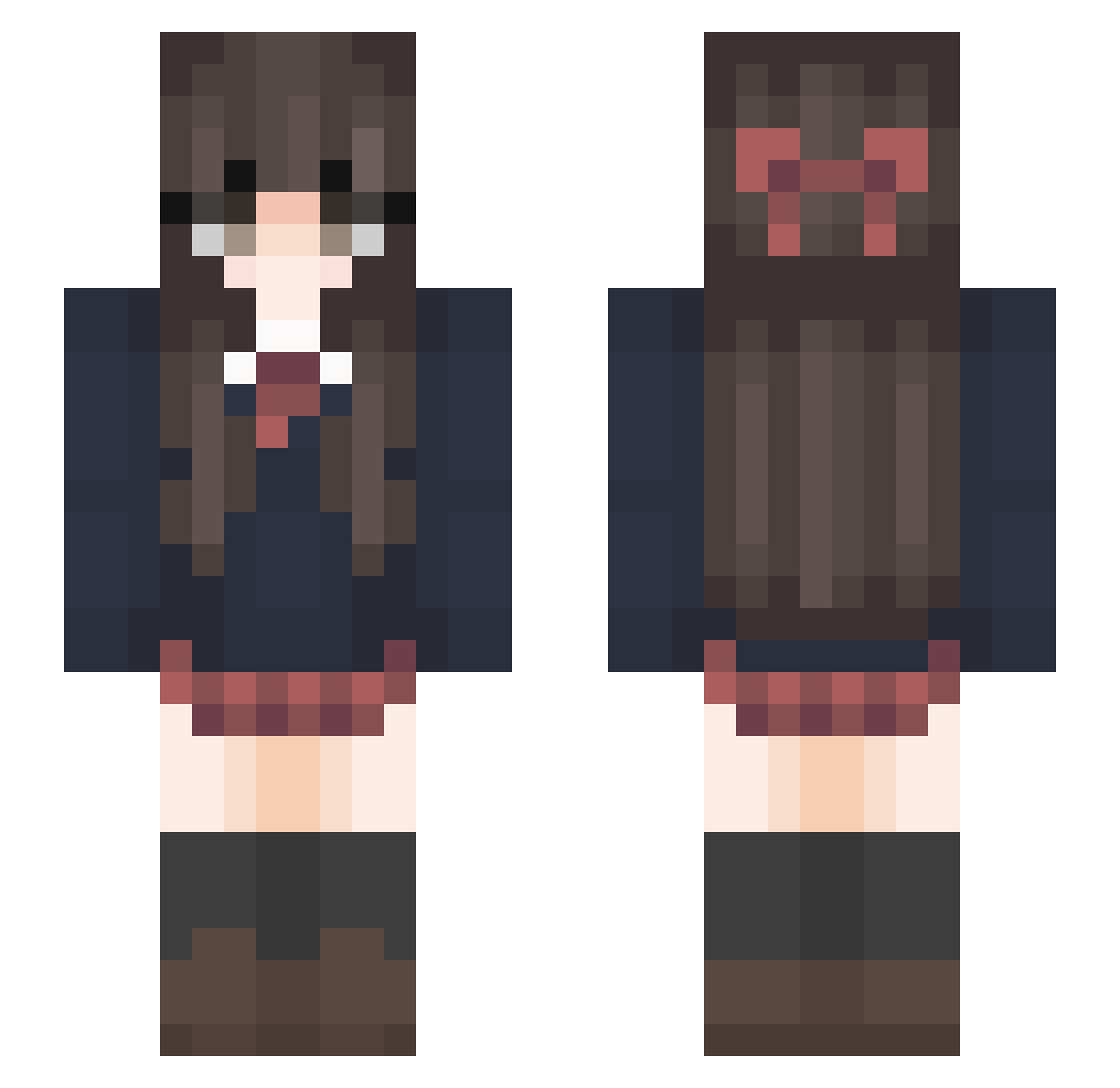
Minecraft skin of Re_Mako1024. Rotate the 3D model with your mouse or finger to view the skin from every angle, then download it as a PNG file and use it in Minecraft: Bedrock Edition or Java Edition for free. Rate the skin with stars to help other players find the best skins in our collection.
How to install the Re_Mako1024 skin
- Press the Download button above to save the skin as a PNG file.
- Minecraft: Bedrock Edition (PE): open the Dressing Room from the main menu (or tap your character → Edit Character), go to Classic Skins → Owned, press the + (new skin) button, choose the downloaded PNG and pick the Slim (Alex) model. Works on PC and mobile; consoles cannot import custom skins.
- Minecraft: Java Edition: open the Minecraft Launcher, go to the Skins tab, click New Skin, load the PNG, pick the Slim (Alex) model and press Save & Use. You can also upload it at minecraft.net → Profile → Change Skin.
The skin does not show up after import - what should I do?
Restart Minecraft and open the Dressing Room again - imported skins sometimes appear only after a restart. Also make sure you selected the imported skin and picked the Slim (Alex) model.
Which model should I choose, Classic or Slim?
This skin is designed for the Slim (Alex) model. If you pick the wrong model, the arms of the skin will look stretched or squeezed.
Is this skin free to use?
Yes. Press Download, save the PNG file and use it in Minecraft: Bedrock Edition or Java Edition - no payment or registration needed. The skin also works on multiplayer servers and Realms.
More Bow Minecraft skins
More skins
Looking for more? Go back to all Minecraft skins and check the top skins of the week, month and all time, or find any player's skin by nickname.