
 dlopesss XxSilverSniperxX Abyss159 Davisman777 Undeployed Tenazrobot490 JJDOG04 Norindo Todes_mond Elektryk_Wiewior HeteGerda11 neigisus Vagouliaris NiceDrip MintyHawt LOL9487 KnowingTurtle16 panzer2tiger Bhanu16 Riiou7 D3M0n__________ JustNoob123 Fipsico kurazusi8888 Yancarlo07 OGxFinesse285 MrSceatro KoMBaTCurry BabyJezyk santiagoxx6 fircube315 CarlcuzYes __K5__ losia2 wisnia211 earrington14 Zero854 Surirecords OsmannEfeetr MercuryStaff IONUT_THEbest ThievishGnu61 GuiMat Kacpelol final788 Wawrzyn851_ iwannadie634 painfulgay Maped_ Hwiririk SKETX_T blackvouk A1Me sstevenrg RocketCrystals Tiagopita Falcon__Hoof inka_cola _gamer_girl_YT_ frani234115
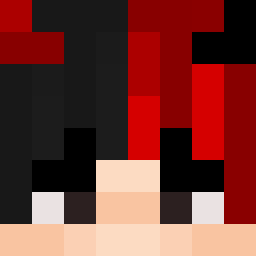
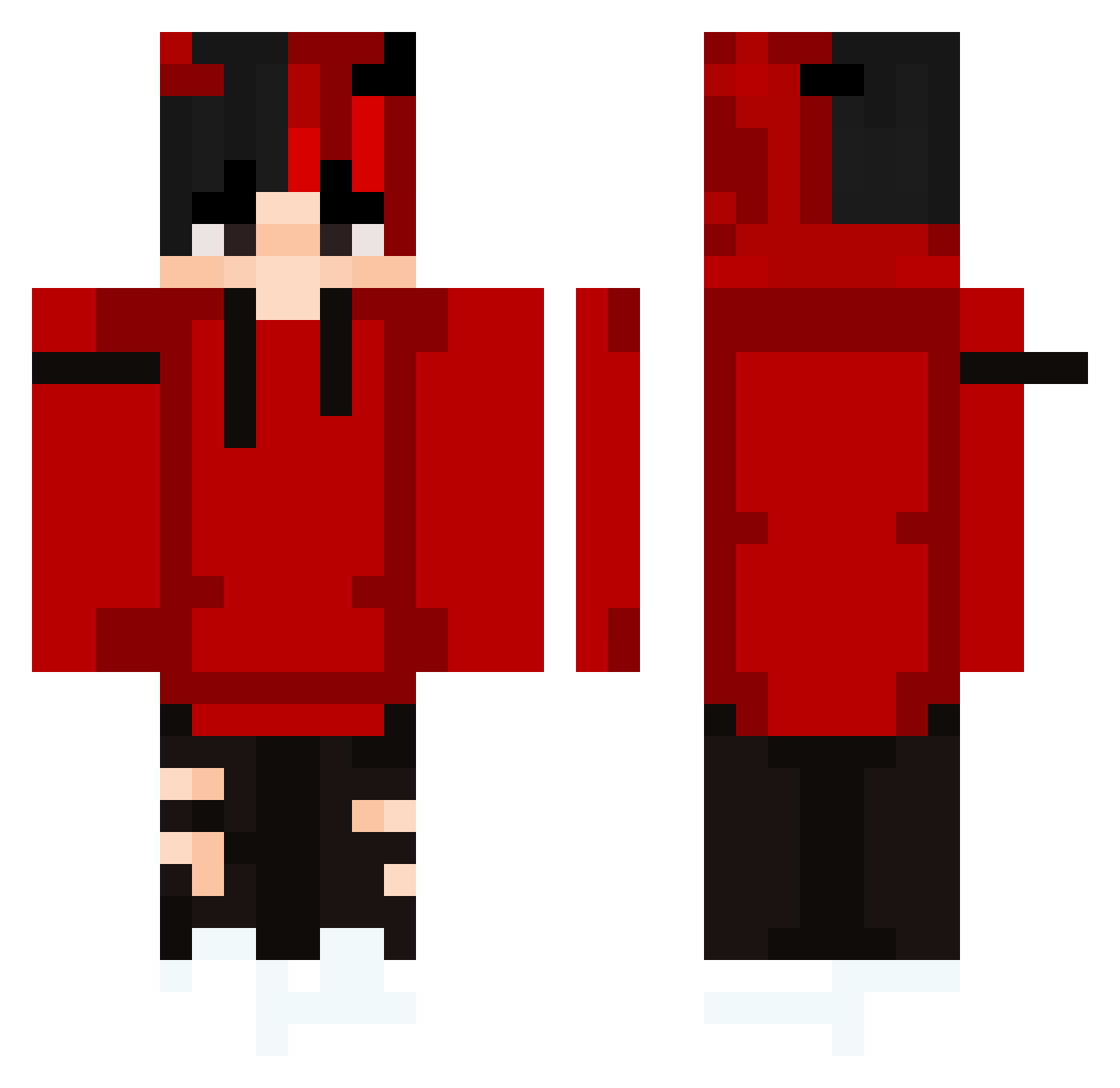
Minecraft skin of Trigun01. Rotate the 3D model with your mouse or finger to view the skin from every angle, then download it as a PNG file and use it in Minecraft: Bedrock Edition or Java Edition for free. Rate the skin with stars to help other players find the best skins in our collection.
How to install the Trigun01 skin
- Press the Download button above to save the skin as a PNG file.
- Minecraft: Bedrock Edition (PE): open the Dressing Room from the main menu (or tap your character → Edit Character), go to Classic Skins → Owned, press the + (new skin) button, choose the downloaded PNG and pick the Classic (Steve) model. Works on PC and mobile; consoles cannot import custom skins.
- Minecraft: Java Edition: open the Minecraft Launcher, go to the Skins tab, click New Skin, load the PNG, pick the Classic (Steve) model and press Save & Use. You can also upload it at minecraft.net → Profile → Change Skin.
The skin does not show up after import - what should I do?
Restart Minecraft and open the Dressing Room again - imported skins sometimes appear only after a restart. Also make sure you selected the imported skin and picked the Classic (Steve) model.
Which model should I choose, Classic or Slim?
This skin is designed for the Classic (Steve) model. If you pick the wrong model, the arms of the skin will look stretched or squeezed.
Is this skin free to use?
Yes. Press Download, save the PNG file and use it in Minecraft: Bedrock Edition or Java Edition - no payment or registration needed. The skin also works on multiplayer servers and Realms.
More Horns Minecraft skins
More skins
Looking for more? Go back to all Minecraft skins and check the top skins of the week, month and all time, or find any player's skin by nickname.