
 JPFernandes16 Rhadeg1 goguma1101 Noob_Duck zxy_radish Susszs shiksy Zelotic gray0821 D0llyN x_pocketnife PsychoYT_ SmirkyFoil KennysSidePiece 0AILEN0 XiaoLin_bb Majojoju Pykon3 babyniine Rocket_d_5 Elfficient LilYinYin CharleighCorn KeremNotFound zzomI_ Nosirrah05 beanbobaggins Karolynav bscs07 ScryNN jedi_chungus SpaceBadger22 zizongunsu Staxx99 WrAxLP Ente_f prepnuty mwmwmw90_ FelineComic628 Icone lordjaythe2st Gabrys1012 Bory1115 KimRaeHoon KarenSands posak jina_430 Dxckey jeongal5 vodourek154 gamzabokkum haruto61696 Mardandy IKGBIII Ment0s_ n04h0330 LinaTheDon ooAaron DerpieDuck360 pansar
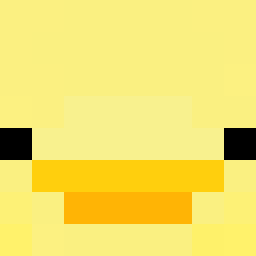
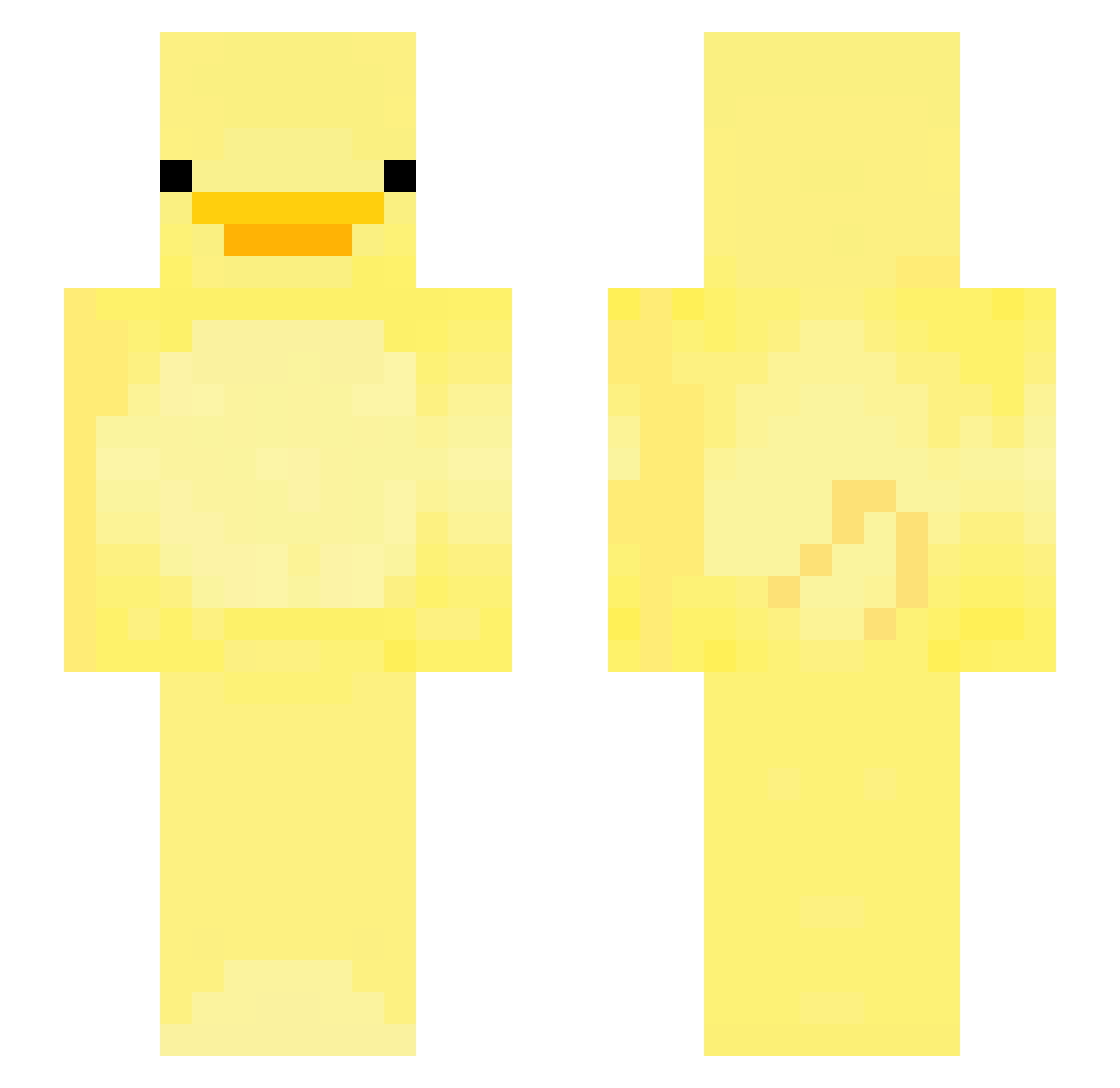
Minecraft skin of JWmonda. Rotate the 3D model with your mouse or finger to view the skin from every angle, then download it as a PNG file and use it in Minecraft: Bedrock Edition or Java Edition for free. Rate the skin with stars to help other players find the best skins in our collection.
How to install the JWmonda skin
- Press the Download button above to save the skin as a PNG file.
- Minecraft: Bedrock Edition (PE): open the Dressing Room from the main menu (or tap your character → Edit Character), go to Classic Skins → Owned, press the + (new skin) button, choose the downloaded PNG and pick the Slim (Alex) model. Works on PC and mobile; consoles cannot import custom skins.
- Minecraft: Java Edition: open the Minecraft Launcher, go to the Skins tab, click New Skin, load the PNG, pick the Slim (Alex) model and press Save & Use. You can also upload it at minecraft.net → Profile → Change Skin.
The skin does not show up after import - what should I do?
Restart Minecraft and open the Dressing Room again - imported skins sometimes appear only after a restart. Also make sure you selected the imported skin and picked the Slim (Alex) model.
Which model should I choose, Classic or Slim?
This skin is designed for the Slim (Alex) model. If you pick the wrong model, the arms of the skin will look stretched or squeezed.
Is this skin free to use?
Yes. Press Download, save the PNG file and use it in Minecraft: Bedrock Edition or Java Edition - no payment or registration needed. The skin also works on multiplayer servers and Realms.
More Bird Minecraft skins
More skins
Looking for more? Go back to all Minecraft skins and check the top skins of the week, month and all time, or find any player's skin by nickname.