
 SpyWalker09 Tavinzbr GojoSatoru0423 _dlstjq timmy0102 ERENYEAGERR1 Iaat ALVINLOL Luchini21 March_27 lulkhg bubblyashes HIT_DoMI Otikkito SpyGegastrof gguoon Ctl181 Seaarp GoRae_GlCa Wangxiaoyuan Nacho0408 Snow2912 IEnru Deif21 animehorns brand2130 idledeathgambler cjszyds Solarcl Otecca69 Sargefered Reesey474 Henry_999 EaForZ RoronoaZorooooo lho_0817 KoJO669 jianious WD214 sgame2406 linefaxie jamesdome GoldJ2 dodo20233 aaccdd Pongpai broKkk snowwsnoww NYRHEY Joel1712 HaHaYANG Zbolicious Renely_UWU DaitoStaz elanlee J4GG3R00 peppermint0w0 ManuLMLM DCRXZ BoomerHumourr
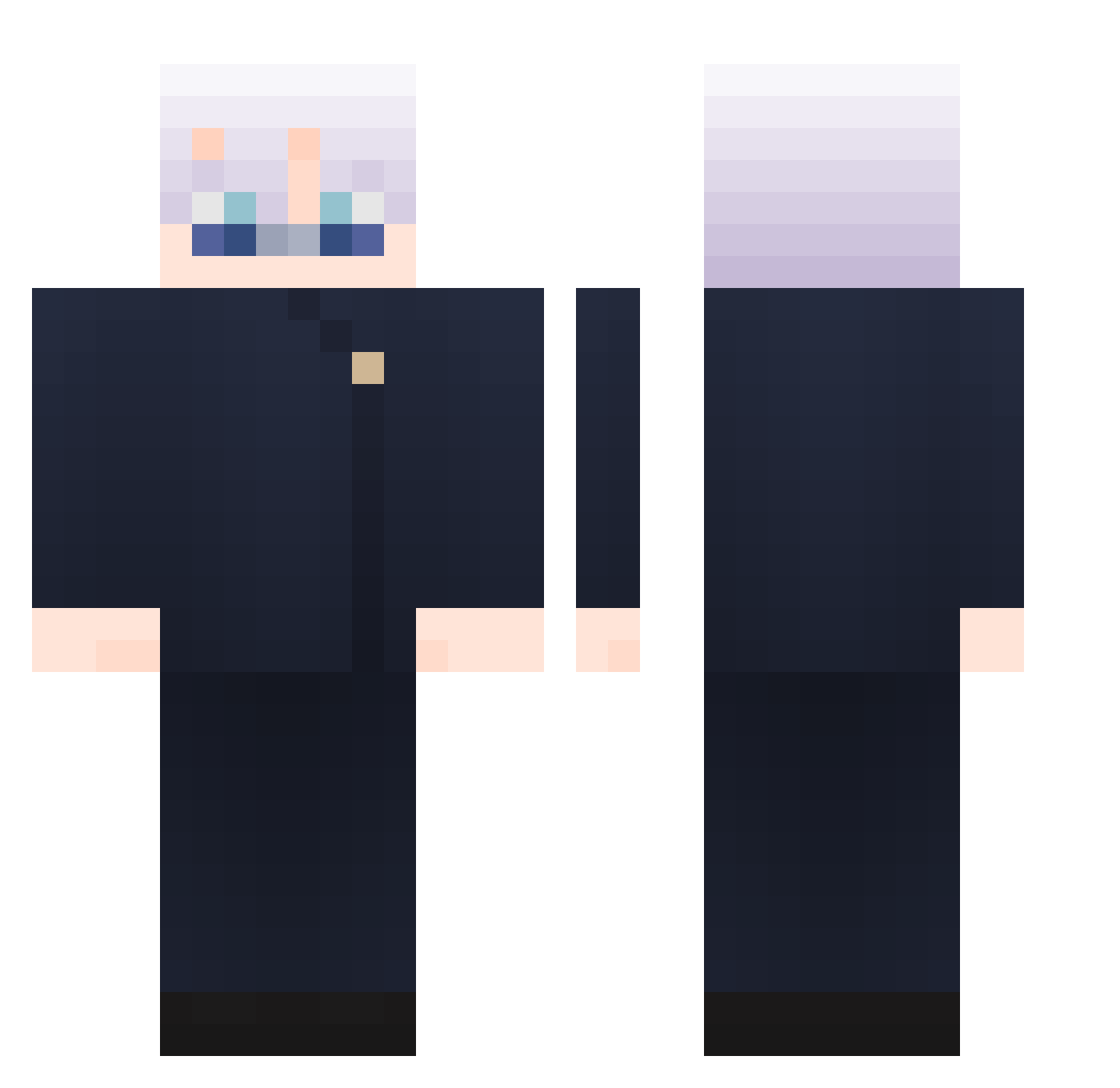
Minecraft skin of Kevinkingbig. Rotate the 3D model with your mouse or finger to view the skin from every angle, then download it as a PNG file and use it in Minecraft: Bedrock Edition or Java Edition for free. Rate the skin with stars to help other players find the best skins in our collection.
How to install the Kevinkingbig skin
- Press the Download button above to save the skin as a PNG file.
- Minecraft: Bedrock Edition (PE): open the Dressing Room from the main menu (or tap your character → Edit Character), go to Classic Skins → Owned, press the + (new skin) button, choose the downloaded PNG and pick the Classic (Steve) model. Works on PC and mobile; consoles cannot import custom skins.
- Minecraft: Java Edition: open the Minecraft Launcher, go to the Skins tab, click New Skin, load the PNG, pick the Classic (Steve) model and press Save & Use. You can also upload it at minecraft.net → Profile → Change Skin.
The skin does not show up after import - what should I do?
Restart Minecraft and open the Dressing Room again - imported skins sometimes appear only after a restart. Also make sure you selected the imported skin and picked the Classic (Steve) model.
Which model should I choose, Classic or Slim?
This skin is designed for the Classic (Steve) model. If you pick the wrong model, the arms of the skin will look stretched or squeezed.
Is this skin free to use?
Yes. Press Download, save the PNG file and use it in Minecraft: Bedrock Edition or Java Edition - no payment or registration needed. The skin also works on multiplayer servers and Realms.
More Satoru Gojo Minecraft skins
See all 1360 Satoru Gojo skins
More skins
Looking for more? Go back to all Minecraft skins and check the top skins of the week, month and all time, or find any player's skin by nickname.