
 JUICE4LIFE No___one AkashiMinogiri strawberryjxm santiygx Hermanito61 Zannaaaaaa Ryan1011125 ImPlamster ItsOnix02 willy930824 Fiujy Ronan4002 kebin0104 plagueburger ElAgu_752 Nervure Germatronix iridescent2925 _Swequ_ L30N1DA5 xCzRevolution_ 69Turtlehead M2009cs 2ute DUAN0617 zenyhasCOVID VirtuosoSun6052 markII_enjoer pugthepig Papasitofisial SmileDogg XisJinping Crixaro Raaraaa Sh4i_ Itzalogano RomeC17 Oasis_10 maxmito5193 Paduawan traxxxxxxxxxxx Patpat1020 nvnpokupuok polimeraz Cinm1124 Hongkongdoll924 CaptainPiq KumaDraconis Idra442 ardactn GojoSat0ru95 notkatzdip VotrexSoul tt0011 Zillato BrianaHoshi SSirShadeStep shinjiikari3 konnn_0006
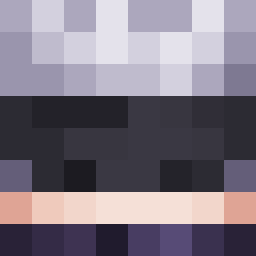
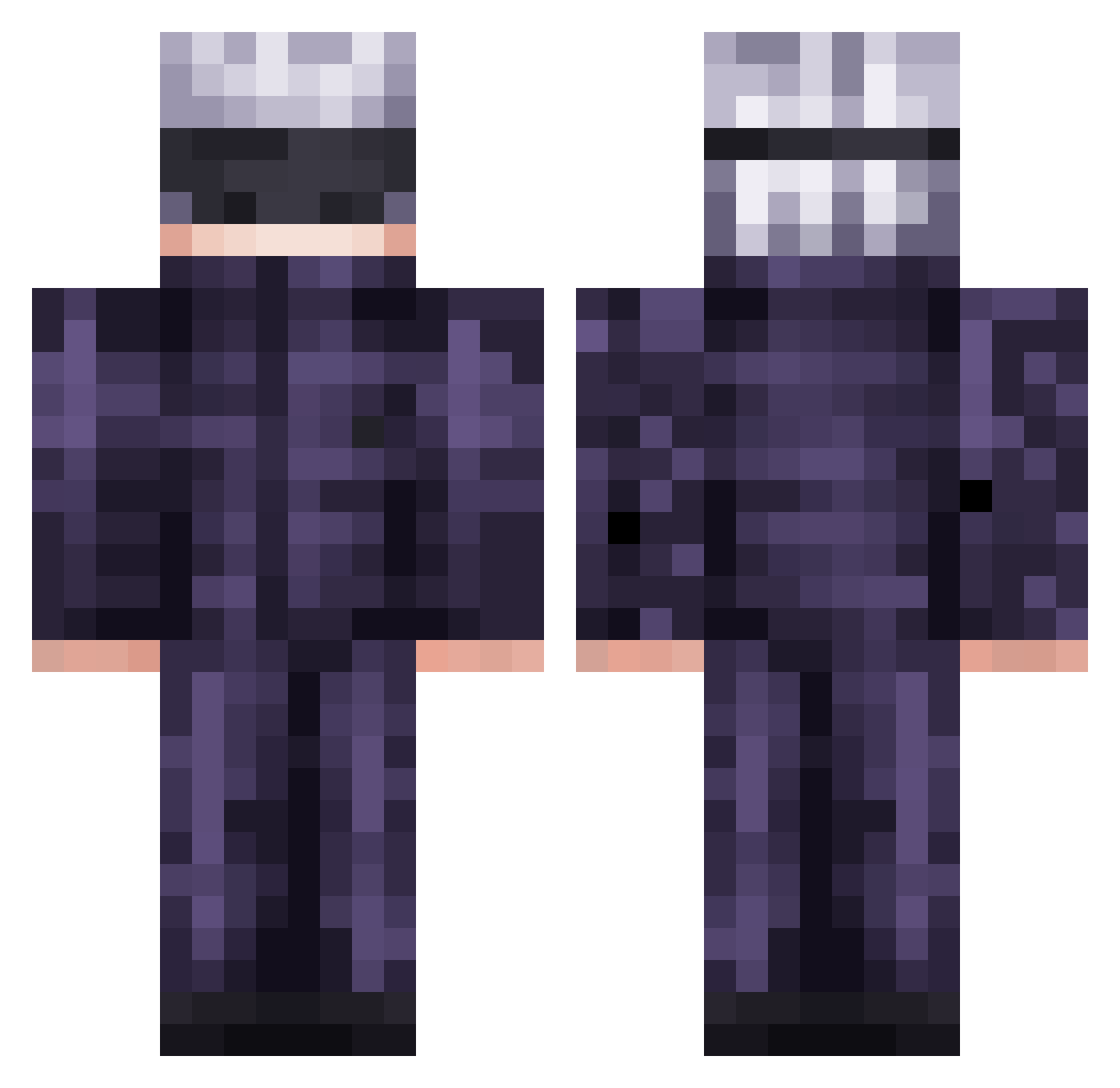
Minecraft skin of FogDog1738. Rotate the 3D model with your mouse or finger to view the skin from every angle, then download it as a PNG file and use it in Minecraft: Bedrock Edition or Java Edition for free. Rate the skin with stars to help other players find the best skins in our collection.
How to install the FogDog1738 skin
- Press the Download button above to save the skin as a PNG file.
- Minecraft: Bedrock Edition (PE): open the Dressing Room from the main menu (or tap your character → Edit Character), go to Classic Skins → Owned, press the + (new skin) button, choose the downloaded PNG and pick the Classic (Steve) model. Works on PC and mobile; consoles cannot import custom skins.
- Minecraft: Java Edition: open the Minecraft Launcher, go to the Skins tab, click New Skin, load the PNG, pick the Classic (Steve) model and press Save & Use. You can also upload it at minecraft.net → Profile → Change Skin.
The skin does not show up after import - what should I do?
Restart Minecraft and open the Dressing Room again - imported skins sometimes appear only after a restart. Also make sure you selected the imported skin and picked the Classic (Steve) model.
Which model should I choose, Classic or Slim?
This skin is designed for the Classic (Steve) model. If you pick the wrong model, the arms of the skin will look stretched or squeezed.
Is this skin free to use?
Yes. Press Download, save the PNG file and use it in Minecraft: Bedrock Edition or Java Edition - no payment or registration needed. The skin also works on multiplayer servers and Realms.
More Satoru Gojo Minecraft skins
See all 1222 Satoru Gojo skins
More skins
Looking for more? Go back to all Minecraft skins and check the top skins of the week, month and all time, or find any player's skin by nickname.