
 JesusCristoR BertoCapo SimplicityOG noegyul PixelZombi99 WaTeR_F charichard123 Zntelio warumgehtnix RandomPlsChill AsierGG Gzus0 BIGBIGBIGJoJo Ste10Mitch HolyHooly SherifDave Spawaciarz Dingomama21 TrashcanTravis Onimati jmnjn_eoiu aljj Damian_3w CinkQ LONDONKONDON _MrSticks_ RemixCulture cloutner Daj1989 imhardrnlol MrDeimus VituHikke PLLLLLLLL AngeTer_01 Cpt1glo qwk1h FloppiPopi Etrvt Kiwiguard JayChouYYDSJJ ErKbSa Frrrr69 FaTalime01 BlackDanma coowee Youngho0505 Imascrub G_eun Tr1nK0 TotoSapone RileyWarrior Mr2Gabriel JcsusChrist AbuQQ LilScubi Jujas01 superjul69 Pan_Tsubati GottAufWolke Bratkartoffel5
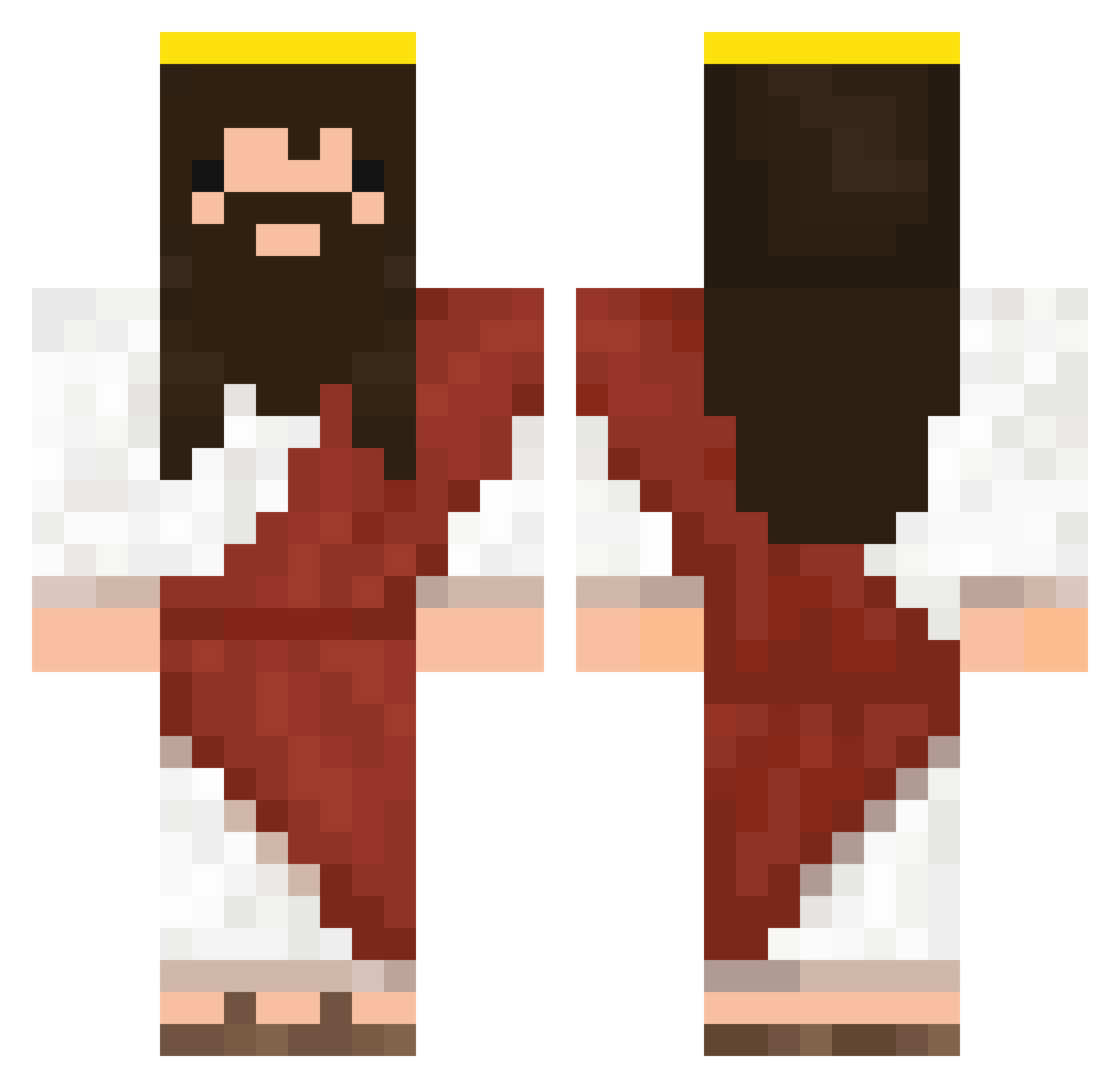
Minecraft skin of MMomos. Rotate the 3D model with your mouse or finger to view the skin from every angle, then download it as a PNG file and use it in Minecraft: Bedrock Edition or Java Edition for free. Rate the skin with stars to help other players find the best skins in our collection.
How to install the MMomos skin
- Press the Download button above to save the skin as a PNG file.
- Minecraft: Bedrock Edition (PE): open the Dressing Room from the main menu (or tap your character → Edit Character), go to Classic Skins → Owned, press the + (new skin) button, choose the downloaded PNG and pick the Classic (Steve) model. Works on PC and mobile; consoles cannot import custom skins.
- Minecraft: Java Edition: open the Minecraft Launcher, go to the Skins tab, click New Skin, load the PNG, pick the Classic (Steve) model and press Save & Use. You can also upload it at minecraft.net → Profile → Change Skin.
The skin does not show up after import - what should I do?
Restart Minecraft and open the Dressing Room again - imported skins sometimes appear only after a restart. Also make sure you selected the imported skin and picked the Classic (Steve) model.
Which model should I choose, Classic or Slim?
This skin is designed for the Classic (Steve) model. If you pick the wrong model, the arms of the skin will look stretched or squeezed.
Is this skin free to use?
Yes. Press Download, save the PNG file and use it in Minecraft: Bedrock Edition or Java Edition - no payment or registration needed. The skin also works on multiplayer servers and Realms.
More Jesus Minecraft skins
More skins
Looking for more? Go back to all Minecraft skins and check the top skins of the week, month and all time, or find any player's skin by nickname.