
 Bai_Fan MoistureMemes 47borowka_ tearfullly nuxtlunary flavius12345 Solariaaa hantzu2 LINGgZero DarkMechanic23 xiaxia0222 kato0018 qaok x_DIVA fenix433 MistRainl vaixcy LuoHen_Sam Y_Ran_ Juezi_ JiuYuuu Naomie112 DoctoR981 pikomi guyupzn meow_meow_55 Abyss1610 goalsama Nekomoon03 N4rumii BabyG657 LiHuaMao_ Yuigarde M_Y135 Paysdorigine WGIken railrail22 caressona nanzhen _Schee_ lianyiiii HK4P6 mukimukizaurusu marisa_katy Now_U_C_Me1003 Akito2233 salanghea Nathan290600 Ahri823 moran5377 melody731 sakuya1125 mexvil uebambolona insy5 kolysik kkolhida _Waguri_ nymph1998 wxihl
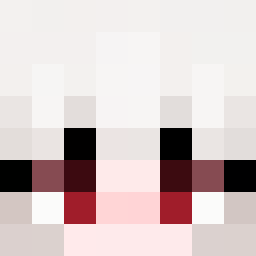
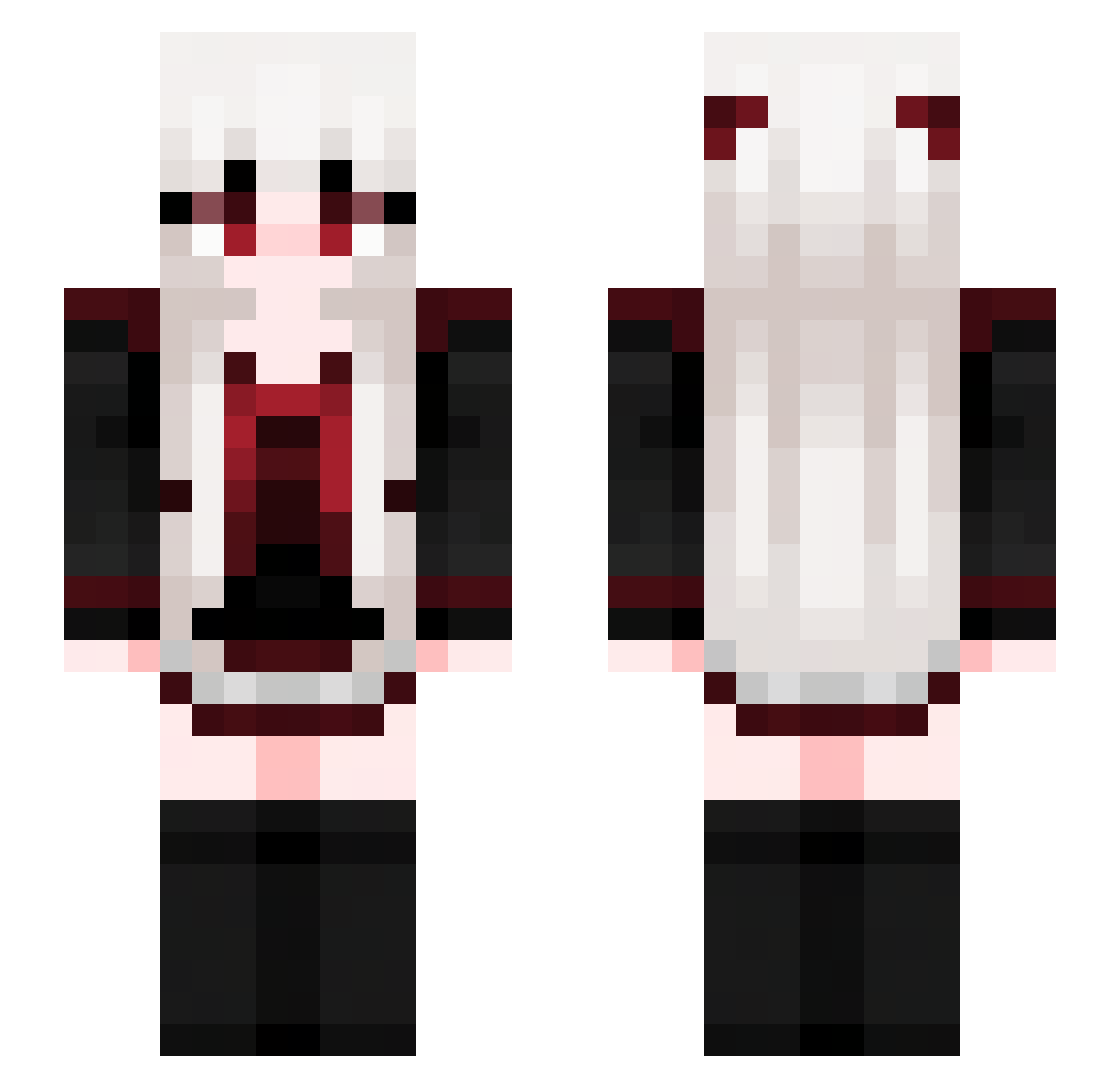
Minecraft skin of HiddenPlayerxD. Rotate the 3D model with your mouse or finger to view the skin from every angle, then download it as a PNG file and use it in Minecraft: Bedrock Edition or Java Edition for free. Rate the skin with stars to help other players find the best skins in our collection.
How to install the HiddenPlayerxD skin
- Press the Download button above to save the skin as a PNG file.
- Minecraft: Bedrock Edition (PE): open the Dressing Room from the main menu (or tap your character → Edit Character), go to Classic Skins → Owned, press the + (new skin) button, choose the downloaded PNG and pick the Slim (Alex) model. Works on PC and mobile; consoles cannot import custom skins.
- Minecraft: Java Edition: open the Minecraft Launcher, go to the Skins tab, click New Skin, load the PNG, pick the Slim (Alex) model and press Save & Use. You can also upload it at minecraft.net → Profile → Change Skin.
The skin does not show up after import - what should I do?
Restart Minecraft and open the Dressing Room again - imported skins sometimes appear only after a restart. Also make sure you selected the imported skin and picked the Slim (Alex) model.
Which model should I choose, Classic or Slim?
This skin is designed for the Slim (Alex) model. If you pick the wrong model, the arms of the skin will look stretched or squeezed.
Is this skin free to use?
Yes. Press Download, save the PNG file and use it in Minecraft: Bedrock Edition or Java Edition - no payment or registration needed. The skin also works on multiplayer servers and Realms.
More Goth Minecraft skins
More skins
Looking for more? Go back to all Minecraft skins and check the top skins of the week, month and all time, or find any player's skin by nickname.