
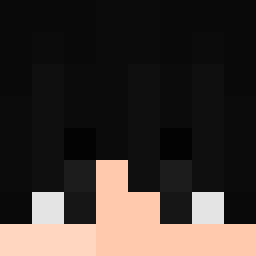
 FurkaNn303 azer3240 kayra678282 EZZ_SENPAI Aconit0 Young69 sumin_1 Scholars samuspt Mohammed_Fouad Blackcatttt Gw_rp daddy__depresso Elkku_pro Red_WIZA TimurlAgaev rlqsjl4 KIINGBOOY MrSpicyy Helix000 KIKIPL_YT Humanification YRboy Dracko_bw MikeTheBallack Aaronhunter LegendenLevin questionmark_1 FolksyWig mvh98 Yohady mu_stard NotAngeloPro Gacuko0_0 anton12375 MrCobrito Junyser DonutDoplex 9MQ GorillaTrip Lady_Knight bigwille24u JudexFanboy Przemek124l AKartoffel_ xgriV Sigmaballspeetu RXsefo mkniby Arthurlorus RULIKUN Perelepo Bajlando55 xstinx KBoogie0606 chenxizhiwoyi aireestenyala NoahSamuel sagiurg wiizDBR
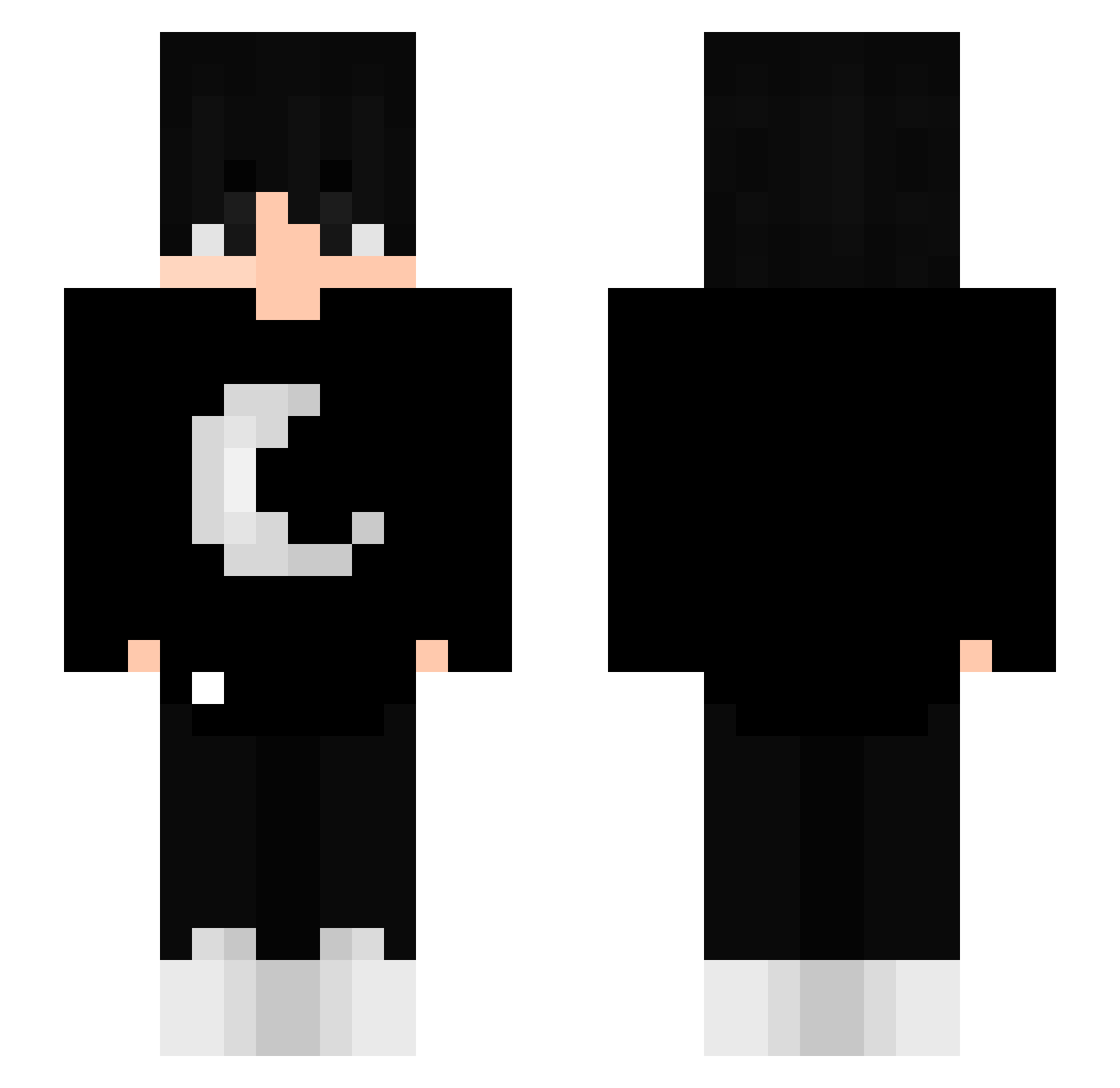
Minecraft skin of wiizDBR. Rotate the 3D model with your mouse or finger to view the skin from every angle, then download it as a PNG file and use it in Minecraft: Bedrock Edition or Java Edition for free. Rate the skin with stars to help other players find the best skins in our collection.
How to install the wiizDBR skin
- Press the Download button above to save the skin as a PNG file.
- Minecraft: Bedrock Edition (PE): open the Dressing Room from the main menu (or tap your character → Edit Character), go to Classic Skins → Owned, press the + (new skin) button, choose the downloaded PNG and pick the Slim (Alex) model. Works on PC and mobile; consoles cannot import custom skins.
- Minecraft: Java Edition: open the Minecraft Launcher, go to the Skins tab, click New Skin, load the PNG, pick the Slim (Alex) model and press Save & Use. You can also upload it at minecraft.net → Profile → Change Skin.
The skin does not show up after import - what should I do?
Restart Minecraft and open the Dressing Room again - imported skins sometimes appear only after a restart. Also make sure you selected the imported skin and picked the Slim (Alex) model.
Which model should I choose, Classic or Slim?
This skin is designed for the Slim (Alex) model. If you pick the wrong model, the arms of the skin will look stretched or squeezed.
Is this skin free to use?
Yes. Press Download, save the PNG file and use it in Minecraft: Bedrock Edition or Java Edition - no payment or registration needed. The skin also works on multiplayer servers and Realms.
More Goth Minecraft skins
More skins
Looking for more? Go back to all Minecraft skins and check the top skins of the week, month and all time, or find any player's skin by nickname.