
 CQ_RTTY HenNight Oscar_Kilo BoxOfParadox Loons01 viridimedusa kaporal86 Wubblerss RxCatDad Coma0 m_spruce I_am_Poptart Hacketau rodicaopfer Hargreeve Lavarooms Saydrick pflynn285 Icefoxes99 chefPabl0 HajwaaN ShayneLussier Hitchy127 PoppaYoshi Lucaseggi Assogardo CovMcNugget Marnf __iTax__ Poggers_Malone Firekid_01 Trevilian yunmingo Vegetoid smpahor Swas1 Xulam cr1ng3y Yobyot Ross_Bob gladiatordude MrJedidiah Snorps Njall 777_pilot Srooney42 Durden1 mala9Dypa Evilrekless SiluxHD MineShark8 wknight007 Darksegion Happpyyy Whitemexican55 Jacksonwerner TarPalantir Yersios1812 Cathornton24 QuestHunter
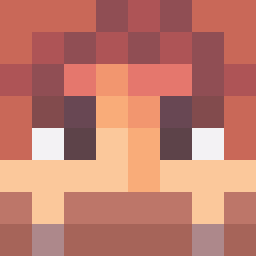
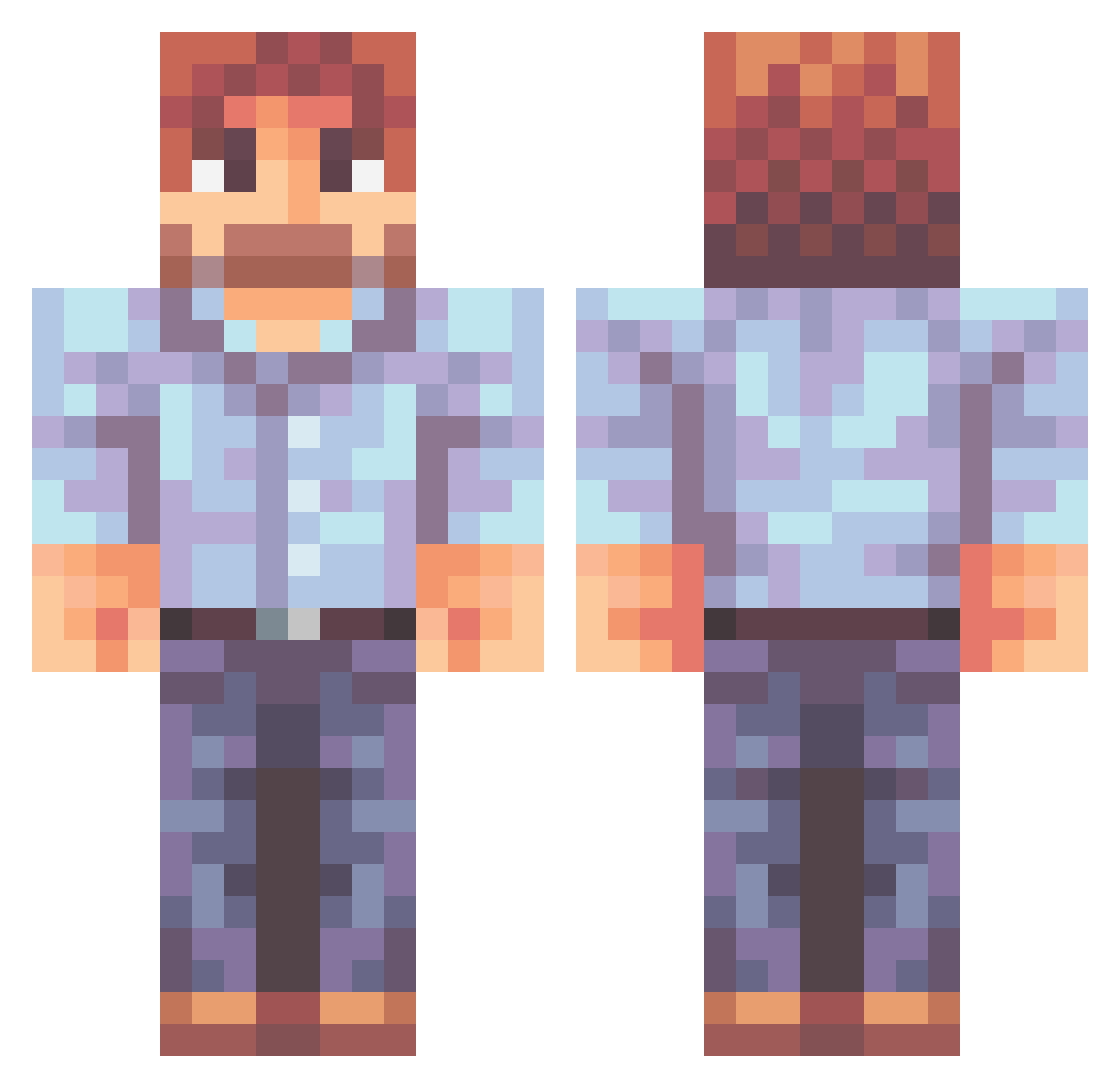
Minecraft skin of TheMinerBlock. Rotate the 3D model with your mouse or finger to view the skin from every angle, then download it as a PNG file and use it in Minecraft: Bedrock Edition or Java Edition for free. Rate the skin with stars to help other players find the best skins in our collection.
How to install the TheMinerBlock skin
- Press the Download button above to save the skin as a PNG file.
- Minecraft: Bedrock Edition (PE): open the Dressing Room from the main menu (or tap your character → Edit Character), go to Classic Skins → Owned, press the + (new skin) button, choose the downloaded PNG and pick the Classic (Steve) model. Works on PC and mobile; consoles cannot import custom skins.
- Minecraft: Java Edition: open the Minecraft Launcher, go to the Skins tab, click New Skin, load the PNG, pick the Classic (Steve) model and press Save & Use. You can also upload it at minecraft.net → Profile → Change Skin.
The skin does not show up after import - what should I do?
Restart Minecraft and open the Dressing Room again - imported skins sometimes appear only after a restart. Also make sure you selected the imported skin and picked the Classic (Steve) model.
Which model should I choose, Classic or Slim?
This skin is designed for the Classic (Steve) model. If you pick the wrong model, the arms of the skin will look stretched or squeezed.
Is this skin free to use?
Yes. Press Download, save the PNG file and use it in Minecraft: Bedrock Edition or Java Edition - no payment or registration needed. The skin also works on multiplayer servers and Realms.
More Beard Minecraft skins
More skins
Looking for more? Go back to all Minecraft skins and check the top skins of the week, month and all time, or find any player's skin by nickname.