
 TeamSAM13 DortHit_zWK2OI2Q YTZeXo1 Maxiou220 HenriqueDurli Bart_play2006 LuigiJR GSV457 Hutt_Kather Karliiee maxxx17 DroppemDead DELETE_AKK_1 Abdelrahman999 Kayko_YTB RobertoBenoit cspixel2 Tatore_008 KuznecYT deskool flatpancake123 MatixxYT XMOVIC GamerYT2212 JoaoFran03 cloudcrazzy32 mitodrop Adham11 yFlashXD bmjclark shu97 DaniPvP7 Spindeel Xcen67 HoRiZoN_Trappore ToEasy310 lollostunt CalinProGaming majd_game_over Felix_Kick jackk2_ DARKIS31 MarcoL1306 Julian2222222 Kekfreund UmutFlame Mod_Leon NIKITASGR10 Gabriel5727 AlePls_ NeffeX3890 Nickar hexicblade65 Kobsta ReadyLi JsAMeee_ Gu317 Burkot_XD chaffylocO Dwolking
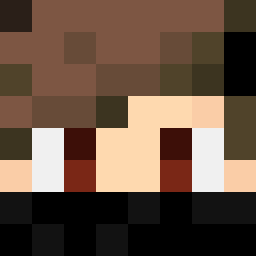
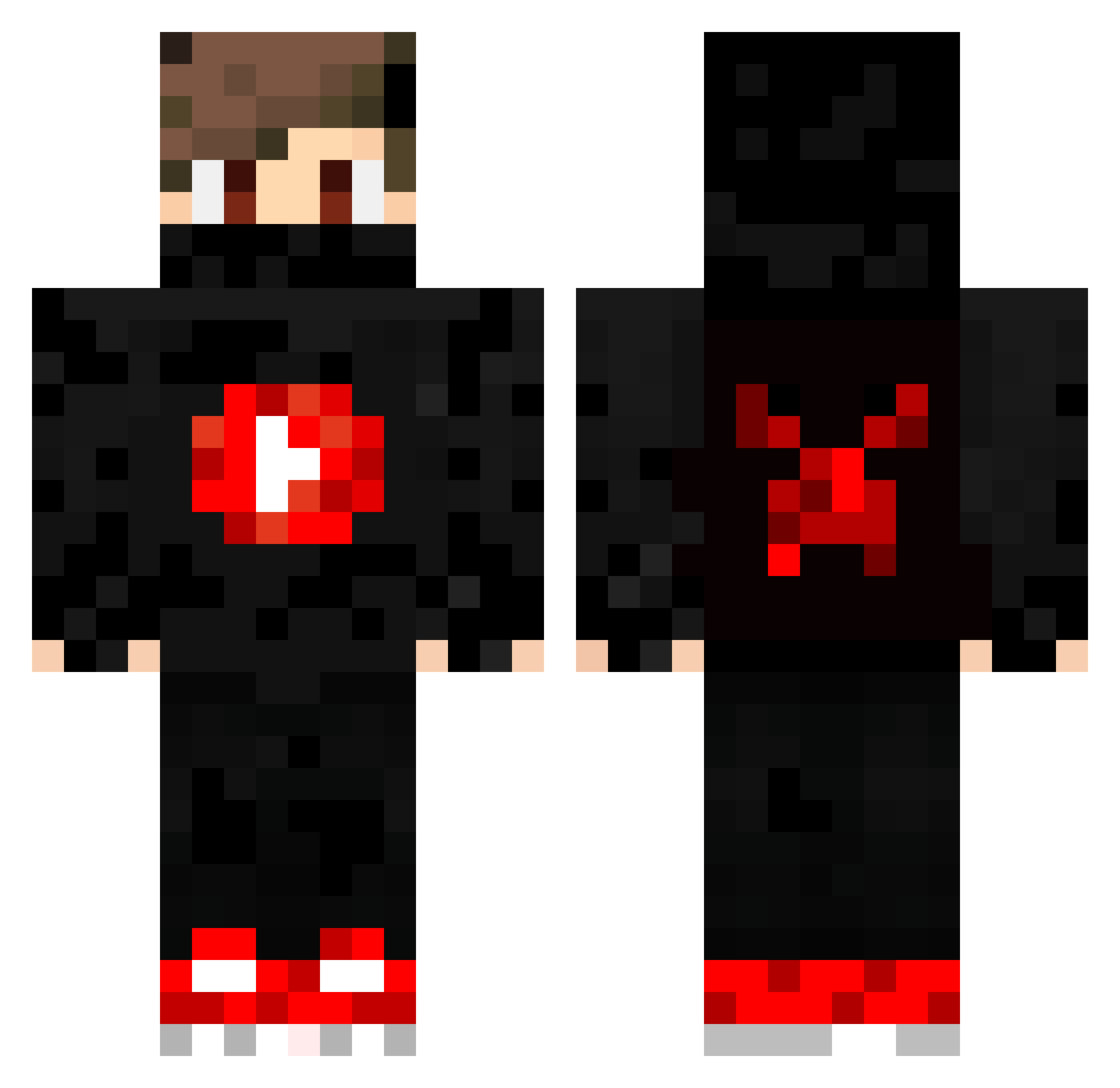
Minecraft skin of SAVIblood. Rotate the 3D model with your mouse or finger to view the skin from every angle, then download it as a PNG file and use it in Minecraft: Bedrock Edition or Java Edition for free. Rate the skin with stars to help other players find the best skins in our collection.
How to install the SAVIblood skin
- Press the Download button above to save the skin as a PNG file.
- Minecraft: Bedrock Edition (PE): open the Dressing Room from the main menu (or tap your character → Edit Character), go to Classic Skins → Owned, press the + (new skin) button, choose the downloaded PNG and pick the Classic (Steve) model. Works on PC and mobile; consoles cannot import custom skins.
- Minecraft: Java Edition: open the Minecraft Launcher, go to the Skins tab, click New Skin, load the PNG, pick the Classic (Steve) model and press Save & Use. You can also upload it at minecraft.net → Profile → Change Skin.
The skin does not show up after import - what should I do?
Restart Minecraft and open the Dressing Room again - imported skins sometimes appear only after a restart. Also make sure you selected the imported skin and picked the Classic (Steve) model.
Which model should I choose, Classic or Slim?
This skin is designed for the Classic (Steve) model. If you pick the wrong model, the arms of the skin will look stretched or squeezed.
Is this skin free to use?
Yes. Press Download, save the PNG file and use it in Minecraft: Bedrock Edition or Java Edition - no payment or registration needed. The skin also works on multiplayer servers and Realms.
More Mask Minecraft skins
More skins
Looking for more? Go back to all Minecraft skins and check the top skins of the week, month and all time, or find any player's skin by nickname.