
 deadshooter666 Xaaaaander Samoukendokai S4nt3ri biccies Tommy918 balakbar ReTaRDooo mildelol1 ITZz_Kiwi Davey_P Grl_1er OPHype360 Izneo Telegenicwharf BERRETA_13 Garry1989 lewisoconnor __Lizzard__ PTTTR90 chucksmuck marktheA markusmatre SUPD4WG AudioMoon N4kk3r partypete107 m3tzX Groguryy BearRight Smokeez lol123456 eQuinoxe09 Mawg ojtatch Kuksool1 MonksAttack Gyurin blakeplummer niko131213 Roucky67 Schaum666 komputernerd MisterL24 alkaabi00 thundermuffin1 BUDGA98 lucmat530 trecool182 EnsamVarg enton987 wink3r YigitBengu Magda0815 Vogelfreii CoemgenS Pez7071 Unhide Nardwacht Dizzysin
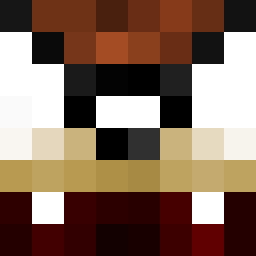
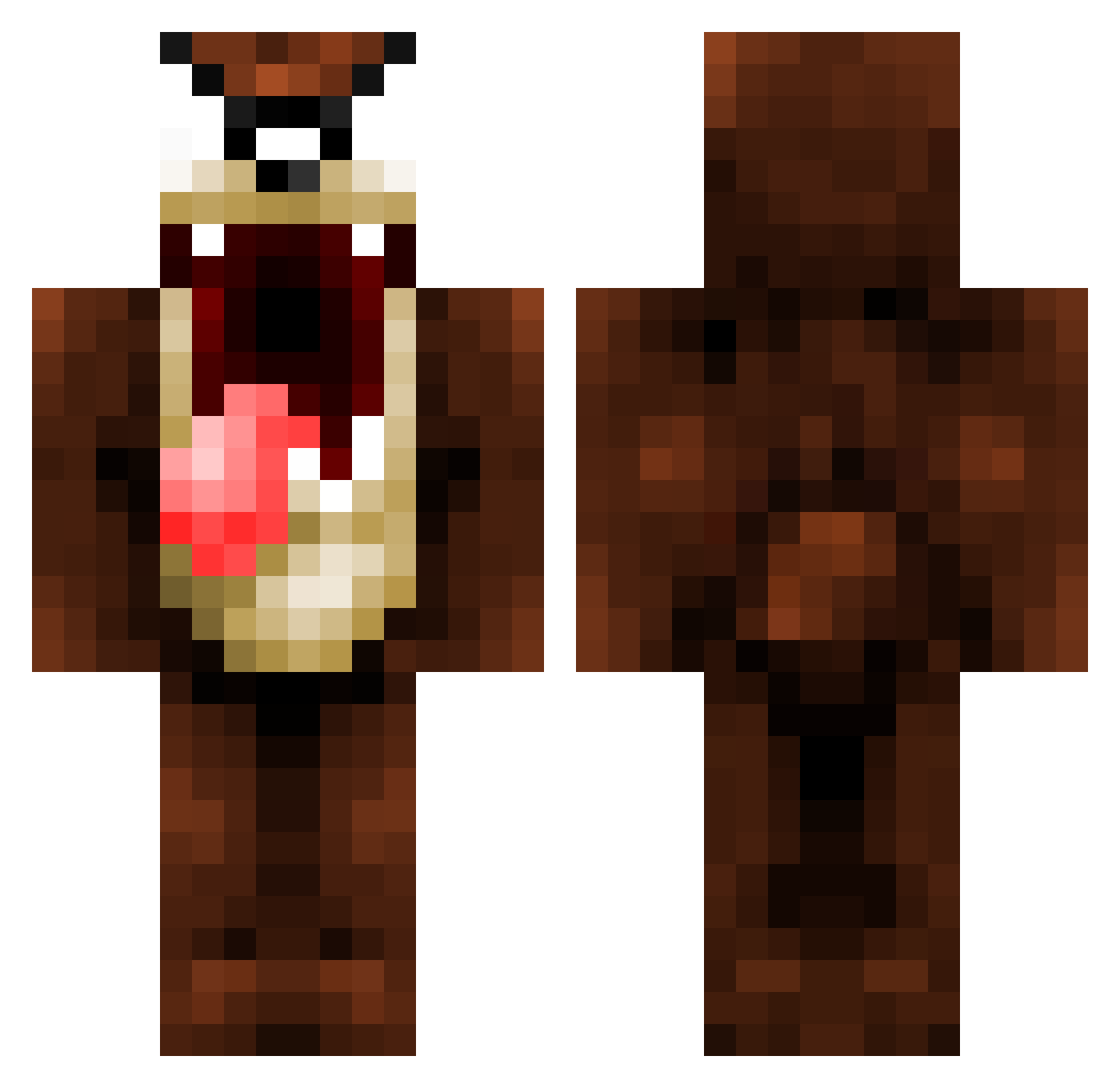
Minecraft skin of BBRUU11. Rotate the 3D model with your mouse or finger to view the skin from every angle, then download it as a PNG file and use it in Minecraft: Bedrock Edition or Java Edition for free. Rate the skin with stars to help other players find the best skins in our collection.
How to install the BBRUU11 skin
- Press the Download button above to save the skin as a PNG file.
- Minecraft: Bedrock Edition (PE): open the Dressing Room from the main menu (or tap your character → Edit Character), go to Classic Skins → Owned, press the + (new skin) button, choose the downloaded PNG and pick the Classic (Steve) model. Works on PC and mobile; consoles cannot import custom skins.
- Minecraft: Java Edition: open the Minecraft Launcher, go to the Skins tab, click New Skin, load the PNG, pick the Classic (Steve) model and press Save & Use. You can also upload it at minecraft.net → Profile → Change Skin.
The skin does not show up after import - what should I do?
Restart Minecraft and open the Dressing Room again - imported skins sometimes appear only after a restart. Also make sure you selected the imported skin and picked the Classic (Steve) model.
Which model should I choose, Classic or Slim?
This skin is designed for the Classic (Steve) model. If you pick the wrong model, the arms of the skin will look stretched or squeezed.
Is this skin free to use?
Yes. Press Download, save the PNG file and use it in Minecraft: Bedrock Edition or Java Edition - no payment or registration needed. The skin also works on multiplayer servers and Realms.
More Taz Minecraft skins
More skins
Looking for more? Go back to all Minecraft skins and check the top skins of the week, month and all time, or find any player's skin by nickname.