
YigitBengu - Minecraft Skins & Skin History
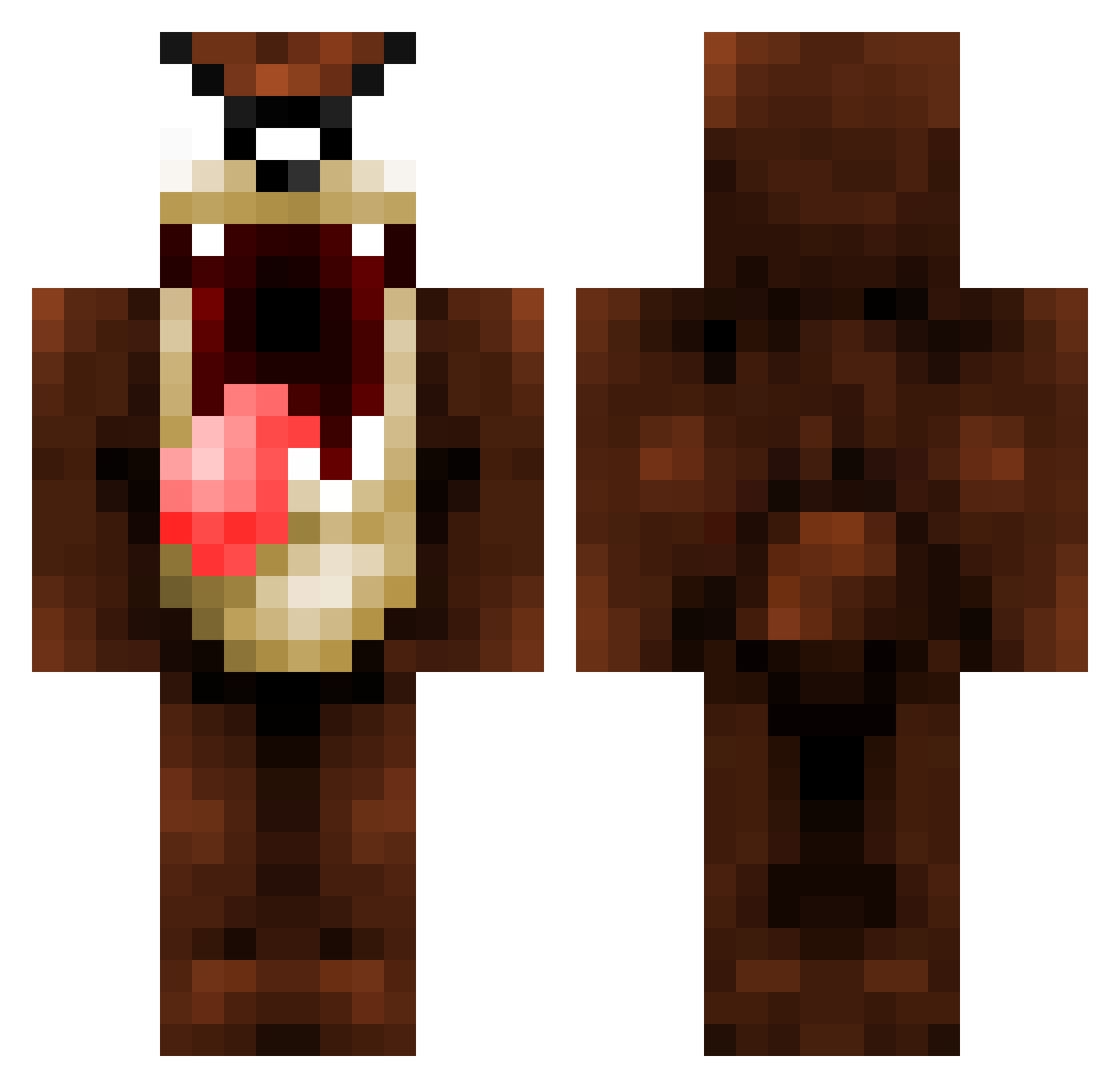
Current Minecraft skin of the player YigitBengu, loaded from the official Mojang API. Rotate the 3D model with your mouse or finger, then download the skin as a PNG file and use it in Minecraft: Bedrock Edition or Java Edition for free. When YigitBengu changes their skin, this page updates automatically and the old skin stays in the history below.
Other players with this skin (1090)
YigitBengu was the 1056th player we have seen with this skin, first spotted on 31.10.2026. The same skin was seen on these players. Open a nickname to see their current skin and skin history.
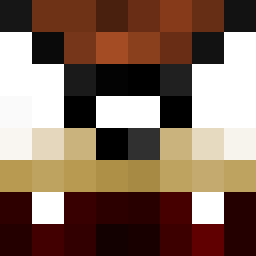 Magda0815 wink3r Vogelfreii CoemgenS trecool182 lucmat530 BUDGA98 Pez7071 thundermuffin1 alkaabi00 Nardwacht Gurthang komputernerd Schaum666 Roucky67 1BadTaz ant_sin JackMC2 blakeplummer Trathnona Secretone NotKarma_ MonksAttack Piamp Kuksool1 ojtatch Mawg Shawarmouta RareKamikaze roantjuh TubbyTobster RVWAG Groguryy m3tzX Cuthuluu partypete107 N4kk3r BrandonH67 AudioMoon SUPD4WG markusmatre Dudes0ns34 chucksmuck topsland7 PTTTR90 Antoinelxb cxa Garry1989 BERRETA_13 Telegenicwharf Dowatnow Vakez OPHype360 HoschiHorst Davey_P Fischhoden JohnRitchie9 mildelol1 ReTaRDooo gibillaro
More Taz Minecraft skins
How to install the YigitBengu skin
- Press the Download button above to save the skin as a PNG file.
- Minecraft: Bedrock Edition (PE): open the Dressing Room from the main menu (or tap your character → Edit Character), go to Classic Skins → Owned, press the + (new skin) button, choose the downloaded PNG and pick the Classic (Steve) model. Works on PC and mobile; consoles cannot import custom skins.
- Minecraft: Java Edition: open the Minecraft Launcher, go to the Skins tab, click New Skin, load the PNG, pick the Classic (Steve) model and press Save & Use. You can also upload it at minecraft.net → Profile → Change Skin.
The skin does not show up after import - what should I do?
Restart Minecraft and open the Dressing Room again - imported skins sometimes appear only after a restart. Also make sure you selected the imported skin and picked the Classic (Steve) model.
Which model should I choose, Classic or Slim?
This skin is designed for the Classic (Steve) model. If you pick the wrong model, the arms of the skin will look stretched or squeezed.
Is the skin of YigitBengu free to download?
Yes. Press Download, save the PNG file and use it in Minecraft: Bedrock Edition or Java Edition - no payment or registration needed. The skin also works on multiplayer servers and Realms.
More skins
Looking for more? Go back to all Minecraft skins and check the top skins of the week, month and all time, or find any player's skin by nickname.