
 Laaaarpch Caffeine_CF Wisdom_12 GreenDean420 mustard179 Kdw6100 Olekbabole_2014 CanUfeelmyworld PremiumXD VersaceXz Varsityy moyaTsuki ylzks0212356 Stepmercurry ItsPopNoCap Arbuz102 WuHuiZ Chickenn_Wingss ImEstouHappy elohtchu Nodeens Adinutu garfieljr My_Master_Kyoouh Zhongji_DE nickk342 Itzjaru_ zhaoyongbo10 akynelik _ronnytwh_ LIorange Cather55_ Minguri Choco_9012 Delta_541 Kenny439 ChenYu_221 kepvo LucKKass Tutorior_ Espnel Saibzin _Seoki FLa005 Turo_V1 Raul8845 Makanouchi MyokaMyo ClammyOcean7305 Farx21 Kirysha_ SkyAzuer azerbolt mamgozaza Kauanzin7 OneTapMonster BlueSky_0215 Shinoko77 MieRenn phuoccho
Minecraft skin of chisucl. Rotate the 3D model with your mouse or finger to view the skin from every angle, then download it as a PNG file and use it in Minecraft: Bedrock Edition or Java Edition for free. Rate the skin with stars to help other players find the best skins in our collection.
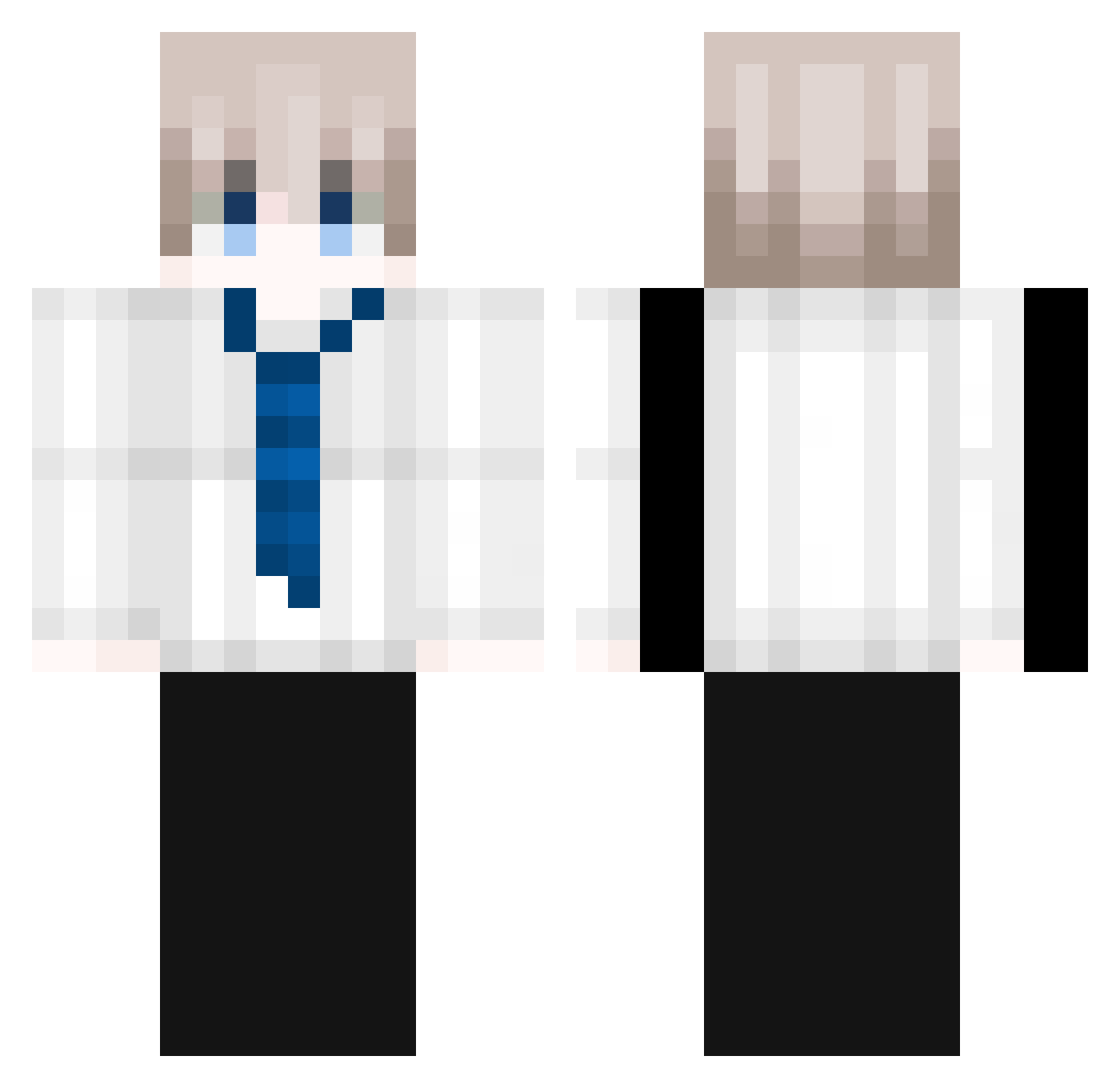
How to install the chisucl skin
- Press the Download button above to save the skin as a PNG file.
- Minecraft: Bedrock Edition (PE): open the Dressing Room from the main menu (or tap your character → Edit Character), go to Classic Skins → Owned, press the + (new skin) button, choose the downloaded PNG and pick the Classic (Steve) model. Works on PC and mobile; consoles cannot import custom skins.
- Minecraft: Java Edition: open the Minecraft Launcher, go to the Skins tab, click New Skin, load the PNG, pick the Classic (Steve) model and press Save & Use. You can also upload it at minecraft.net → Profile → Change Skin.
The skin does not show up after import - what should I do?
Restart Minecraft and open the Dressing Room again - imported skins sometimes appear only after a restart. Also make sure you selected the imported skin and picked the Classic (Steve) model.
Which model should I choose, Classic or Slim?
This skin is designed for the Classic (Steve) model. If you pick the wrong model, the arms of the skin will look stretched or squeezed.
Is this skin free to use?
Yes. Press Download, save the PNG file and use it in Minecraft: Bedrock Edition or Java Edition - no payment or registration needed. The skin also works on multiplayer servers and Realms.
More Businessman Minecraft skins
See all 6326 Businessman skins
More skins
Looking for more? Go back to all Minecraft skins and check the top skins of the week, month and all time, or find any player's skin by nickname.