
zzh2 - Minecraft Skins & Skin History
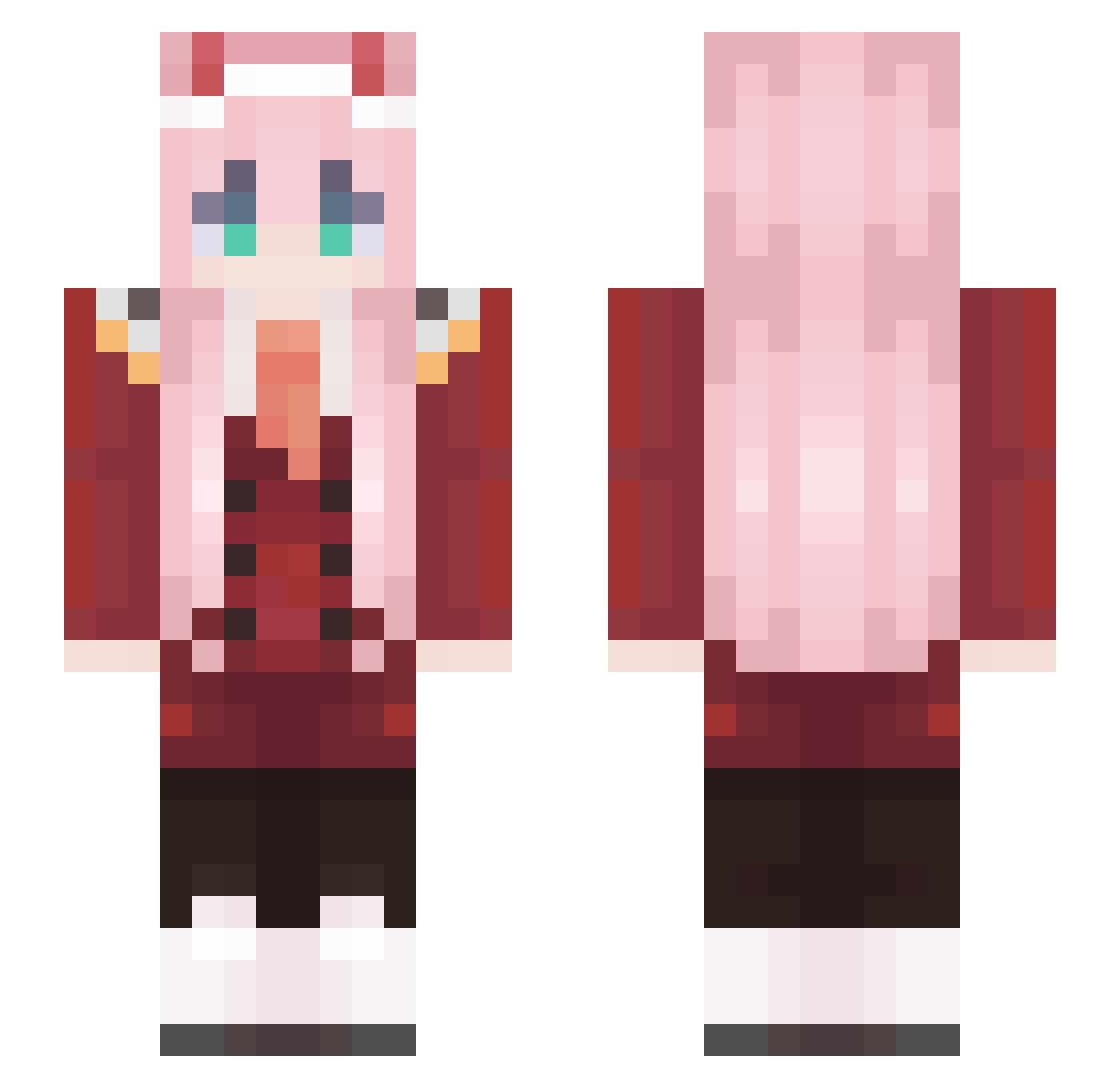
Current Minecraft skin of the player zzh2, loaded from the official Mojang API. Rotate the 3D model with your mouse or finger, then download the skin as a PNG file and use it in Minecraft: Bedrock Edition or Java Edition for free. When zzh2 changes their skin, this page updates automatically and the old skin stays in the history below.
Other players with this skin (574)
zzh2 was the 94th player we have seen with this skin, first spotted on 10.08.2026. The same skin was seen on these players. Open a nickname to see their current skin and skin history.
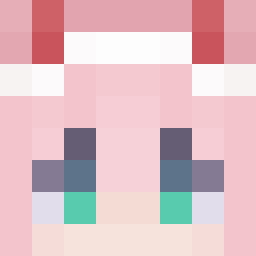 Mogoy Glaudus CryingDipper Prince_Zero_Two SZAJMIXON DaaNitro Haydenator77 ChimmySushi op_af_imo BlaiseBTW angepange Roxy0312 Midnight_Khal xruplaygames Yona_4
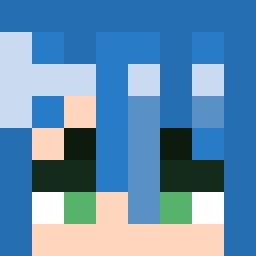 lord_weeb MegumiKato0611 Danireey10 karma6663 QWERFVBGT Braaaay fjrltm happyhate NewEraDayOff ExternalzLux K_Youtuber Synatoxx Gg_FaNtI_gG Oakydokey DracoSz STARZGAZING YWL666 Maveannosaurus renee2030 KaArus spiderkhaw RacletteBIO CringeGirl_147 jiho9128 Tqso_ zer2 Onyychan TheLipe77 kkomulgi Arandomaltacc345 fidopaolo NFRH h94112 lyscrene NoNameDog a_bao0819 Reversal1000 v2moz killer_5202 zzccy Teerush Miallure troll8246 Eron_2008 Legitexe
More Zero Two Minecraft skins
How to install the zzh2 skin
- Press the Download button above to save the skin as a PNG file.
- Minecraft: Bedrock Edition (PE): open the Dressing Room from the main menu (or tap your character → Edit Character), go to Classic Skins → Owned, press the + (new skin) button, choose the downloaded PNG and pick the Slim (Alex) model. Works on PC and mobile; consoles cannot import custom skins.
- Minecraft: Java Edition: open the Minecraft Launcher, go to the Skins tab, click New Skin, load the PNG, pick the Slim (Alex) model and press Save & Use. You can also upload it at minecraft.net → Profile → Change Skin.
The skin does not show up after import - what should I do?
Restart Minecraft and open the Dressing Room again - imported skins sometimes appear only after a restart. Also make sure you selected the imported skin and picked the Slim (Alex) model.
Which model should I choose, Classic or Slim?
This skin is designed for the Slim (Alex) model. If you pick the wrong model, the arms of the skin will look stretched or squeezed.
Is the skin of zzh2 free to download?
Yes. Press Download, save the PNG file and use it in Minecraft: Bedrock Edition or Java Edition - no payment or registration needed. The skin also works on multiplayer servers and Realms.
More skins
Looking for more? Go back to all Minecraft skins and check the top skins of the week, month and all time, or find any player's skin by nickname.