
 ChesmerXD _Natu_Natu_ TalkativeBox hvloltasUwu iluvpierogi DaSnowerty guwnianadupeczka 4sh3n Cotaxb Piaohh sent_zz SerenityKitKat ok00 Kuiavan Zenitz486 KG_kamui shiaige Flyying Lunarisci RUMMMM141 CreamOnPuff twiratinlbs AbsolutTrash MHFM x1ros u_dexg maktii maggiehjw Prata8 EmilyyWang Mef123123 AiNanasakii chiipsy777 yonyon21 yuriatsuki mcw5857 hanada_sr SnippyEevee6 Dark_Darling02 Minecushion Neeko900 Gawrrrr Nicebiy FbRO2812 wwwGray Tianyykk Lingyu544 ASENA17 Kim0chi_ Vreith0 Aetitia hcxixi Noevia semetensaelano _Montyy Tusk4ro Ruka1114 Aacker_ Armyghost32 blackshine_
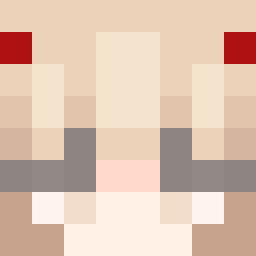
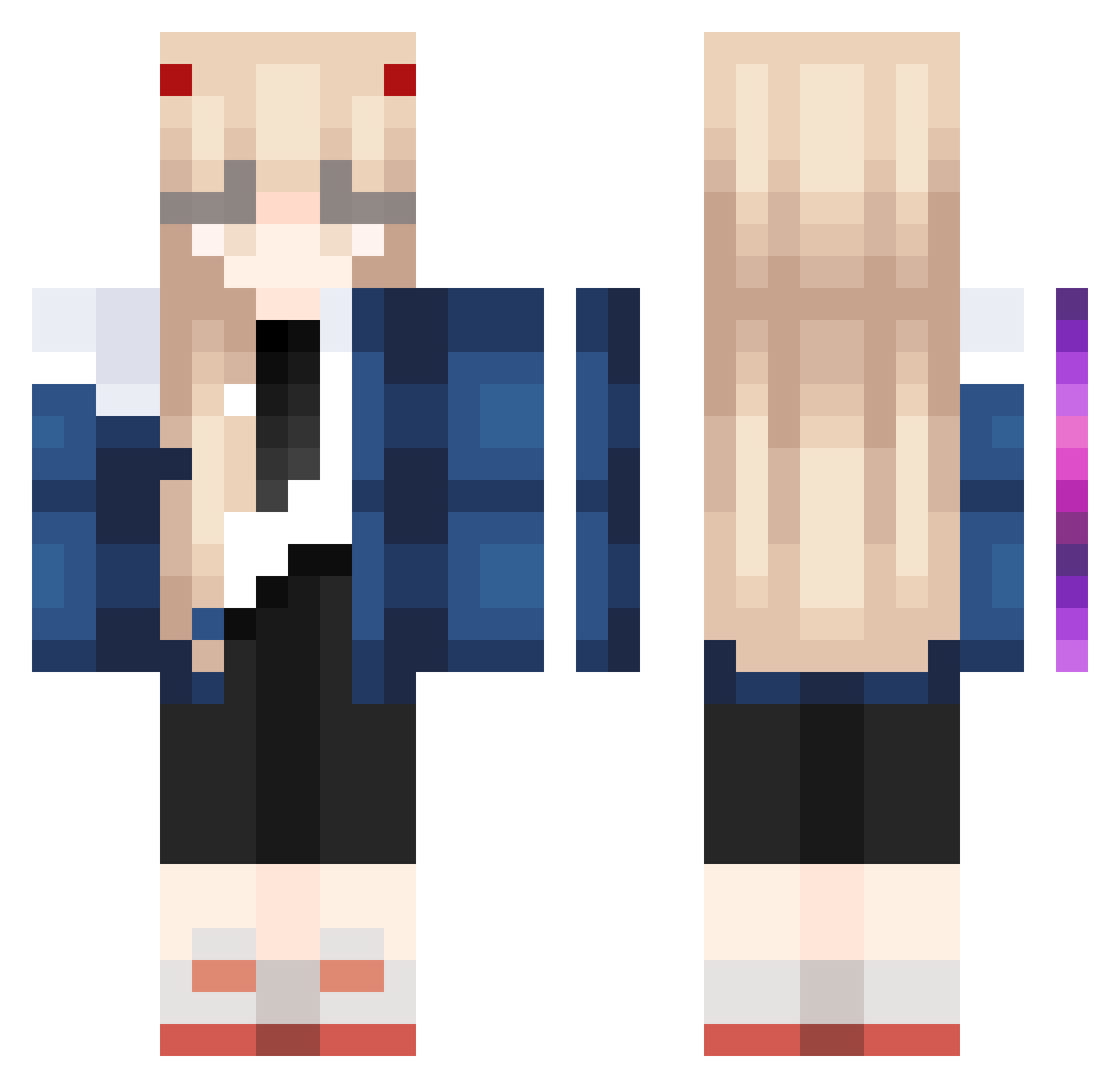
Minecraft skin of MqmbaTimid0. Rotate the 3D model with your mouse or finger to view the skin from every angle, then download it as a PNG file and use it in Minecraft: Bedrock Edition or Java Edition for free. Rate the skin with stars to help other players find the best skins in our collection.
How to install the MqmbaTimid0 skin
- Press the Download button above to save the skin as a PNG file.
- Minecraft: Bedrock Edition (PE): open the Dressing Room from the main menu (or tap your character → Edit Character), go to Classic Skins → Owned, press the + (new skin) button, choose the downloaded PNG and pick the Classic (Steve) model. Works on PC and mobile; consoles cannot import custom skins.
- Minecraft: Java Edition: open the Minecraft Launcher, go to the Skins tab, click New Skin, load the PNG, pick the Classic (Steve) model and press Save & Use. You can also upload it at minecraft.net → Profile → Change Skin.
The skin does not show up after import - what should I do?
Restart Minecraft and open the Dressing Room again - imported skins sometimes appear only after a restart. Also make sure you selected the imported skin and picked the Classic (Steve) model.
Which model should I choose, Classic or Slim?
This skin is designed for the Classic (Steve) model. If you pick the wrong model, the arms of the skin will look stretched or squeezed.
Is this skin free to use?
Yes. Press Download, save the PNG file and use it in Minecraft: Bedrock Edition or Java Edition - no payment or registration needed. The skin also works on multiplayer servers and Realms.
More Zero Two Minecraft skins
More skins
Looking for more? Go back to all Minecraft skins and check the top skins of the week, month and all time, or find any player's skin by nickname.