
 Smokeosito27 zera_ty_02 Dudu0226 Neekotyna MurphonArk iMPxDagiBeee Vergitz 4203118769420 SweeZYdropS GoRedYTB muscular2 Baggy2312 Dass_10 lilfacher0 Yuhong17 Camilito1805 LIFU0522 ItsBigManBiff Philslair BaddieNaratuz kingtune AaR0z_ja1 Mauveviper milkku1 640925 _ZeroTwo_ Sylveann Tails030 ABRACADABRA131 adriskillz _Maka_BaKa_ SheLovesDrawing boogiemom01 Joonie32 yjgc Afrodity BananaCupboard xXSamSongXx yurikage leaaaaaaa_p Doraji_ VDubb EnzyJP mertwq EplphAny ZeroMX25 Era7Blaze HarLite Momoo_ mariegffry Sontomdy CongYu0817 AGAMI2792 Darkin3582 Shana99 YUKIN0_ Gold3n3 SH1ne0602 Nazuna_na Torawesome
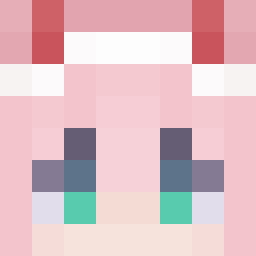
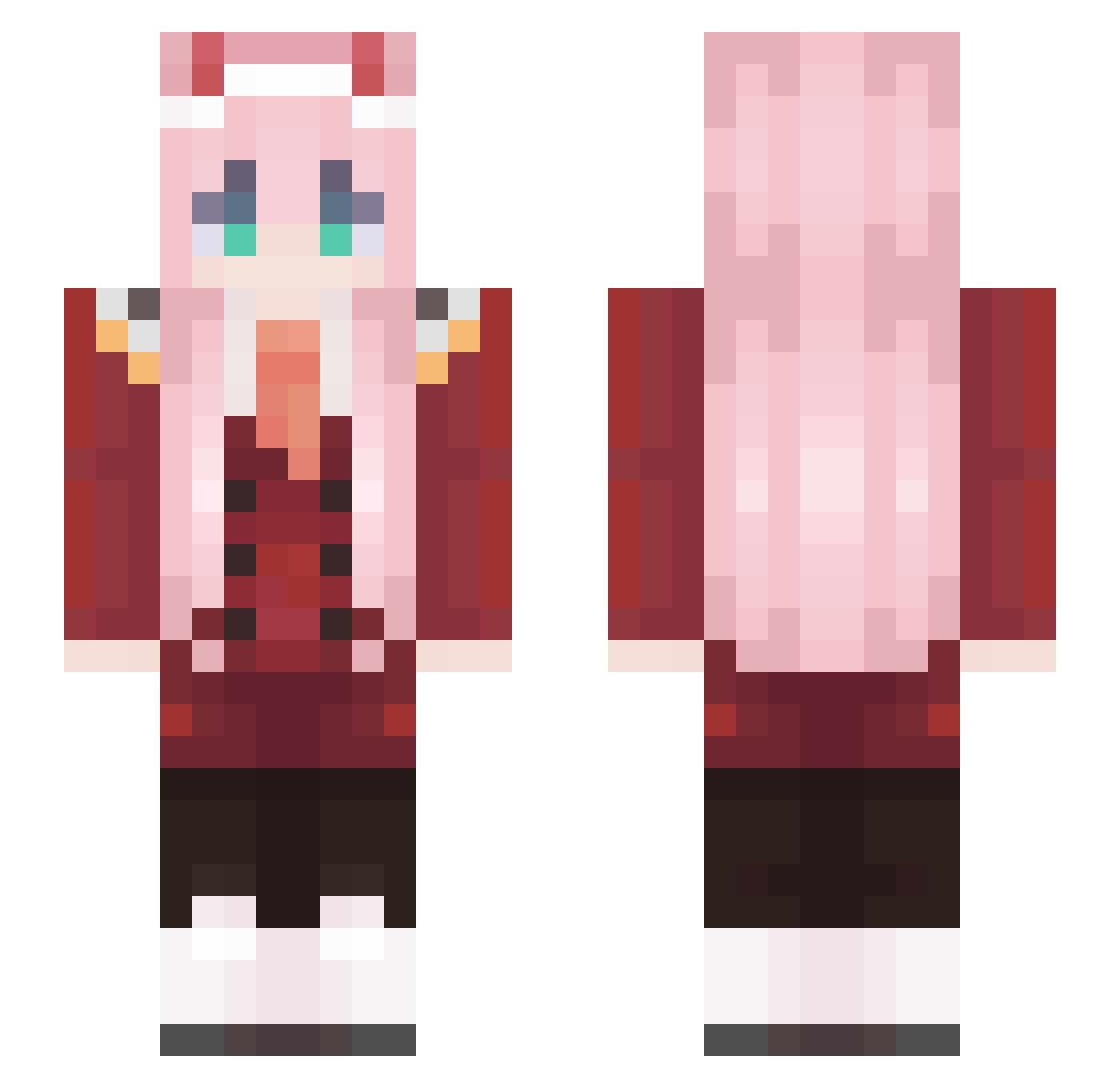
Minecraft skin of GAAAART. Rotate the 3D model with your mouse or finger to view the skin from every angle, then download it as a PNG file and use it in Minecraft: Bedrock Edition or Java Edition for free. Rate the skin with stars to help other players find the best skins in our collection.
How to install the GAAAART skin
- Press the Download button above to save the skin as a PNG file.
- Minecraft: Bedrock Edition (PE): open the Dressing Room from the main menu (or tap your character → Edit Character), go to Classic Skins → Owned, press the + (new skin) button, choose the downloaded PNG and pick the Slim (Alex) model. Works on PC and mobile; consoles cannot import custom skins.
- Minecraft: Java Edition: open the Minecraft Launcher, go to the Skins tab, click New Skin, load the PNG, pick the Slim (Alex) model and press Save & Use. You can also upload it at minecraft.net → Profile → Change Skin.
The skin does not show up after import - what should I do?
Restart Minecraft and open the Dressing Room again - imported skins sometimes appear only after a restart. Also make sure you selected the imported skin and picked the Slim (Alex) model.
Which model should I choose, Classic or Slim?
This skin is designed for the Slim (Alex) model. If you pick the wrong model, the arms of the skin will look stretched or squeezed.
Is this skin free to use?
Yes. Press Download, save the PNG file and use it in Minecraft: Bedrock Edition or Java Edition - no payment or registration needed. The skin also works on multiplayer servers and Realms.
More Zero Two Minecraft skins
More skins
Looking for more? Go back to all Minecraft skins and check the top skins of the week, month and all time, or find any player's skin by nickname.