
yuu2023 - Minecraft Skins & Skin History
Current Minecraft skin of the player yuu2023, loaded from the official Mojang API. Rotate the 3D model with your mouse or finger, then download the skin as a PNG file and use it in Minecraft: Bedrock Edition or Java Edition for free. When yuu2023 changes their skin, this page updates automatically and the old skin stays in the history below.
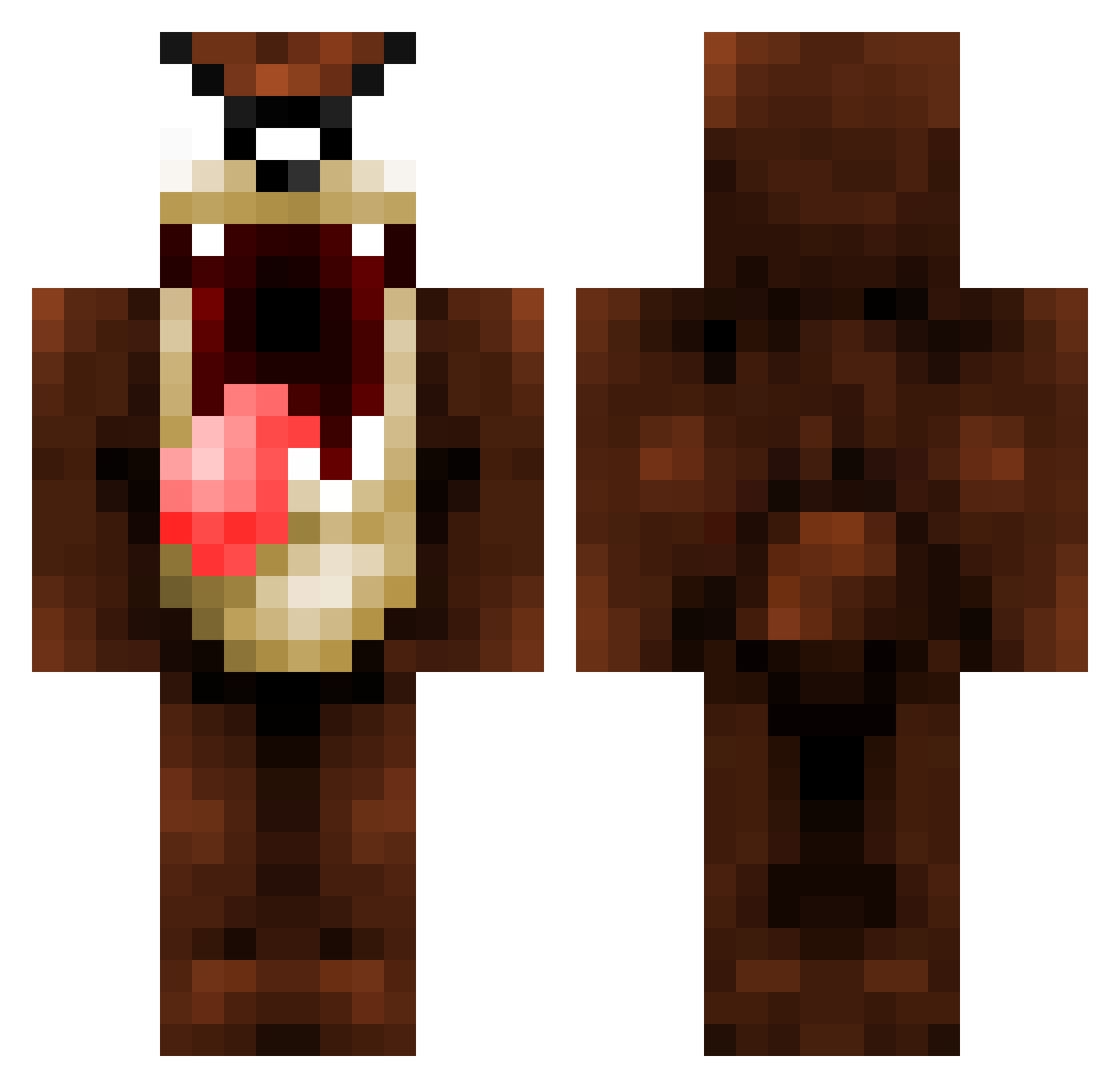
Other players with this skin (1094)
yuu2023 was the 884th player we have seen with this skin, first spotted on 18.10.2026. The same skin was seen on these players. Open a nickname to see their current skin and skin history.
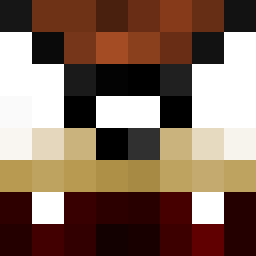 ShiShiTho sailgodwars TazIsRad Novo25 tupley SHREDDER000 TotalChaos2000 07skilne MenaceClone andry69 RicardSC Vahalmeth Robskow KRIMINALKurtis Satelit TaZ28 Da_Butterfly Capelo_Vici pepperbacon15 Endereyes10 MacTwist4545 Domatore _locht_ georgehill10 hennhenn88 Benj1 bestpr TigerRiceCooker lemonadejacuzzi LargeF4ther Xereas91 SupremeEx KnawzeR mrpickles1234 Skwikure thuglifeross SideScar Skidog01 Shocker1993 bentomoxz zealand_13 Wasowsk1 FUBAR_Beano Jacoby86 Numsekarlen emilras Maxime_ktzm ggooggee Mandante stanneman2001 Max_Tsai Seop_Seop zlatan777 PoWxWarrior tylt59 Stanczyk_157 my_Zatza OhDeez F4rCry distracter98
More Taz Minecraft skins
How to install the yuu2023 skin
- Press the Download button above to save the skin as a PNG file.
- Minecraft: Bedrock Edition (PE): open the Dressing Room from the main menu (or tap your character → Edit Character), go to Classic Skins → Owned, press the + (new skin) button, choose the downloaded PNG and pick the Classic (Steve) model. Works on PC and mobile; consoles cannot import custom skins.
- Minecraft: Java Edition: open the Minecraft Launcher, go to the Skins tab, click New Skin, load the PNG, pick the Classic (Steve) model and press Save & Use. You can also upload it at minecraft.net → Profile → Change Skin.
The skin does not show up after import - what should I do?
Restart Minecraft and open the Dressing Room again - imported skins sometimes appear only after a restart. Also make sure you selected the imported skin and picked the Classic (Steve) model.
Which model should I choose, Classic or Slim?
This skin is designed for the Classic (Steve) model. If you pick the wrong model, the arms of the skin will look stretched or squeezed.
Is the skin of yuu2023 free to download?
Yes. Press Download, save the PNG file and use it in Minecraft: Bedrock Edition or Java Edition - no payment or registration needed. The skin also works on multiplayer servers and Realms.
More skins
Looking for more? Go back to all Minecraft skins and check the top skins of the week, month and all time, or find any player's skin by nickname.