
xiaolu77 - Minecraft Skins & Skin History
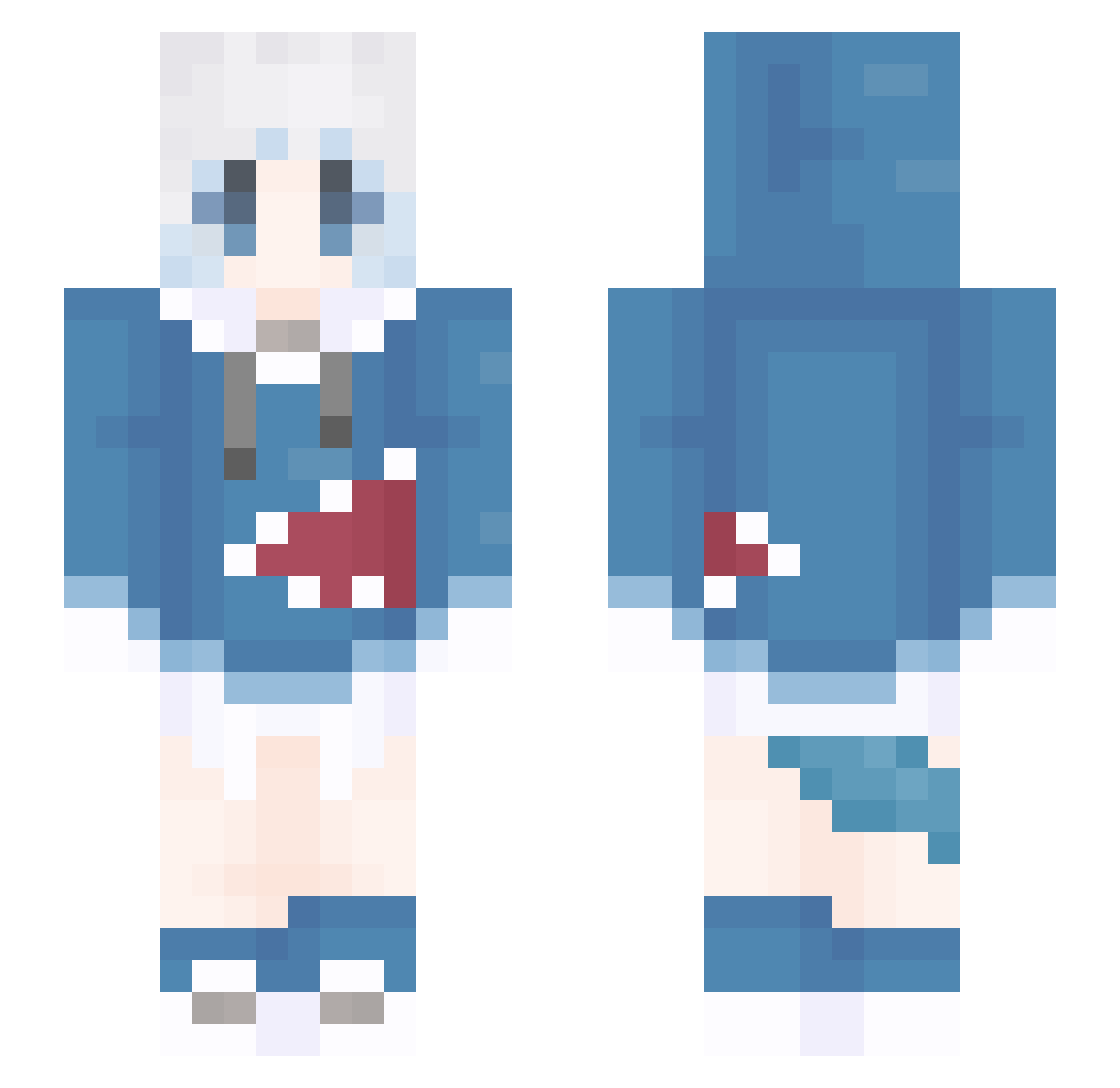
Current Minecraft skin of the player xiaolu77, loaded from the official Mojang API. Rotate the 3D model with your mouse or finger, then download the skin as a PNG file and use it in Minecraft: Bedrock Edition or Java Edition for free. When xiaolu77 changes their skin, this page updates automatically and the old skin stays in the history below.
Other players with this skin (1309)
xiaolu77 was the 52nd player we have seen with this skin, first spotted on 27.07.2026. The same skin was seen on these players. Open a nickname to see their current skin and skin history.
 KimTaeYeon221
 epic114 lineke luyi233 caihong87 Ani8Pro SmudieDx Nnnnneko kKS163 JusticeXGX jongku MrJohn5978 Luciamiko Acceleratorgxy YYYyun_ Milpera HA0A Lanoxse GaryMao76 yanyi666 hinai2 YiAuqoN SY12UP anlan222 JaydenLuo Junlangya SeanWu126 yoyurt TinaSprout shark_kkk1 S091903 angelo030910 ye_feng416 jianxin233 qkdrn1217 1Prickle1 WTFGGWP I_kaem_ bieciwo WQLing sdn881207 liang08 knight4521 MF7120X GuoKi Alexo714 jhw486 leimingaidalanqi CrossMF39 zhu313 ALTNUMBER Y_Block YXXYXX147147 Mengxzs7 ningmeng556 syk114514 Lizhikang1 Fate1107 Xiao_Lvdo anlin122
More Gawr Gura Minecraft skins
How to install the xiaolu77 skin
- Press the Download button above to save the skin as a PNG file.
- Minecraft: Bedrock Edition (PE): open the Dressing Room from the main menu (or tap your character → Edit Character), go to Classic Skins → Owned, press the + (new skin) button, choose the downloaded PNG and pick the Slim (Alex) model. Works on PC and mobile; consoles cannot import custom skins.
- Minecraft: Java Edition: open the Minecraft Launcher, go to the Skins tab, click New Skin, load the PNG, pick the Slim (Alex) model and press Save & Use. You can also upload it at minecraft.net → Profile → Change Skin.
The skin does not show up after import - what should I do?
Restart Minecraft and open the Dressing Room again - imported skins sometimes appear only after a restart. Also make sure you selected the imported skin and picked the Slim (Alex) model.
Which model should I choose, Classic or Slim?
This skin is designed for the Slim (Alex) model. If you pick the wrong model, the arms of the skin will look stretched or squeezed.
Is the skin of xiaolu77 free to download?
Yes. Press Download, save the PNG file and use it in Minecraft: Bedrock Edition or Java Edition - no payment or registration needed. The skin also works on multiplayer servers and Realms.
More skins
Looking for more? Go back to all Minecraft skins and check the top skins of the week, month and all time, or find any player's skin by nickname.