
 XOBSD _Hoyi_ Manta9048 MuddyTacoLove Teromanju Shark0502 wildsheep MACABACALCS BreadManLOL Jamesb94 CinnamonHart Pikachuman1234 haaallz ChuanKoo DawdeZack Not_Longson0707 CharlesHosklnson GauGurra Gaby901123 zero_nasud yuriboygames3 Nadyy xiaohao717 CMY0807 Wathelaw Nya0514 moeslasher _CHHY_ quswogur1003 juicyjuicyju1cy MCTK_Souta GhostXiang Athena_TC Ixilities Amadeus416 AOSO7867 pz_iv_H WING1113 jabryan FeeZack WakanaMan K1mch1_uwu suiseidotexe CasuallyDeep YOUNA0011 Garou0 Zuxa Akagi22 zRazer_OF RagnarokSquall AquKIIN Holo_DD_GawrGura corooon jacksm01314 TORU10969 46sa RoosterGM TanDae Appety FreedomOxO
Minecraft skin of BeesWasTaken. Rotate the 3D model with your mouse or finger to view the skin from every angle, then download it as a PNG file and use it in Minecraft: Bedrock Edition or Java Edition for free. Rate the skin with stars to help other players find the best skins in our collection.
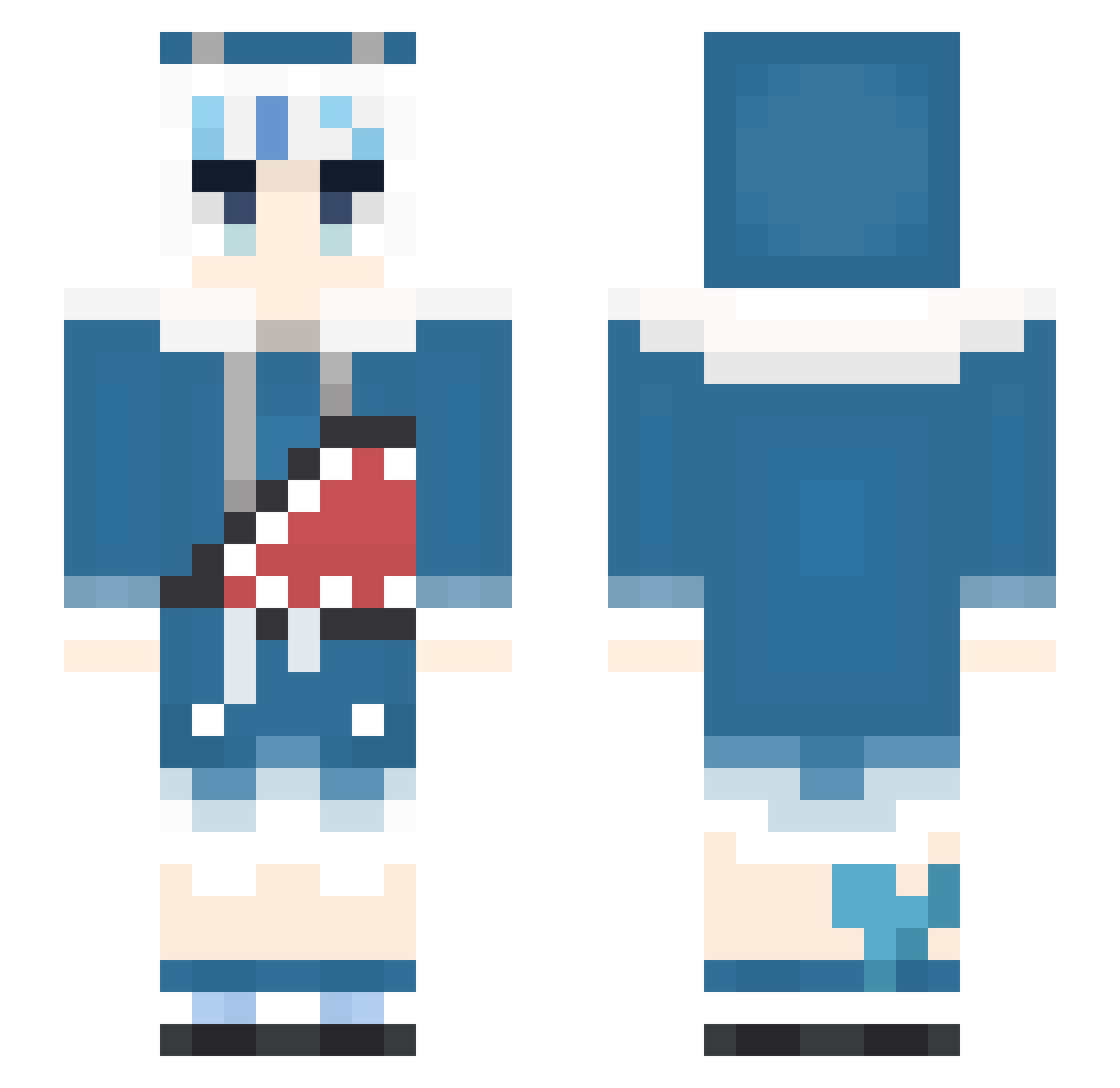
How to install the BeesWasTaken skin
- Press the Download button above to save the skin as a PNG file.
- Minecraft: Bedrock Edition (PE): open the Dressing Room from the main menu (or tap your character → Edit Character), go to Classic Skins → Owned, press the + (new skin) button, choose the downloaded PNG and pick the Slim (Alex) model. Works on PC and mobile; consoles cannot import custom skins.
- Minecraft: Java Edition: open the Minecraft Launcher, go to the Skins tab, click New Skin, load the PNG, pick the Slim (Alex) model and press Save & Use. You can also upload it at minecraft.net → Profile → Change Skin.
The skin does not show up after import - what should I do?
Restart Minecraft and open the Dressing Room again - imported skins sometimes appear only after a restart. Also make sure you selected the imported skin and picked the Slim (Alex) model.
Which model should I choose, Classic or Slim?
This skin is designed for the Slim (Alex) model. If you pick the wrong model, the arms of the skin will look stretched or squeezed.
Is this skin free to use?
Yes. Press Download, save the PNG file and use it in Minecraft: Bedrock Edition or Java Edition - no payment or registration needed. The skin also works on multiplayer servers and Realms.
More Gawr Gura Minecraft skins
More skins
Looking for more? Go back to all Minecraft skins and check the top skins of the week, month and all time, or find any player's skin by nickname.