
 mo749520 DaliLin evvvvvvan MC__YZ pan1762 Jiangjiangyi naichajiejie0429 Amedalene xiaoze_ovo_ dancyglobe DRIZZLEANDCLEARD zixuan123 Bohonga reveiller_ manmantom xiao_zhi_G huahuaya1 baekboss luoxifei Luowenchao Stars61 Yanami7 Cho_Tank YYDAW Ao_tuo OTsukiO yh12345 hrchlin seed6512 rose1030 jod20 willowcooa chujian1314 Treant22_ Staunch_28 weishen55 VerenitEEE yurinotear lm159 Moocoa RockyVon0222 Sirens9954 Elysian_Balloon4 shabo1 LynnNoRin donking696 xiaoyi_aaa unmutechatfatty dielianhua123 Niha303 Nebula1314 Harin32 AyoNyo 540540 A1hjm Happys_0 Elysia_20 Pownyaa rainbowsea02 ysylkyd
Minecraft skin of DanChauFan. Rotate the 3D model with your mouse or finger to view the skin from every angle, then download it as a PNG file and use it in Minecraft: Bedrock Edition or Java Edition for free. Rate the skin with stars to help other players find the best skins in our collection.
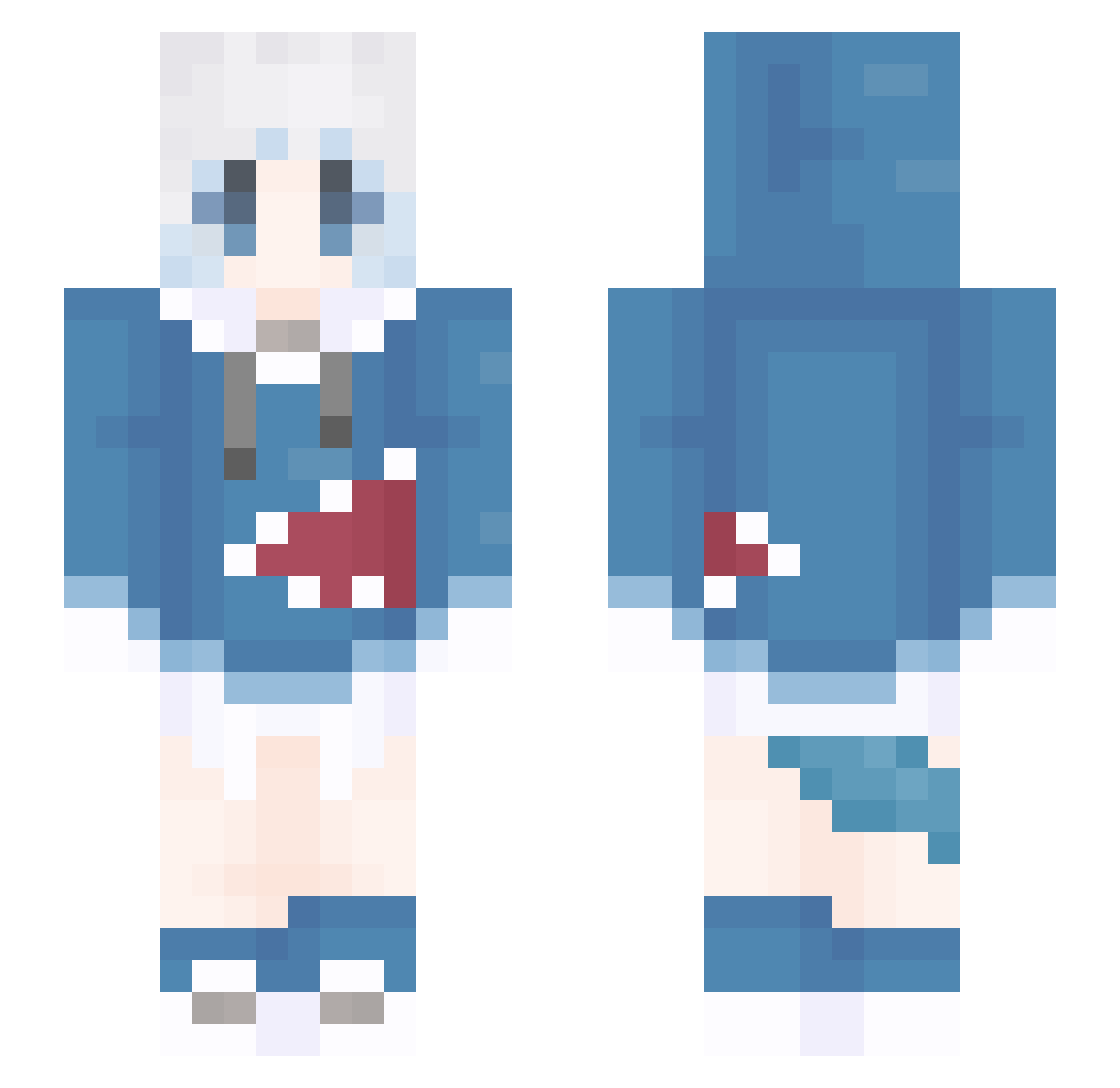
How to install the DanChauFan skin
- Press the Download button above to save the skin as a PNG file.
- Minecraft: Bedrock Edition (PE): open the Dressing Room from the main menu (or tap your character → Edit Character), go to Classic Skins → Owned, press the + (new skin) button, choose the downloaded PNG and pick the Slim (Alex) model. Works on PC and mobile; consoles cannot import custom skins.
- Minecraft: Java Edition: open the Minecraft Launcher, go to the Skins tab, click New Skin, load the PNG, pick the Slim (Alex) model and press Save & Use. You can also upload it at minecraft.net → Profile → Change Skin.
The skin does not show up after import - what should I do?
Restart Minecraft and open the Dressing Room again - imported skins sometimes appear only after a restart. Also make sure you selected the imported skin and picked the Slim (Alex) model.
Which model should I choose, Classic or Slim?
This skin is designed for the Slim (Alex) model. If you pick the wrong model, the arms of the skin will look stretched or squeezed.
Is this skin free to use?
Yes. Press Download, save the PNG file and use it in Minecraft: Bedrock Edition or Java Edition - no payment or registration needed. The skin also works on multiplayer servers and Realms.
More Gawr Gura Minecraft skins
More skins
Looking for more? Go back to all Minecraft skins and check the top skins of the week, month and all time, or find any player's skin by nickname.