
wucher - Minecraft Skins & Skin History
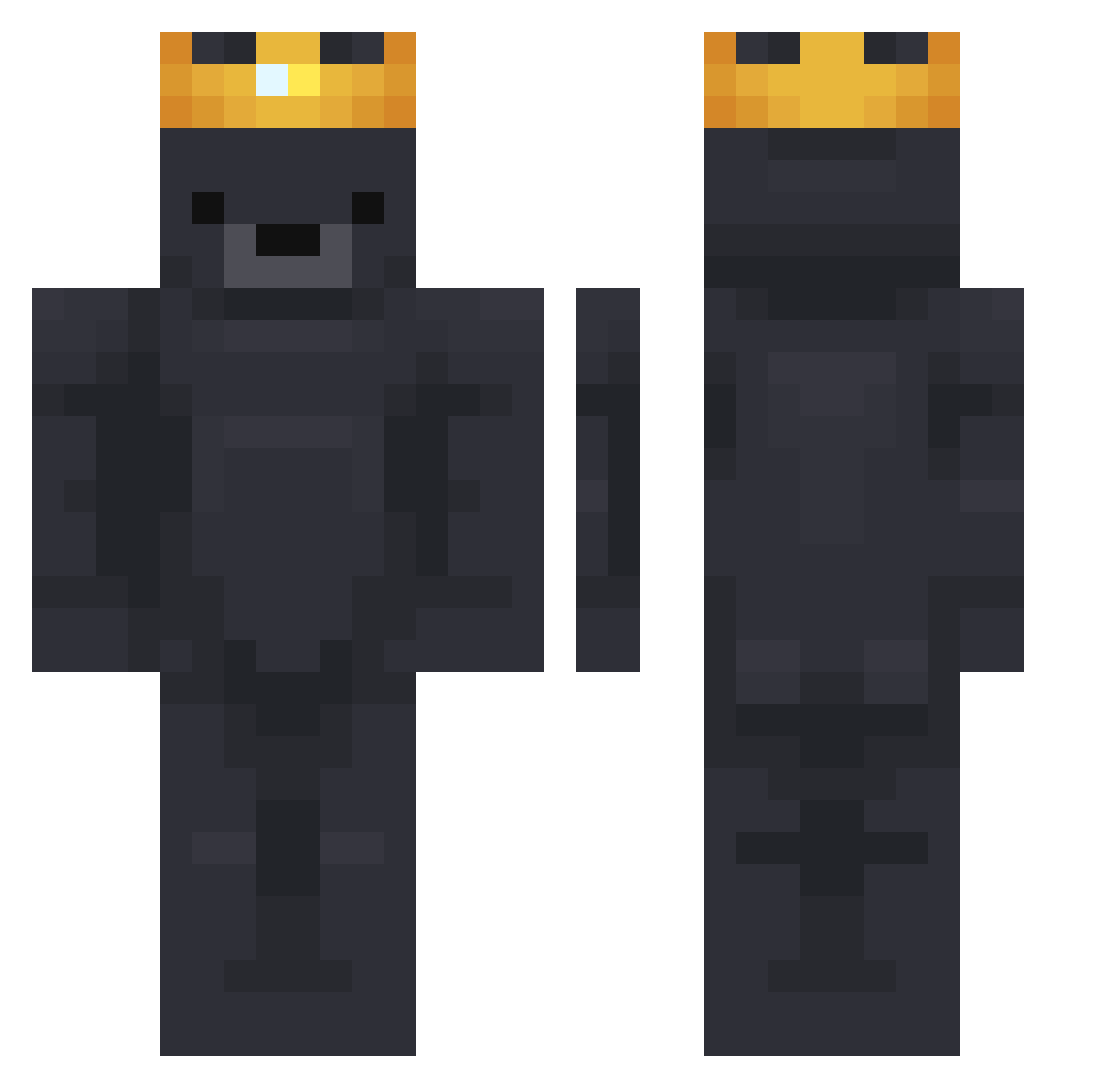
Current Minecraft skin of the player wucher, loaded from the official Mojang API. Rotate the 3D model with your mouse or finger, then download the skin as a PNG file and use it in Minecraft: Bedrock Edition or Java Edition for free. When wucher changes their skin, this page updates automatically and the old skin stays in the history below.
Other players with this skin (751)
wucher was the 671st player we have seen with this skin, first spotted on 22.10.2026. The same skin was seen on these players. Open a nickname to see their current skin and skin history.
 PingLiu Cristi_na Green1986 bluegrzes Not_Zen0 Chepe27 cikulacik cedricnf Jangu_113 crazy65 nestybtw Togeee12 Coumbine JAmBy_08 armparito jumpiib emy_bgd Kuningaskarhu WarmLoaf ii7MDii VELOCE_SLOW nanovich03 FrOsTs1 Agnes_48 Kelomiti nachocheesefries ShaquilOatmel5 Rivershrimper DeDePanDziobak kaara1436 InuYasha___ RyZe777 zayiss DarkEdeans GJ0809 Dirtygerbal _Orcinus Bearouu Na__Da_ Spuder_Man Monkey_Stew jojoswolrd Berrey DeathBySuduko yochainz Fisher9980 ignotin KvB02 Louisd26 ElBegone GalloMilitar ukiyoo____ quintenorie TheManSheeee cutegoatkr08 psg0712 Acko_O Mateja_xD sirjqcob Reavr
More Crown Minecraft skins
How to install the wucher skin
- Press the Download button above to save the skin as a PNG file.
- Minecraft: Bedrock Edition (PE): open the Dressing Room from the main menu (or tap your character → Edit Character), go to Classic Skins → Owned, press the + (new skin) button, choose the downloaded PNG and pick the Classic (Steve) model. Works on PC and mobile; consoles cannot import custom skins.
- Minecraft: Java Edition: open the Minecraft Launcher, go to the Skins tab, click New Skin, load the PNG, pick the Classic (Steve) model and press Save & Use. You can also upload it at minecraft.net → Profile → Change Skin.
The skin does not show up after import - what should I do?
Restart Minecraft and open the Dressing Room again - imported skins sometimes appear only after a restart. Also make sure you selected the imported skin and picked the Classic (Steve) model.
Which model should I choose, Classic or Slim?
This skin is designed for the Classic (Steve) model. If you pick the wrong model, the arms of the skin will look stretched or squeezed.
Is the skin of wucher free to download?
Yes. Press Download, save the PNG file and use it in Minecraft: Bedrock Edition or Java Edition - no payment or registration needed. The skin also works on multiplayer servers and Realms.
More skins
Looking for more? Go back to all Minecraft skins and check the top skins of the week, month and all time, or find any player's skin by nickname.