
 AVeryBadTime_ Poseydons elvini007 Thar_She_Blows LowPeak TREfeBabaKoyar Mr304 korea_plus AlQuinLey Itx_QT DukezinXx EduardooXz XSHADOWXORG LuillieN Slikerdev vinicius2090 MR_ZALIV Cjosai TIXS_T Imjesusman SoyDokja Nivek966 FreshTear Pw1D Gallox1st Xx_BaraN_xX lao_hei_ Huraa DrO_NiK Big_Gerb apolisko NagatoPainn Fooble_ rave7Hhge20Y mehmetardaersoy ReynerG1 TR_Samett rafiinha098 muubooo slayer3320 Jinweii ChunkyChipmunkk spurtacus Pabloto ElBeibi96 ALIHUSSAIN252 GreewyIsBack_ FanDelSuavecitos Guifermar berserkerkiller yeqixie Cuartos _ImDanteh xiangyi3 veyron_ TheGOATMat malarde macikowski Lucas_de_oclin ChickenyHead
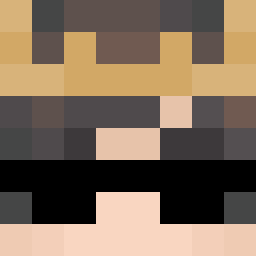
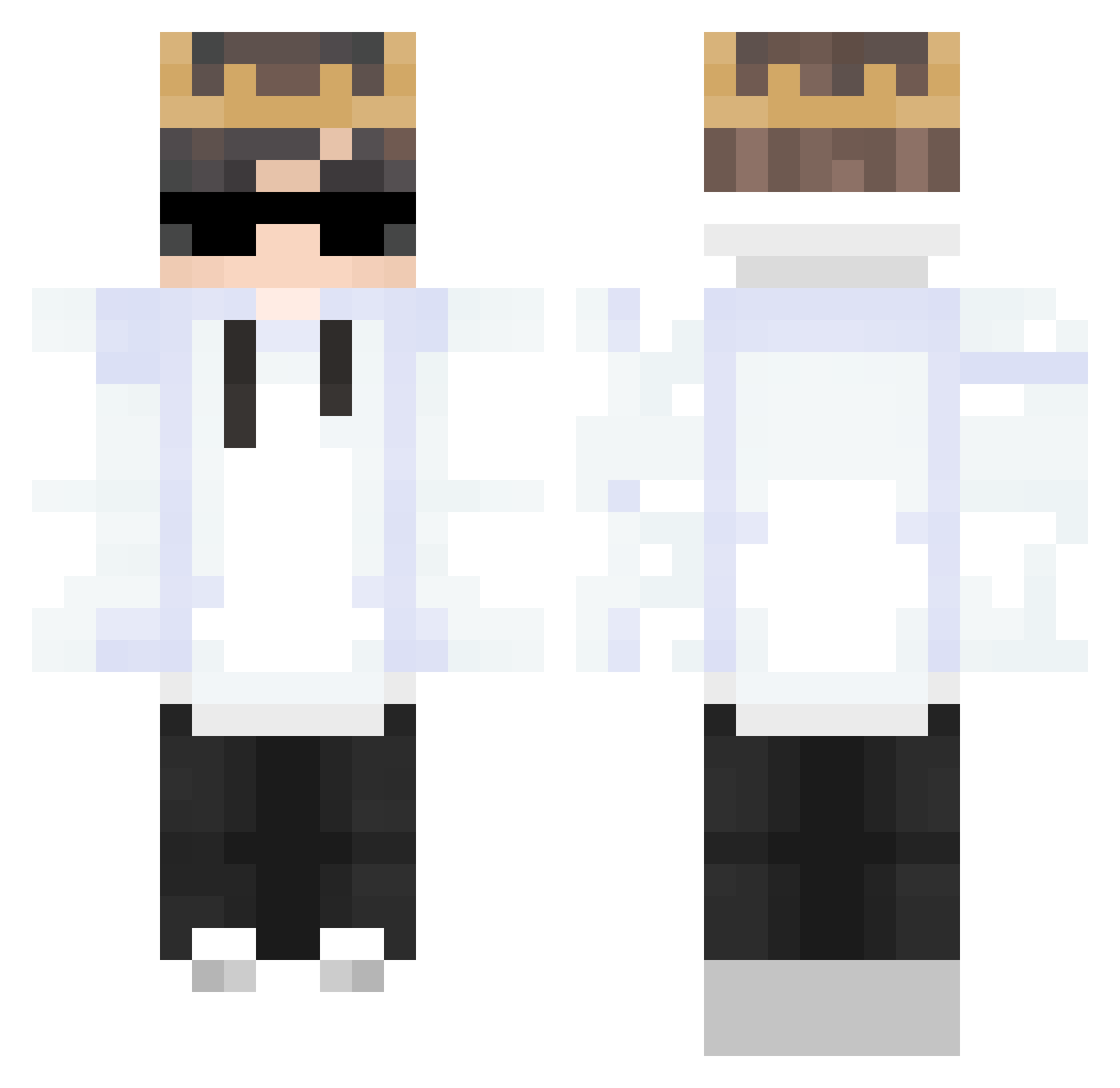
Minecraft skin of _Xingyun. Rotate the 3D model with your mouse or finger to view the skin from every angle, then download it as a PNG file and use it in Minecraft: Bedrock Edition or Java Edition for free. Rate the skin with stars to help other players find the best skins in our collection.
How to install the _Xingyun skin
- Press the Download button above to save the skin as a PNG file.
- Minecraft: Bedrock Edition (PE): open the Dressing Room from the main menu (or tap your character → Edit Character), go to Classic Skins → Owned, press the + (new skin) button, choose the downloaded PNG and pick the Classic (Steve) model. Works on PC and mobile; consoles cannot import custom skins.
- Minecraft: Java Edition: open the Minecraft Launcher, go to the Skins tab, click New Skin, load the PNG, pick the Classic (Steve) model and press Save & Use. You can also upload it at minecraft.net → Profile → Change Skin.
The skin does not show up after import - what should I do?
Restart Minecraft and open the Dressing Room again - imported skins sometimes appear only after a restart. Also make sure you selected the imported skin and picked the Classic (Steve) model.
Which model should I choose, Classic or Slim?
This skin is designed for the Classic (Steve) model. If you pick the wrong model, the arms of the skin will look stretched or squeezed.
Is this skin free to use?
Yes. Press Download, save the PNG file and use it in Minecraft: Bedrock Edition or Java Edition - no payment or registration needed. The skin also works on multiplayer servers and Realms.
More Technoblade Minecraft skins
See all 4180 Technoblade skins
More skins
Looking for more? Go back to all Minecraft skins and check the top skins of the week, month and all time, or find any player's skin by nickname.