
wnq3 - Minecraft Skins & Skin History
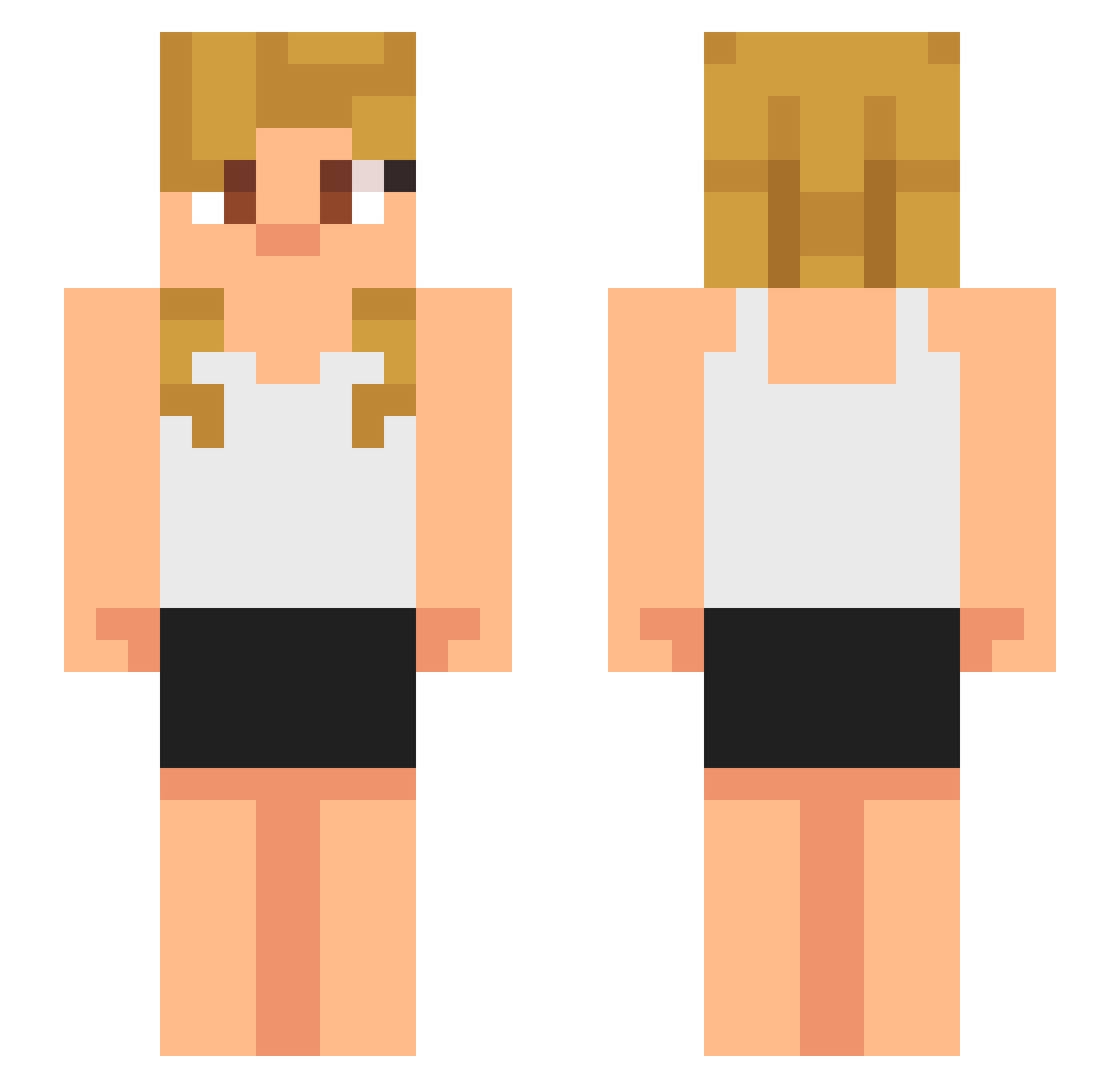
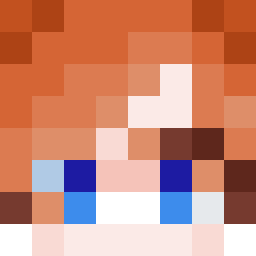
Current Minecraft skin of the player wnq3, loaded from the official Mojang API. Rotate the 3D model with your mouse or finger, then download the skin as a PNG file and use it in Minecraft: Bedrock Edition or Java Edition for free. When wnq3 changes their skin, this page updates automatically and the old skin stays in the history below.
Other players with this skin (621)
wnq3 was the 31st player we have seen with this skin, first spotted on 28.07.2026. The same skin was seen on these players. Open a nickname to see their current skin and skin history.
 K4SH4N
 CyanTiger2022 AdamDM04
 Tysmey08 MathyCT NoahHede Myresto qPhilz vodkaaaaaaaaaa JJUNG0127 HN7U
 SlimeyRock Kolorblind2
 WHETFire FAKEMUHA fatalreality_ QuantumPheonix3 THATHARDMAN bodtchboy AloAhmed69 nutipunker OmarGC5 strange2341 ___SpecialK___ totonumber3
 sebu0221 atlantis_smash Fade6k lil_wayne35 Astrid_inc Foxbike Thecatlordseba RiceDragoX uhhwinnie Doomboy359 RichChiggaaaaa bog6969 hollowwwx MrLuffyy
 whaswag deadtubby Visa_Death
 Catryonna ThatOneAzianKid_ Chris_1389 tralalotalala 3sepen1 Pluto0_0_ Wolfgang1119 Daveisdogwater prophecyONI AlesKing9 1Zenox11 tamtamhobbyshop Izaya0097 ENIO2021 Mr_Bethel welesy GreedMH supermakell55
More Girl Minecraft skins
How to install the wnq3 skin
- Press the Download button above to save the skin as a PNG file.
- Minecraft: Bedrock Edition (PE): open the Dressing Room from the main menu (or tap your character → Edit Character), go to Classic Skins → Owned, press the + (new skin) button, choose the downloaded PNG and pick the Slim (Alex) model. Works on PC and mobile; consoles cannot import custom skins.
- Minecraft: Java Edition: open the Minecraft Launcher, go to the Skins tab, click New Skin, load the PNG, pick the Slim (Alex) model and press Save & Use. You can also upload it at minecraft.net → Profile → Change Skin.
The skin does not show up after import - what should I do?
Restart Minecraft and open the Dressing Room again - imported skins sometimes appear only after a restart. Also make sure you selected the imported skin and picked the Slim (Alex) model.
Which model should I choose, Classic or Slim?
This skin is designed for the Slim (Alex) model. If you pick the wrong model, the arms of the skin will look stretched or squeezed.
Is the skin of wnq3 free to download?
Yes. Press Download, save the PNG file and use it in Minecraft: Bedrock Edition or Java Edition - no payment or registration needed. The skin also works on multiplayer servers and Realms.
More skins
Looking for more? Go back to all Minecraft skins and check the top skins of the week, month and all time, or find any player's skin by nickname.