
 Chihiro_57 swdan9 ylh2333 TonyClamp7 Enterprise0528 XIAOJIULI czq1o Qingli_2 villager028 Frozeneternal MgHmang Xiaodaier123 Fzzzo a124ea WanDou_King formag_dahua mikaOVO Yanggggg_ Monkiiovo faszvvz wzctdxb qwlqy woshishuaige66 like2008 RLHFY L_Tritiko_m_iBOe JacksonKAK TommyBellic JerryZ07 Meteor_AWA gyw111 dfg111 milemi2 Tomlancy CreeperCEs gtlm1 QiuDao__ K0NAK0NA_ nuyoah_914 Fantasy_Drifting Hazy_531 morningsundo zguang FXTLF kilito__ Madexian liangshua ahbbuj hhkkb chi_hei_ sumys zarki66 Niclo_Mu NiuN_jun Rex_Forever666 Trinitrotoluene6 xiaolu0 Re_Ch XAIVER_ lOlILINE
Minecraft skin of xuyunchuan. Rotate the 3D model with your mouse or finger to view the skin from every angle, then download it as a PNG file and use it in Minecraft: Bedrock Edition or Java Edition for free. Rate the skin with stars to help other players find the best skins in our collection.
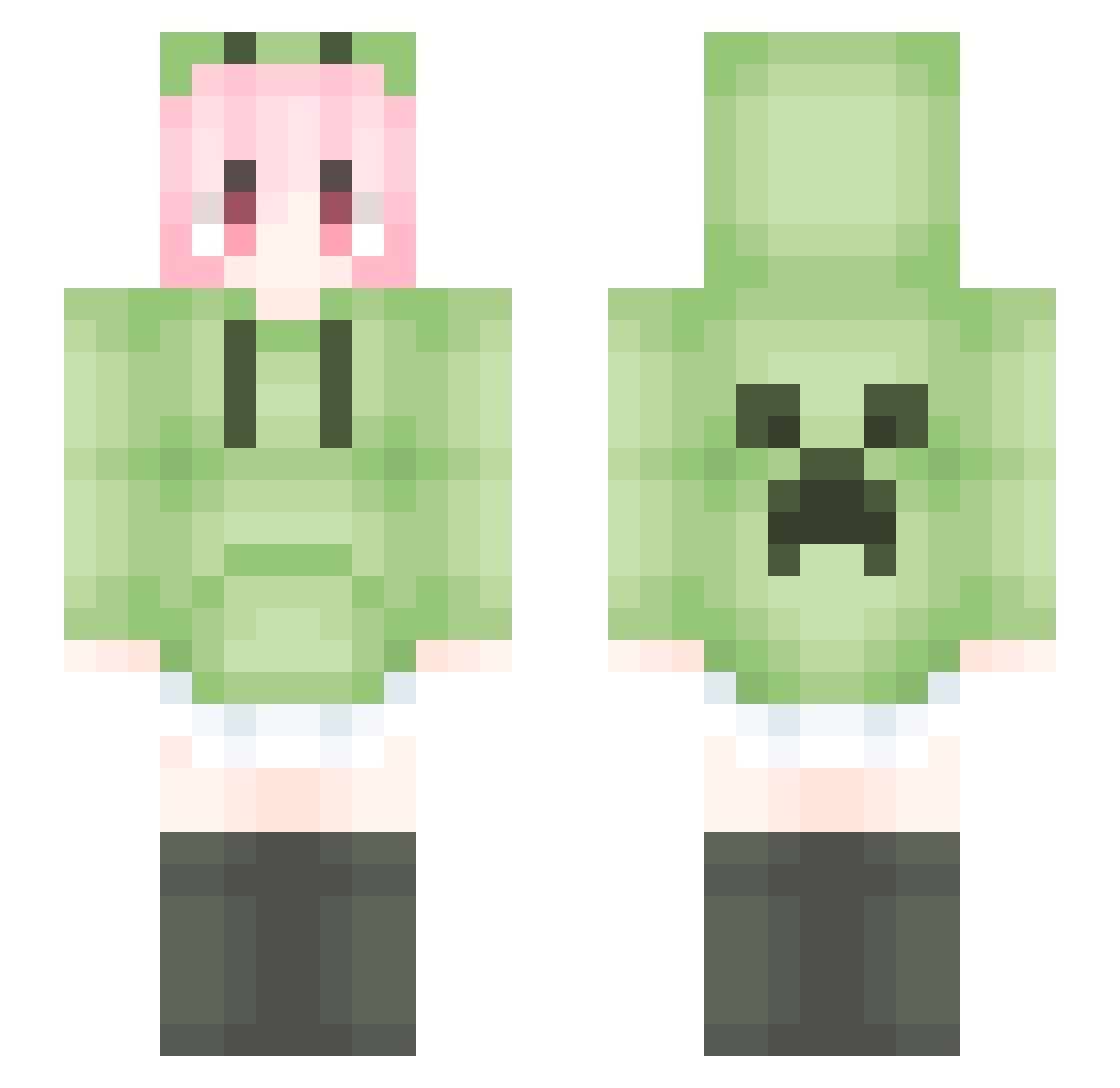
How to install the xuyunchuan skin
- Press the Download button above to save the skin as a PNG file.
- Minecraft: Bedrock Edition (PE): open the Dressing Room from the main menu (or tap your character → Edit Character), go to Classic Skins → Owned, press the + (new skin) button, choose the downloaded PNG and pick the Slim (Alex) model. Works on PC and mobile; consoles cannot import custom skins.
- Minecraft: Java Edition: open the Minecraft Launcher, go to the Skins tab, click New Skin, load the PNG, pick the Slim (Alex) model and press Save & Use. You can also upload it at minecraft.net → Profile → Change Skin.
The skin does not show up after import - what should I do?
Restart Minecraft and open the Dressing Room again - imported skins sometimes appear only after a restart. Also make sure you selected the imported skin and picked the Slim (Alex) model.
Which model should I choose, Classic or Slim?
This skin is designed for the Slim (Alex) model. If you pick the wrong model, the arms of the skin will look stretched or squeezed.
Is this skin free to use?
Yes. Press Download, save the PNG file and use it in Minecraft: Bedrock Edition or Java Edition - no payment or registration needed. The skin also works on multiplayer servers and Realms.
More Anime Girl Minecraft skins
See all 13778 Anime Girl skins
More skins
Looking for more? Go back to all Minecraft skins and check the top skins of the week, month and all time, or find any player's skin by nickname.