
willypennaa - Minecraft Skins & Skin History
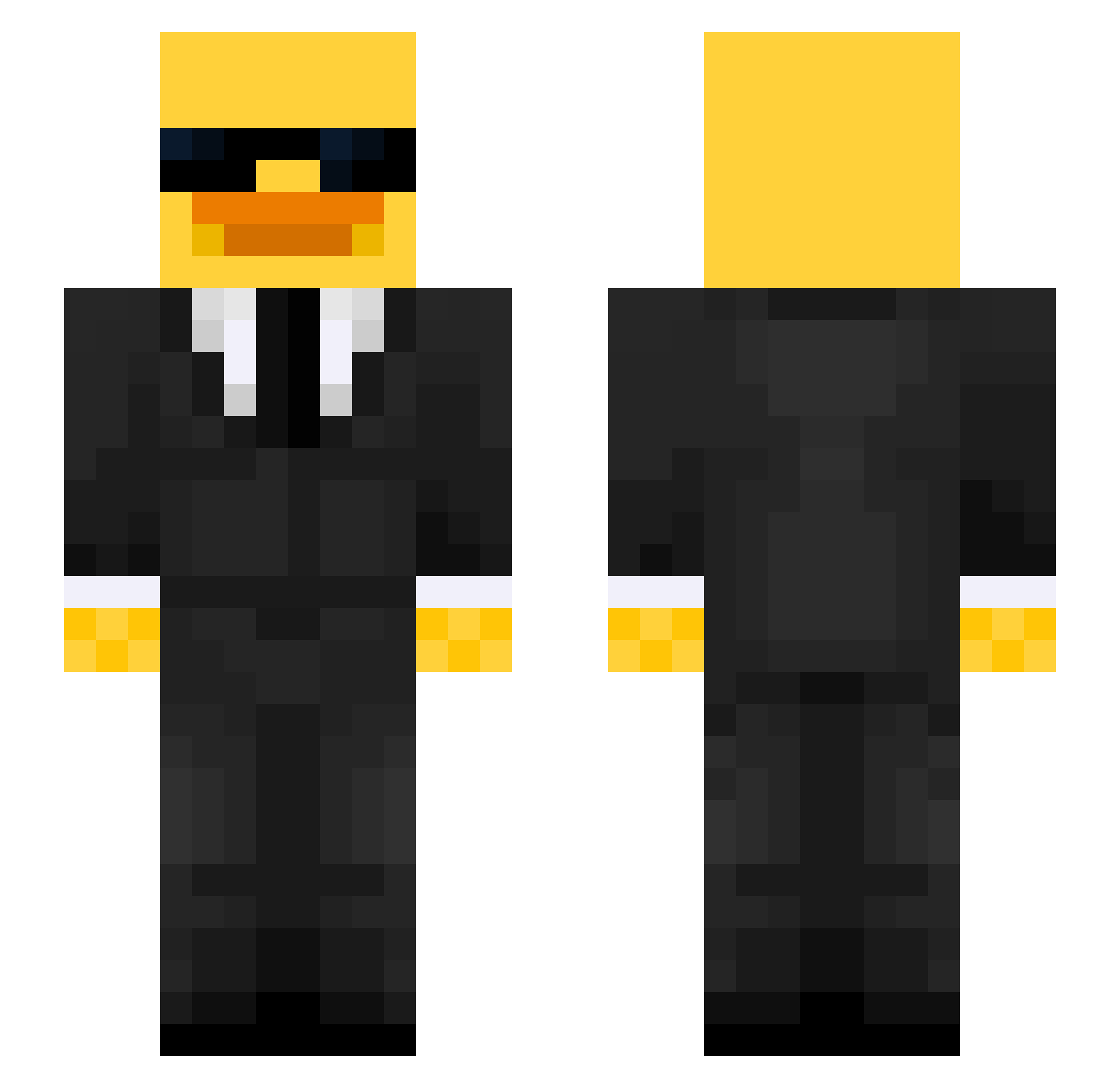
Current Minecraft skin of the player willypennaa, loaded from the official Mojang API. Rotate the 3D model with your mouse or finger, then download the skin as a PNG file and use it in Minecraft: Bedrock Edition or Java Edition for free. When willypennaa changes their skin, this page updates automatically and the old skin stays in the history below.
Other players with this skin (523)
willypennaa was the 493rd player we have seen with this skin, first spotted on 18.10.2026. The same skin was seen on these players. Open a nickname to see their current skin and skin history.
 Soccerdiva226 breadduck22 totogay DAVIDE569 gamerzombie908 griddyman21 Parco1021 SkuttleButt93 orubenteixeira MASITUNCH tnhye0n brunoprime15 Kesu201 ogorekkk Ha1it iAmBLN xXMaksiox RockDown1927 GuppySG DabbinDragon4 studi_05 Maksemusen iAbse Dyklektik_ginge peaceofworld Miggy1990 bob_14 traydan Vojas11 AMO1224 El_TitanV2 timtam_Muncher shshs_d Juexes Tymon2304 N1C0_XX kkubiak_ WannaEatMyPooPoo Darksn11 PJlax Thomo100 Artizaan MochiINot900lbs Soderberg2009 M1DORI777 Benos_de CPGSO formaIduck Emery_Huang EvoPhinox TheBlueDuck_John PhatDonkeyBalls NPolarfuchs123 scoutmain1337 LeEgge Juanpi23 64_PIXEL Vedantk777 clee37282 Yaq1zz
More Duck Minecraft skins
How to install the willypennaa skin
- Press the Download button above to save the skin as a PNG file.
- Minecraft: Bedrock Edition (PE): open the Dressing Room from the main menu (or tap your character → Edit Character), go to Classic Skins → Owned, press the + (new skin) button, choose the downloaded PNG and pick the Slim (Alex) model. Works on PC and mobile; consoles cannot import custom skins.
- Minecraft: Java Edition: open the Minecraft Launcher, go to the Skins tab, click New Skin, load the PNG, pick the Slim (Alex) model and press Save & Use. You can also upload it at minecraft.net → Profile → Change Skin.
The skin does not show up after import - what should I do?
Restart Minecraft and open the Dressing Room again - imported skins sometimes appear only after a restart. Also make sure you selected the imported skin and picked the Slim (Alex) model.
Which model should I choose, Classic or Slim?
This skin is designed for the Slim (Alex) model. If you pick the wrong model, the arms of the skin will look stretched or squeezed.
Is the skin of willypennaa free to download?
Yes. Press Download, save the PNG file and use it in Minecraft: Bedrock Edition or Java Edition - no payment or registration needed. The skin also works on multiplayer servers and Realms.
More skins
Looking for more? Go back to all Minecraft skins and check the top skins of the week, month and all time, or find any player's skin by nickname.