
white_sweet - Minecraft Skins & Skin History
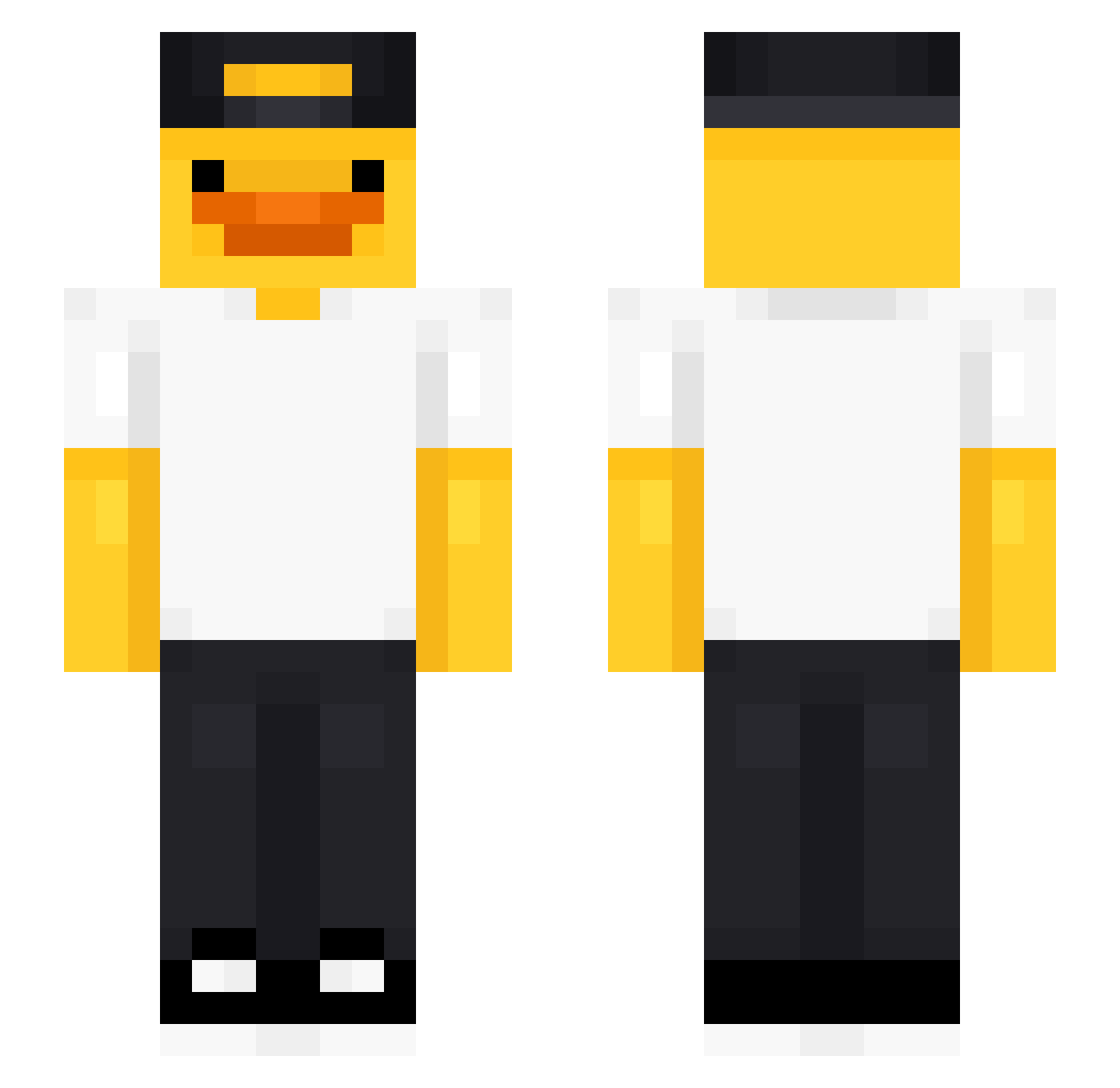
Current Minecraft skin of the player white_sweet, loaded from the official Mojang API. Rotate the 3D model with your mouse or finger, then download the skin as a PNG file and use it in Minecraft: Bedrock Edition or Java Edition for free. When white_sweet changes their skin, this page updates automatically and the old skin stays in the history below.
Other players with this skin (475)
white_sweet was the 229th player we have seen with this skin, first spotted on 19.09.2026. The same skin was seen on these players. Open a nickname to see their current skin and skin history.
 Q_668 Xandermander225 Sasquatchy98 yeti44 ginaaajo cine_32 El_Jaimex TheDuckMan_CJ Megaa123 ZenMr sajimoz Jul1jacq kewpiepie m__oomin pichiciego12 Luxshotzz Zynime jfj_msmc_e4k burgr1 JJOMMin Q9RB TTV_EZclapz LIYU2003 Birdiezzzzz Kinnori_ Marcus1444 Papaza00 m2ti_ AZEROX903 Drawik Alipoq7hk3 DeputyDaws9 mutlueren hoit1011 DiegoM25 gurkenvonsohn BILLOKAMILLO Who2551 Frl_ayapi flolabs37 fuadowich AdityaisFound TXUTXUBIS gamalshark Lini1212 Avivkin AurelDaVinci VN_Huydz PMX15 David2479 Jontuspontus Ogabriel001 Zane_H __kream ButtCheekMan2 Kanga98 n_o_l_e_M Falxin Sottapytty10 ItsSalsitas
More Cap Minecraft skins
How to install the white_sweet skin
- Press the Download button above to save the skin as a PNG file.
- Minecraft: Bedrock Edition (PE): open the Dressing Room from the main menu (or tap your character → Edit Character), go to Classic Skins → Owned, press the + (new skin) button, choose the downloaded PNG and pick the Slim (Alex) model. Works on PC and mobile; consoles cannot import custom skins.
- Minecraft: Java Edition: open the Minecraft Launcher, go to the Skins tab, click New Skin, load the PNG, pick the Slim (Alex) model and press Save & Use. You can also upload it at minecraft.net → Profile → Change Skin.
The skin does not show up after import - what should I do?
Restart Minecraft and open the Dressing Room again - imported skins sometimes appear only after a restart. Also make sure you selected the imported skin and picked the Slim (Alex) model.
Which model should I choose, Classic or Slim?
This skin is designed for the Slim (Alex) model. If you pick the wrong model, the arms of the skin will look stretched or squeezed.
Is the skin of white_sweet free to download?
Yes. Press Download, save the PNG file and use it in Minecraft: Bedrock Edition or Java Edition - no payment or registration needed. The skin also works on multiplayer servers and Realms.
More skins
Looking for more? Go back to all Minecraft skins and check the top skins of the week, month and all time, or find any player's skin by nickname.