
tilinsitogamer - Minecraft Skins & Skin History
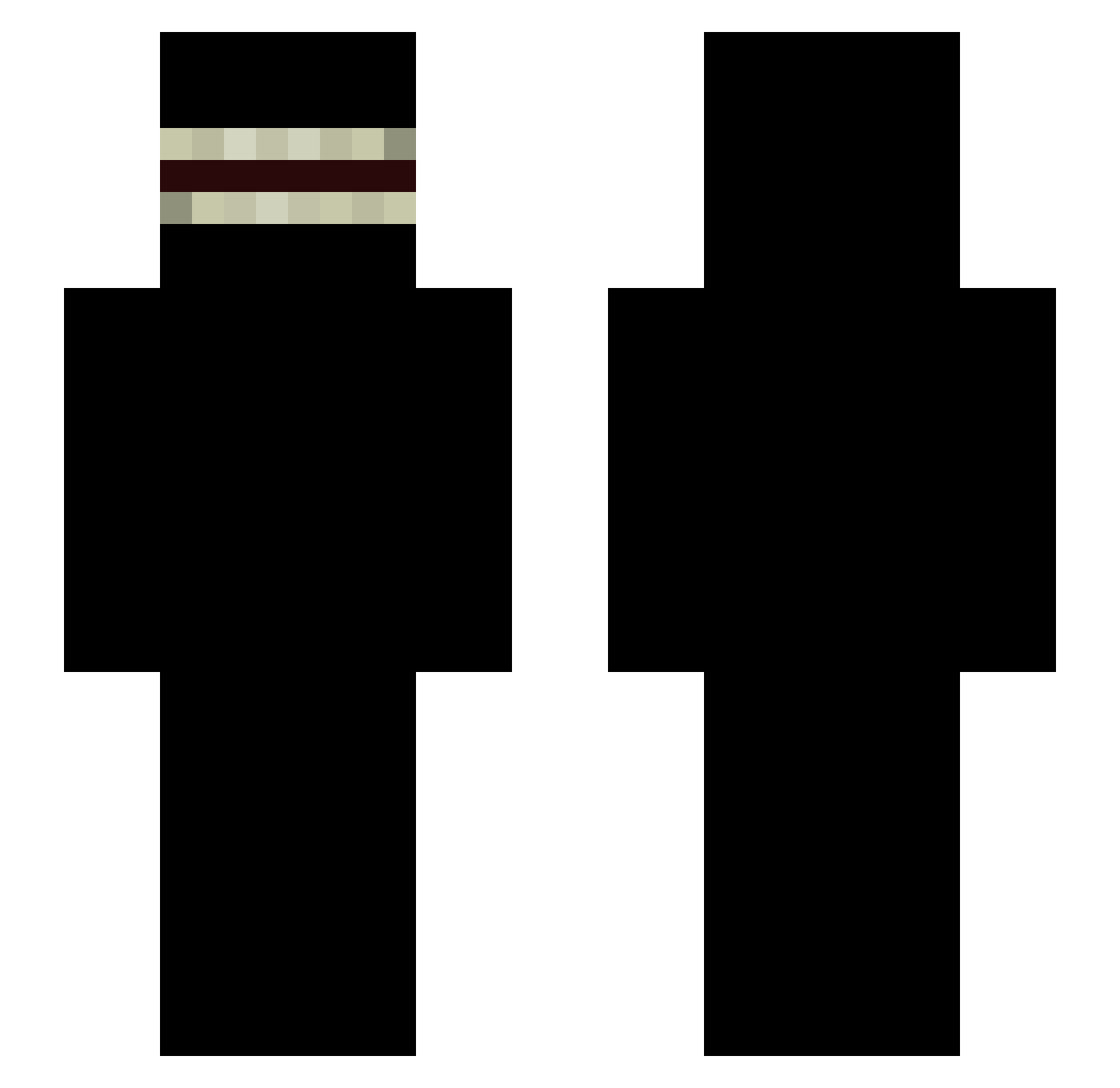
Current Minecraft skin of the player tilinsitogamer, loaded from the official Mojang API. Rotate the 3D model with your mouse or finger, then download the skin as a PNG file and use it in Minecraft: Bedrock Edition or Java Edition for free. When tilinsitogamer changes their skin, this page updates automatically and the old skin stays in the history below.
Other players with this skin (337)
tilinsitogamer was the 336th player we have seen with this skin, first spotted on 31.10.2026. The same skin was seen on these players. Open a nickname to see their current skin and skin history.
 Bnette Marnyzin jos377 MinniMinMin mito5035 Jenkks3883 roypppp Trimethyltin Gongames_2008 EliteDan mrwinnerdog TTVsloozyfm vxrtex77 hank961212 juanyolo32 ZkDopY fefezinhu LaoCui114 Mc_Nugget27 Kobecopter101 Deity_Taichi Buggman007 Faisal420 wiki3331212 FR74N Skullhead289 OntjeLetsPlay KBOSlinin GoDxDDD MrOilYouUp PatinP LUC140809 torlao Cahles imwy_ gotham2006 Chenglinyang spinae aga12324 UncleMan__ Atoicher skylan33 cleitin_para WaryLabrador2 mexican_dude87 jie1022 TriGenZ MikeletDaPikelet Runatic astolfogisler Hyunjin0401 Gioredx milkyway1004 laguzai Esnxr fang7788 flyingrabbit87 Hiroshimaner john6629 oRapaduraComLolo
More Shadow Minecraft skins
How to install the tilinsitogamer skin
- Press the Download button above to save the skin as a PNG file.
- Minecraft: Bedrock Edition (PE): open the Dressing Room from the main menu (or tap your character → Edit Character), go to Classic Skins → Owned, press the + (new skin) button, choose the downloaded PNG and pick the Slim (Alex) model. Works on PC and mobile; consoles cannot import custom skins.
- Minecraft: Java Edition: open the Minecraft Launcher, go to the Skins tab, click New Skin, load the PNG, pick the Slim (Alex) model and press Save & Use. You can also upload it at minecraft.net → Profile → Change Skin.
The skin does not show up after import - what should I do?
Restart Minecraft and open the Dressing Room again - imported skins sometimes appear only after a restart. Also make sure you selected the imported skin and picked the Slim (Alex) model.
Which model should I choose, Classic or Slim?
This skin is designed for the Slim (Alex) model. If you pick the wrong model, the arms of the skin will look stretched or squeezed.
Is the skin of tilinsitogamer free to download?
Yes. Press Download, save the PNG file and use it in Minecraft: Bedrock Edition or Java Edition - no payment or registration needed. The skin also works on multiplayer servers and Realms.
More skins
Looking for more? Go back to all Minecraft skins and check the top skins of the week, month and all time, or find any player's skin by nickname.